35
Type 8692, 8693
english
Control and display elements,
operating modes
2 OPERATING MODES
2.1 Operating state
The positioner has 2 operating states: AUTOMATIC and MANUAL mode.
MANU
MENU
AUTOMATIC Normal controller mode is implemented and monitored in AU-
TOMATIC operating state.
(A bar runs along the upper edge of the display).
AUTOMENU OPN CLS
MANUAL In MANUAL operating state the valve can be opened and
closed manually via the arrow key (OPN/CLS).
(No bar running along the upper edge of the display).
The right selection key can be used to switch between the two operating states AUTOMATIC (AUTO) and MANUAL (MANU).
It is possible to switch from AUTOMATIC to MANUAL mode only on the POS and CMD displays and also on the PV dis-
play for Type 8693. On the SP display only for external process set-point value (see also Configuration of the keys).
2.2 AUTOMATIC Operating State for Type 8692
(Bar runs along the upper edge of the display from left to right)
Normal controller mode is implemented and monitored in AUTOMATIC operating state.
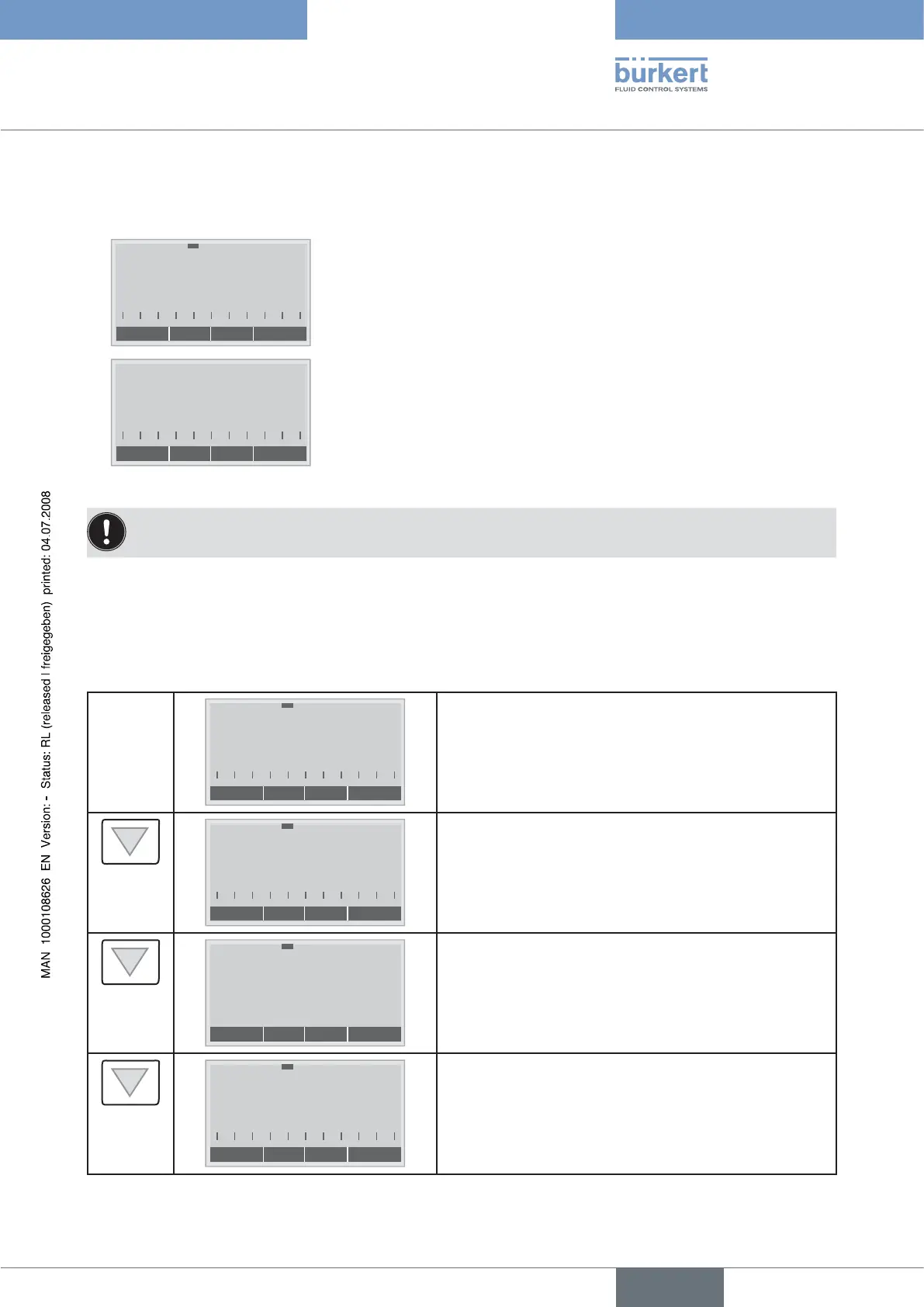
The arrow keys can be used to switch between the following displays in AUTOMATIC operating state:
MENU INPUT CMD MANU
POS
%
XXX
Display of actual position of the valve actuator
(0 - 100%)
MENU POS TEMP MANU
CMD
%
XXX
Display of nominal position of the valve actuator or•
Display of nominal position of the valve actuator after rescaling •
by possibly activated split range function or correction charac-
teristic
(0 - 100%)
MENU CMD INPUT
TEMP
*C
XX.X
Internal temperature in the housing of the positioner
( °C)
MENU TEMP POS
INPUT
mA
XXX
Input signal for nominal position
(0 - 5/10 V or 0/4 – 20 mA)



 To Next Page