61
Type 8692, 8693
english
Start-up, operation
position controller Type 8692
3.3 AUTOMATIC operating state
Bar running from left to right along the upper edge of the display.
Normal control mode is implemented and monitored in AUTOMATIC operating state.
3.3.1 Meaning of the keys
key
Configura-
tion
Description
Left selection key MENU Switch to the Configuration level (press for approx. 3 s)
Right selection key MANU Switch between the AUTOMATIC (AUTO) or MANUAL (MANU) operat-
ing modes
Up arrow key INPUT
POS
CMD
TEMP
Switch between the individual displays
Down arrow key CMD
TEMP
INPUT
POS
3.3.2 Information on the Display
The following variables are indicated on the display for the position controller and it is possible to switch between them with the
arrow keys:
Representation of
value
Value range / unit Description
POS XXX
0...100 % Display of actual position of the valve actuator
CMD XXX
0...100 % Display of nominal position of the valve actuator
TEMP XXX
-100 – 150 °C Internal temperature in the housing of the positioner
INPUT XXX
0/4 – 20 mA, 0 – 5/10 V Input signal for nominal position
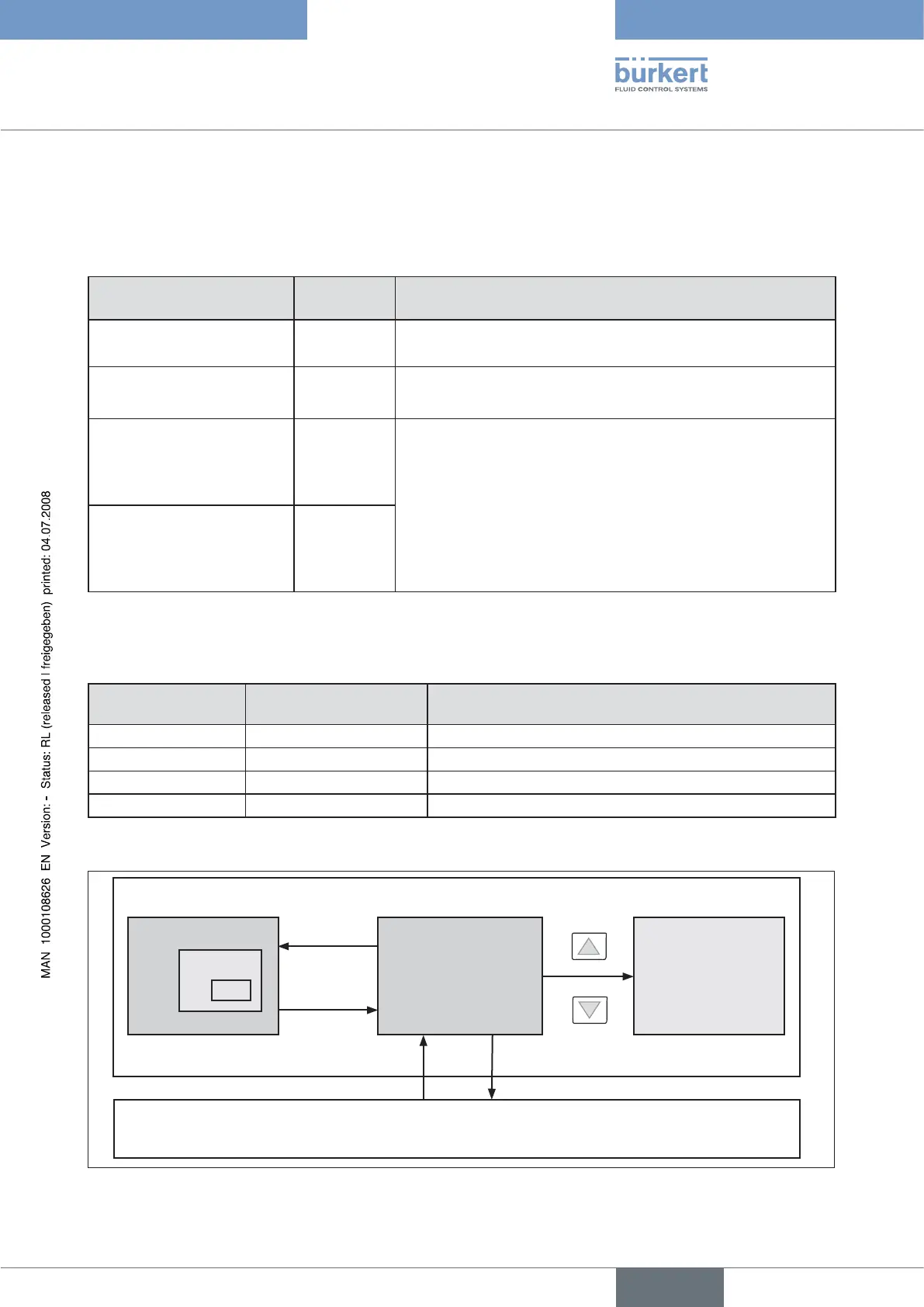
3.3.3 Operating Structure
Configuration
Menu option
EXIT
Display
(no operator action)
Switch between the
displays
POS
CMD
TEMP
INPUT
EXIT
MENU
AUTOMATIC operating state
MANUAL operating state
MANU
AUTO
Fig. 5: AUTOMATIC operating structure



 To Next Page