146
Type 8692, 8693
english
DeviceNet
7 SETTINGS ON THE POSITIONER IN THE MAIN MENU
The specification of the basic settings on the positioner can be found in the following chapters:
Type 8692: • "Starting up and operating the position controller Type 8692" / "Starting up and setting up the position
controller Type 8692"
Type 8693: • "Starting up and operating the position controller Type 8693" / "Starting up and setting up the process
controller Type 8693"
Specify the basic settings on the positioner (
→ ACTUATOR and X.TUNE).
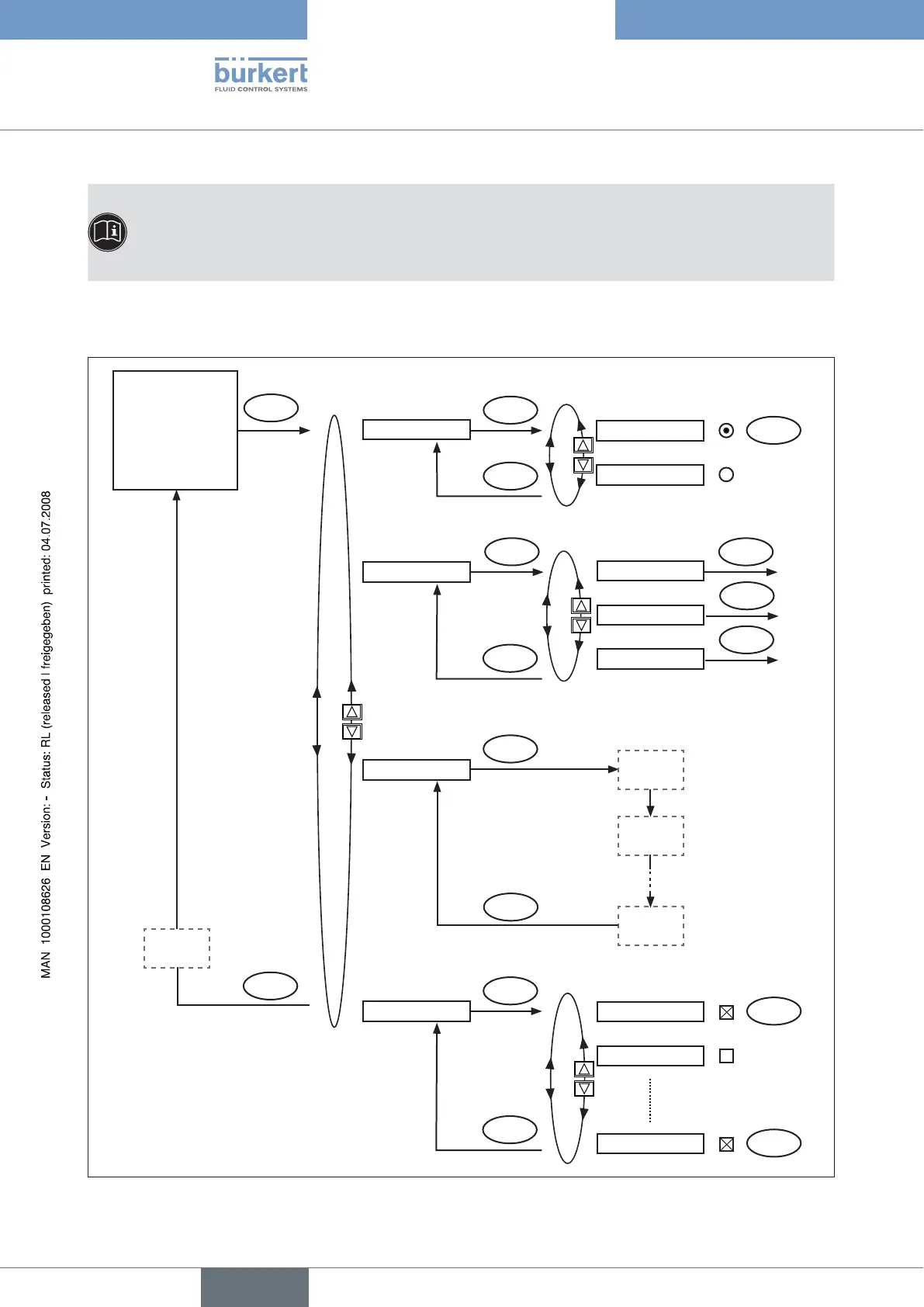
Implement the settings in the BUS.COMM menu option as described in the chapter entitled "Explanations of the menu →
options in the BUS.COMM" menu.
Operating state
AUTOMATIC
or
MANUAL
MENU
ACTUATOR
BUS.COMM
X.TUNE
ADD.FUNCTION
ENTER
SELEC
SINGLE
EXIT
SAVE
EEPROM
Address 0
EXIT
ENTER
approx. 3s
RUN
ENTER
approx. 3s
X.TUNE
STARTED
TUNE #0
INIT
X.TUNE
READY
EXIT
ENTER
CHARACT
DOUBLE
BAUDRATE
BUS FAIL
CUTOFF
ENTER
SERVICE
EXIT
EXIT
INPUT
ENTER
ENTER
Fig. 5: Operating structure of basic settings, DeviceNet



 To Next Page