63
Type 8692, 8693
english
Start-up, operation
position controller Type 8692
4 CONFIGURING THE AUXILIARY FUNCTIONS
The operating concept for the positioner is based on a strict division between basic and auxiliary functions. When the
device is delivered, only the basic functions are activated. They are used during the initial start-up to implement basic
settings specific to the device. They are adequate for normal operation. For more demanding control tasks select and
specifiy auxiliary functions at the Configuration level.
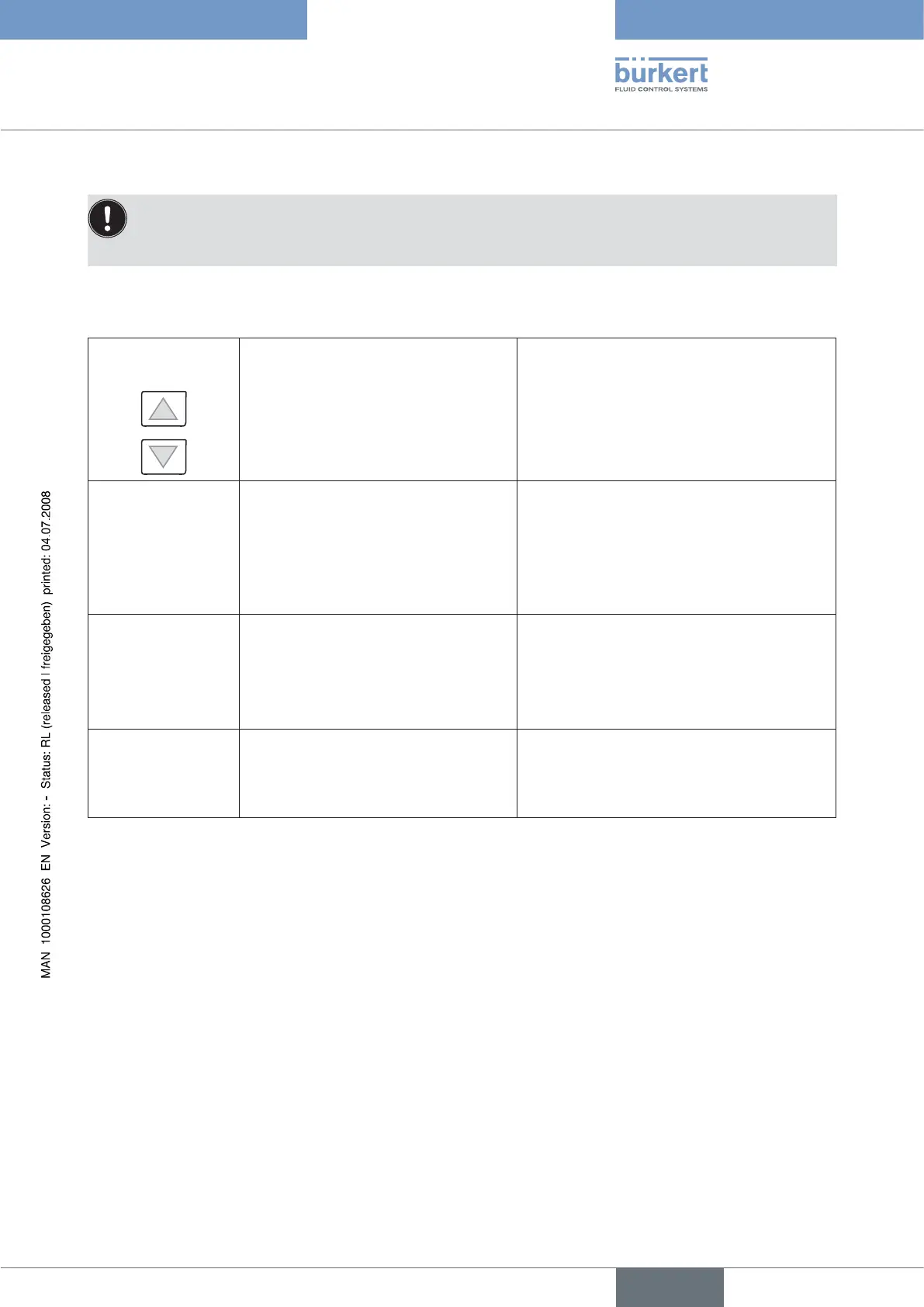
4.1 Keys at the Configuration level
Press the key in the menu in a selected and confirmed menu option
Scroll up (select) Increment (increase) numerical values
Scroll down (select) Decrement (reduce) numerical values
Press the key in the menu in the ADD.FUNCTION
Selection keyon
right
ENTER
Retrieve the selected menu option to input
parameters
or start the X.TUNE
Select a menu option in the auxiliary menu for inclu-
sion in or removal from the main menu. The menu
option is indicated in the auxiliary menu by a
cross (x) in the box
Press the key in the menu in a selected and confirmed menu option
Selection keyon
right
ENTER
SELEC
Retrieve the selected menu option to input
parameters
or start the X.TUNE
Confirm the parameter selection marked with arrow
keys.
Press the key in the menu in a selected and confirmed menu option
Selection keyon
left
EXIT
The Configuration level is left and the data is
saved in the memory (EEPROM).
Leave a sub-menu option.



 To Next Page