64
Type 8692, 8693
english
Start-up, operation
position controller Type 8692
4.2 Configuration menu
4.2.1 Switching between Process operating level and Configuration level
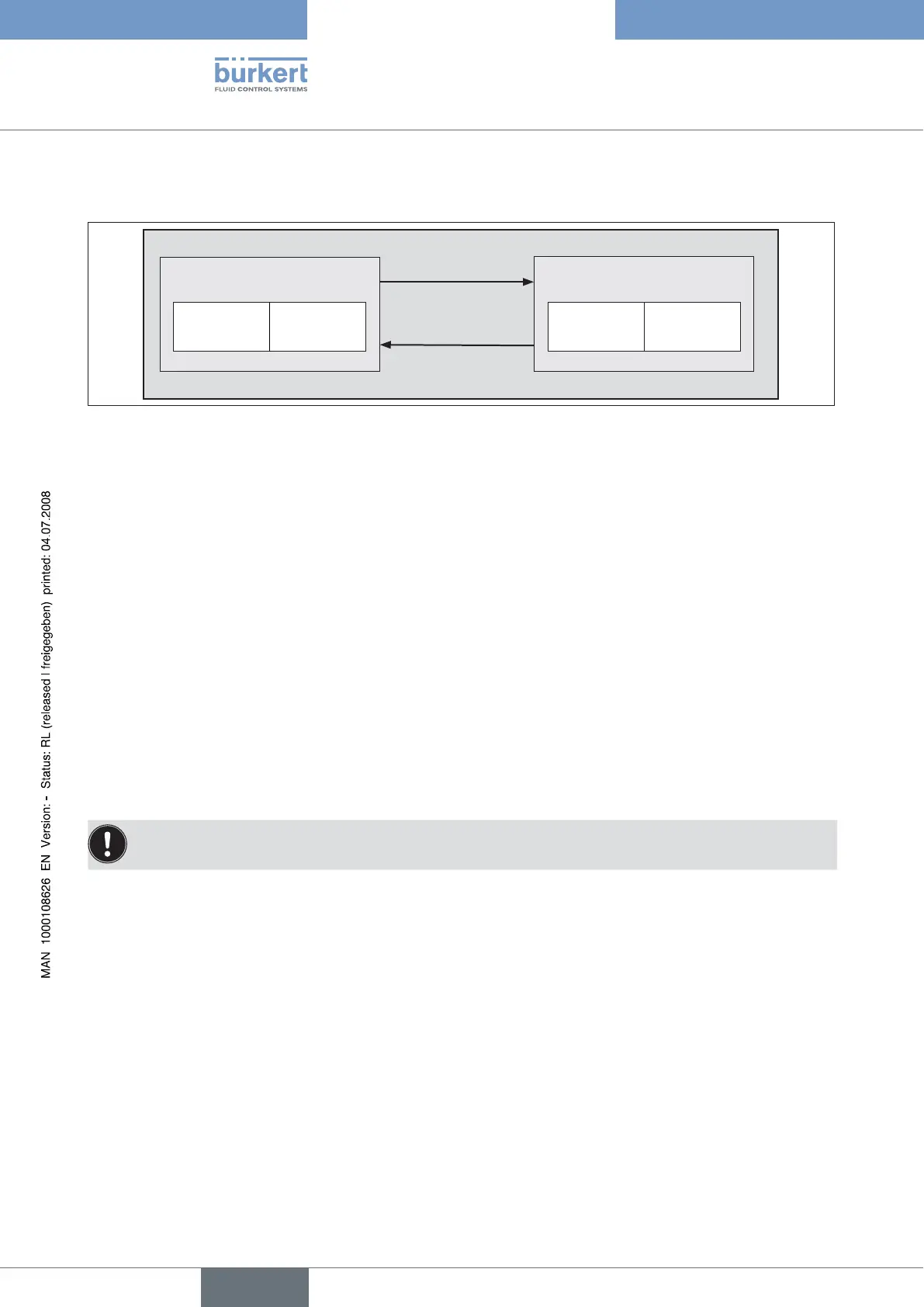
Process operating level
MANUAL AUTOMATIC Basic
functions
Auxiliary
functions
Configuration level
left selection key
>3s MENU
left selection key
EXIT
Fig. 7: Operating levels
To activate the Configuration menu, press the left selection key (MENU) at the Process operating level for approx. →
3 seconds (wait for countdown).
The Configuration menu consists of the main menu and auxiliary menu. The main menu includes firstly the basic functions which
you specify during the initial start-up. The auxiliary menu includes additional functions and is accessible via the ADD.FUNCTION
menu option of the main menu. Device functions and parameters can be specified within the main menu. If required, extend the
main menu with auxiliary menu functions which you can then specify.
4.2.2 Including auxiliary functions in the main menu
Press the arrow keys to select the → ADD.FUNCTION menu option in the main menu and press the right selection key
(ENTER) to enter the submenu.
Press the arrow keys to select the required auxiliary function. →
Press the selection key on the right (ENTER) to mark the auxiliary function with a cross (x). →
All marked functions are transferred to the main menu when the selection key on the left (EXIT) is pressed. →
In the main menu input the parameters of the auxiliary functions. →
4.2.3 Removing auxiliary functions from the main menu
If a function is removed from the main menu, the settings implemented previously under this function become invalid
again.
Press the arrow keys to select the
→ ADD.FUNCTION menu option in the main menu.
Enter the submenu by pressing the selection key on the right (ENTER).
→
Using the arrow keys, select an auxiliary function indicated with a cross (x). →
Press the selection key on the right (ENTER) to remove the cross (x). →
After pressing the selection key on the left (EXIT), the auxiliary function is deactivated and removed from the main menu. →
4.2.4 Setting numerical values
You set numerical values in the designated menu options by pressing the up arrow key (increase numerical value) or down arrow
key (reduce numerical value) once or several times.
In the case of four-digit numbers only the saved digit can be set with the up arrow key. Press the down arrow key to switch to
the next digit (see Fig. 8).



 To Next Page