106
Type 8692, 8693
english
Start-up, operation
process controller Type 8693
SP - SCALE - Scaling of the position controller
This function is indicated in the selection menu only if the external set-point value default (external) has been selected
in the SP INPUT menu option.
The SP-SCALE function assigns the values for the lower and upper process set-point value to the particular current or voltage
value of the unit signal.
+
←
SPmin 0.0
SPmin 0.0 bar
INPUT
OK
*
Set the lower scaling value for
the process set-point value; the
value is assigned to the lowest
current or voltage value of the
unit signal.
SP SCALE
ENTER
EXIT
+
←
SPmax 100.0
SPmax 100.0 bar
INPUT
OK
*
Set the upper scaling value for
the process set-point value; the
value is assigned to the highest
current or voltage value of the
unit signal.
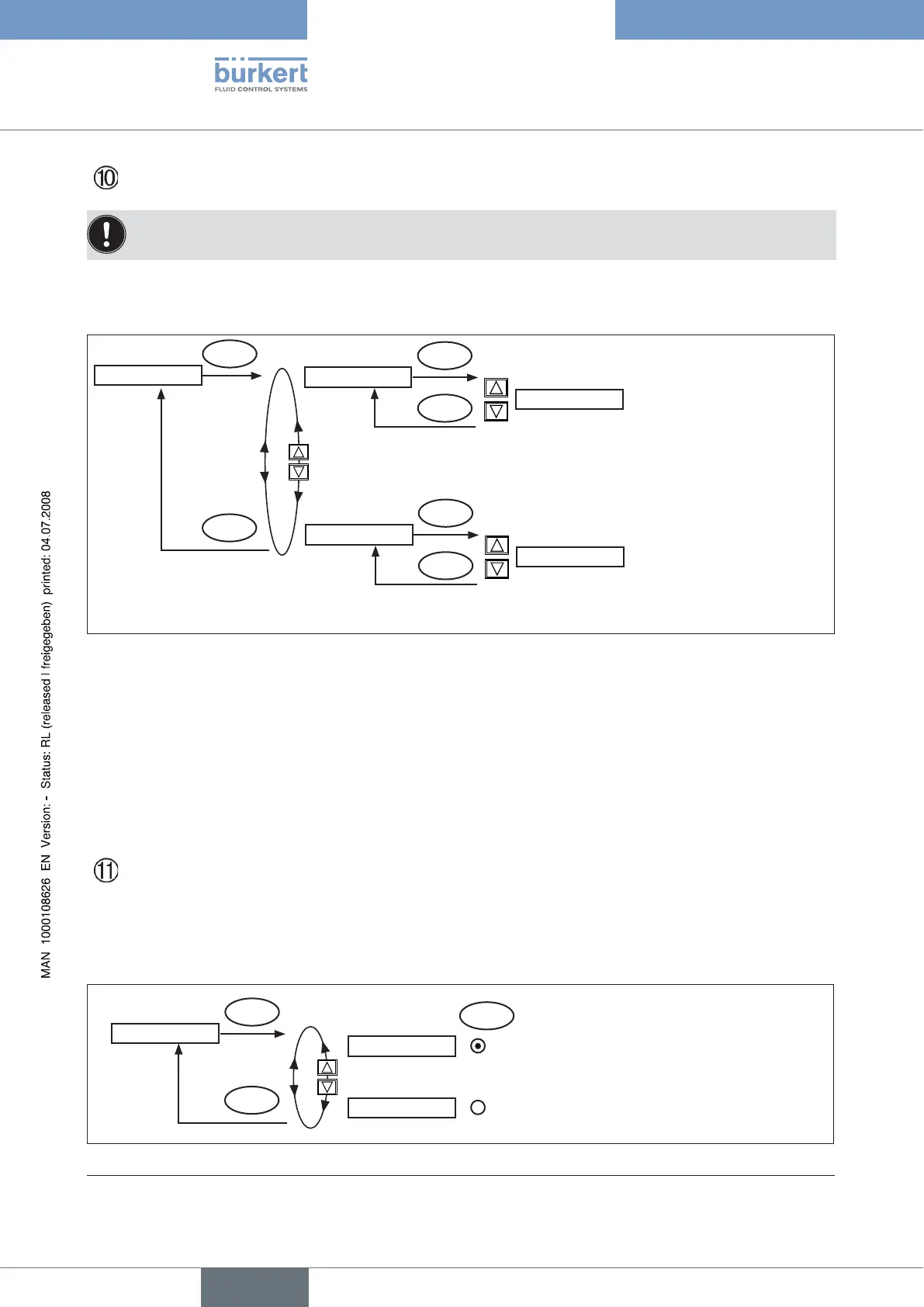
Fig. 14: Operating structure P.CONTROL - SP-SCALE
Procedure for setting the scaling values (in the example of the lower scaling value SPmin):
Press the right selection key (INPUT) to enter the input screen for
→ SPmin.
On the display the last digit of the value is highlighted with a dark background.
Press the up arrow key (+) to specify the individual digits of the value and switch to the next digit with the down arrow
→
key (←).
When all input values have been specified, confirm by pressing the right selection key (OK) and jump back to the selection →
screen.
P.CO INIT - Setting the smooth switchover between MANUAL and
AUTOMATIC mode
The P.CO INIT function enables a smooth switchover between the MANUAL and AUTOMATIC operating states.
Factory setting: bumpless
P.CO-INIT
ENTER
SELEC
bumpless
Gentle switchover activated
EXIT
standard
Gentle switchover deactivated
Fig. 15: Operating structure P.CO INIT
* If the sub-menu is left by pressing the selection key on the left (ESC), the value remains unchanged.



 To Next Page