123
Type 8692, 8693
english
Start-up, operation
process controller Type 8693
Accept the maximum input signal (20 mA):
Press the arrow keys to select the → PV 20 mA menu option and confirm with the selection key on the right (INPUT).
Apply the maximum value of the unit signal on the input and confirm by pressing the selection key on the right (OK). →
PT 100:
calibr. PV
ENTER
PT100 : 0
°C +0000
+
←
OK
*
Input new value in °C
Actual value
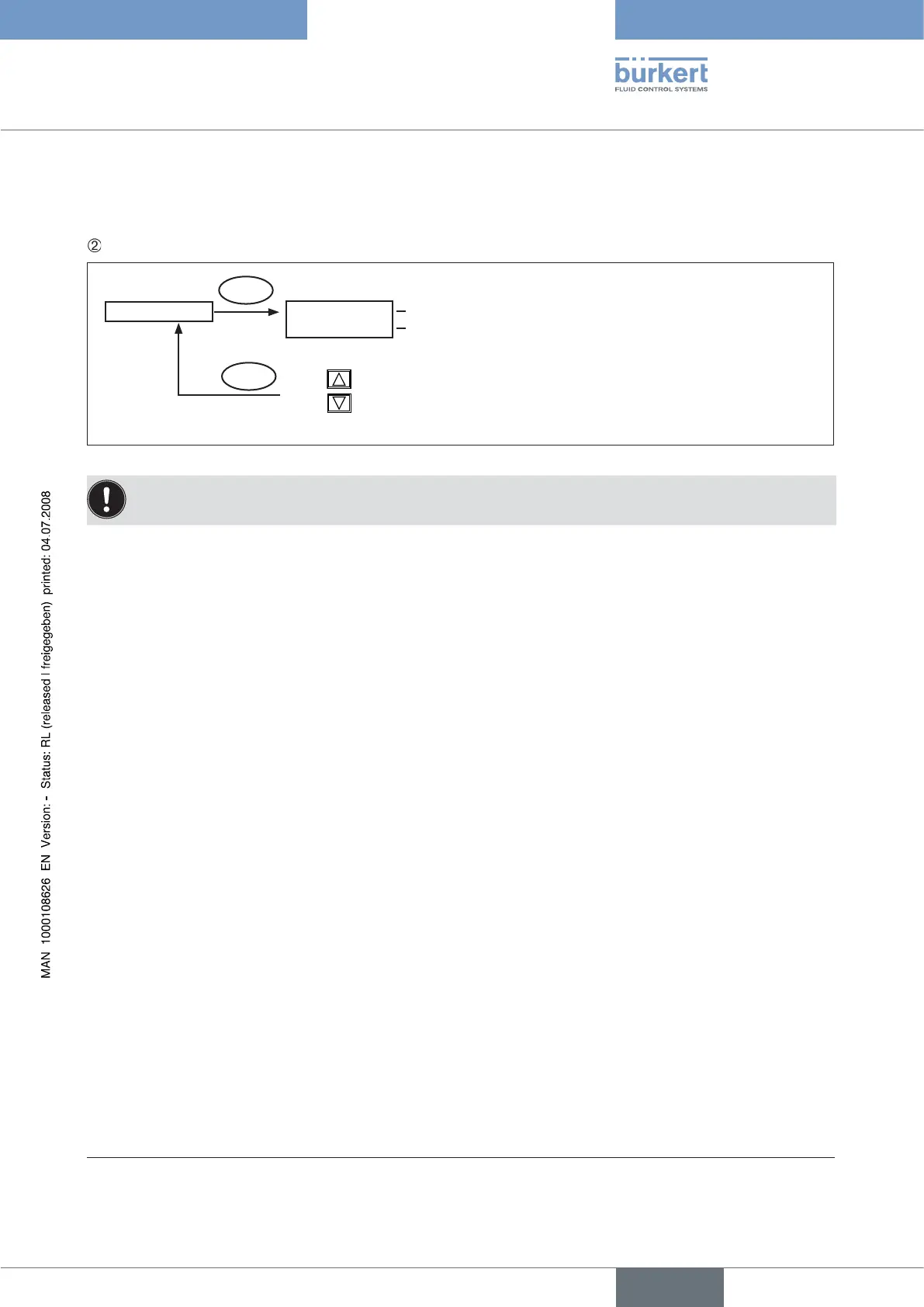
Fig. 31: Operating structure CAL.USER-8693-PV-PT100
An offset value calculated from the actual value and the new value is added to all calculated values.
Press the right selection key (INPUT) to enter the input screen for
→ PT 100.
On the display the last digit of the new value is highlighted with a dark background.
Press the up arrow key (+) to specify the individual digits of the value and switch to the next digit with the down arrow
→
key (←).
When all input values have been specified, confirm by pressing the right selection key (OK) and jump back to the selection →
screen.
Resetting the settings under CAL.USER to the factory settings: copy FACT→USER
In the
→ CAL. USER menu press the arrow keys to select the copy FACT→USER menu option and confirm with the selection
key on the right (ENTER).
Hold down the selection key on the right (RUN) (for approx. 3 seconds) until the countdown has elapsed.
→
* If the sub-menu is left by pressing the selection key on the left (ESC), the value remains unchanged.



 To Next Page