62 Premio/Averso - 13/14 - Ausgabe 09/13 - 2354619 - BUE-0048-12EN
Living
6
Blind The blind is located in the upper blind box.
Closing:
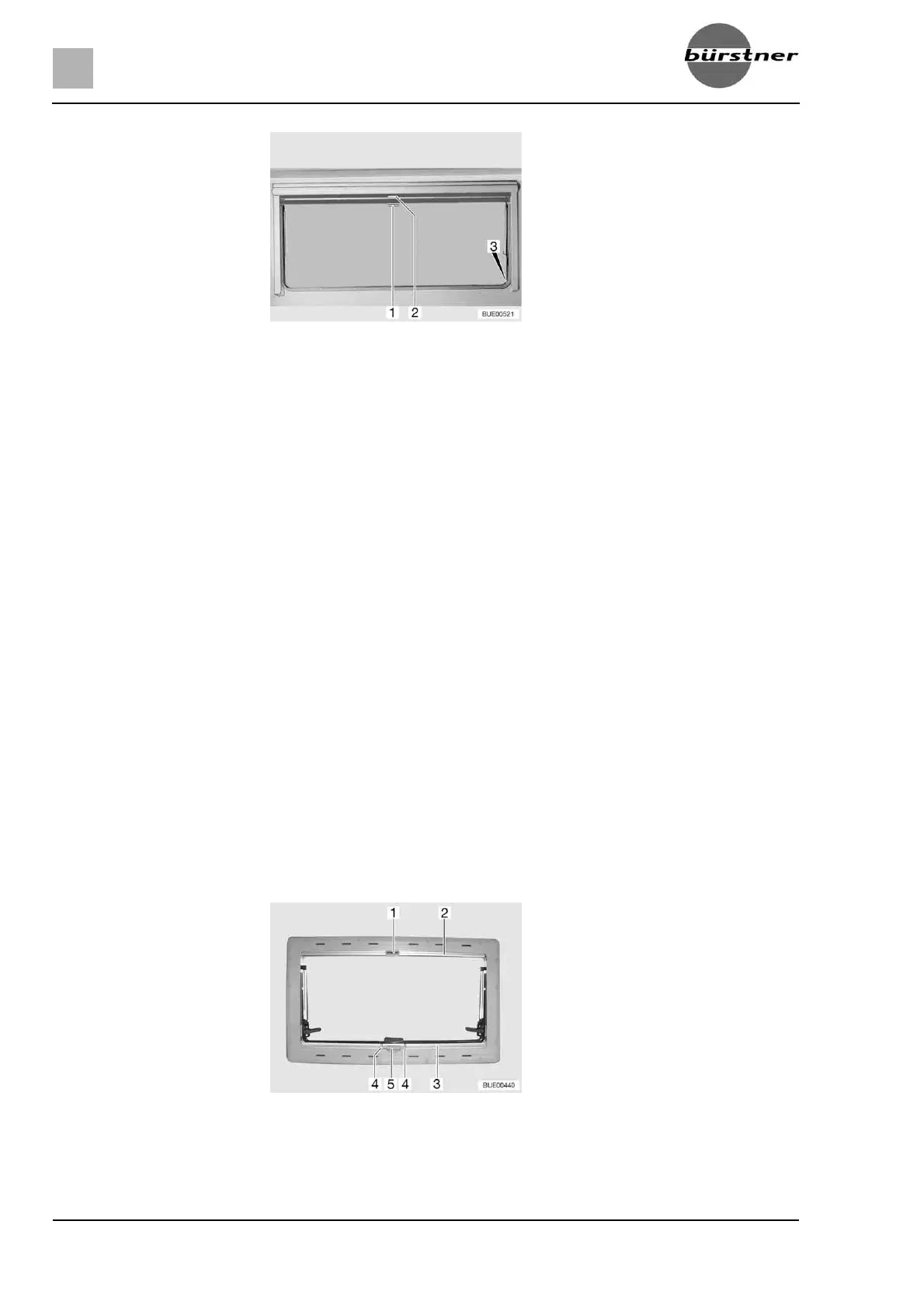
Pull blind at the handle (Fig. 67,2) downwards. If the blind is to be com-
pletely closed, it is suspended into the locking devices (Fig. 67,3) situated
on both sides of the window frame.
Opening:
If the blind is completely closed: Press handle (Fig. 67,2) downwards and,
at the same time, tilt it slightly inward. The blind can be taken out of the
locking devices situated on both sides of the window frame.
If the blind is in an intermediate position: Pull the handle (Fig. 67,2) slightly
downwards until the locking device releases.
Use handle to return blind slowly to its initial position.
Insect screen The insect screen is located in the upper blind box.
Closing:
Pull insect screen at the handle (Fig. 67,1) down and hang it into the
locking devices (Fig. 67,3) situated on both sides of the window frame.
Opening:
Press handle (Fig. 67,1) downwards and, at the same time, tilt it slightly
inward. The insect screen can be taken out of the locking devices situated
on both sides of the window frame.
Use handle to return the insect screen slowly to its initial position.
6.10.4 Blind and insect screen
The windows are fitted with a blind and an insect screen. The blind can be
used separately.
Fig. 67 Hinged window
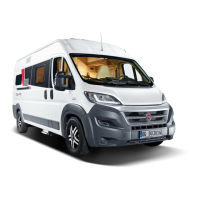
Fig. 68 Hinged window



 To Next Page