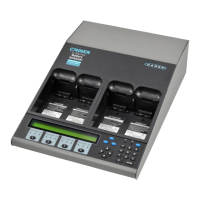
Cadex Electronics Inc. C7000-C Series Battery Analyzers .
4. Press
FN
, and then press 3.
5. Press the station key for the target adapter. (This can be the same as the
source adapter.)
6. Use the
5
or
6
key to scroll to the C-Code to overwrite.
7.
Press
ENTER
.
8.
Press 5 or 6 to scroll to
YES
to accept changes and press
ENTER
.
9.
Press
ESC
twice to return to the global display.
Copy all C-Codes (and matrices) from One Adapter to Another
1.
Ensure that both adapters are inserted in the Cadex analyzer. Neither
adapter should contain a battery.
2.
From the global display, press
FN
, and then press 6.
3.
Press the station key for the station containing the Target adapter.
4. Press 5 or 6 to scroll to
YES
to accept changes and press
ENTER
.
5.
Press
ESC
twice to return to the global display.


 To Next Page
 Loading...