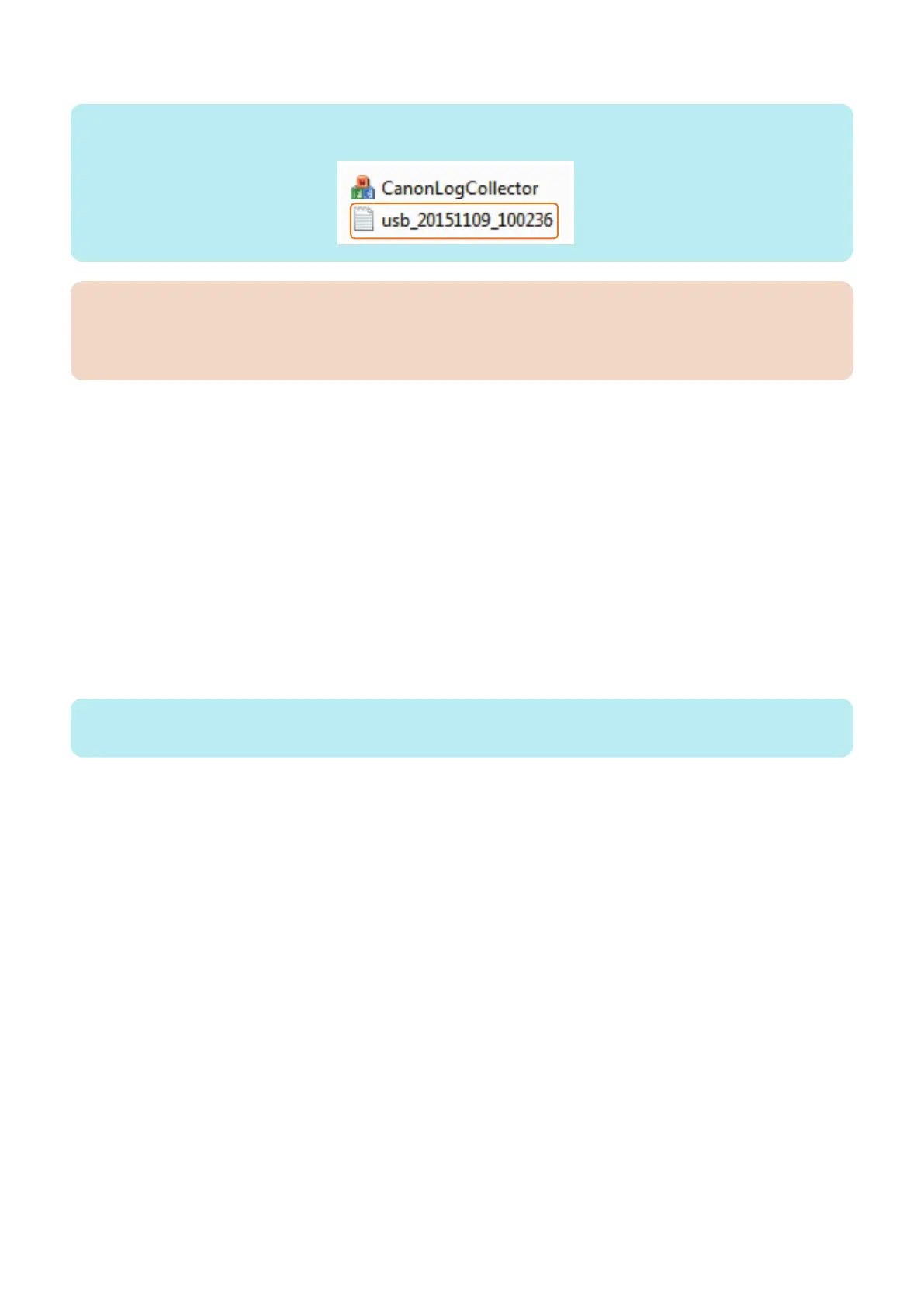
6. Send the collected log file to the Support Dept. of the sales company.
NOTE:
The collected log file is saved in the folder where CanonLogCollector.exe exists.
CAUTION:
While the machine is in operation, log information is continually added. However, capacity of the machine's log storage
area is not large, log information may be overwritten when a long time has passed. Therefore, be sure to collect the log as
soon as possible.
● Troubleshooting
The [Start] button is not activated
Remedy differs according to the displayed contents on the status line.
• "There is no connected device." is displayed.
Check the following possible causes and take necessary steps.
• The connected machine has not been started
• The USB Cable is not connected properly
• The setting of USB connection is not correct
• "There are more than one connected device." is displayed.
More than one machines are connected to the PC with the USB cable. Disconnect the machines other than the target
machine.
"Receiving log is finished. (Receive timeout.)" is displayed
If this message is displayed after pressing the [Start] button, the log data has not been properly sent from the machine to the PC.
NOTE:
The file size of the log data is approx. 1 KB when the data has not been properly sent.
Check the following possible causes and take necessary steps.
• The machine is in sleep mode.
• The USB Cable is not connected properly
• The setting of USB connection is not correct
After performing the remedy work, collect the log by pressing the [Start] button again.
6. Troubleshooting
230










 To Next Page