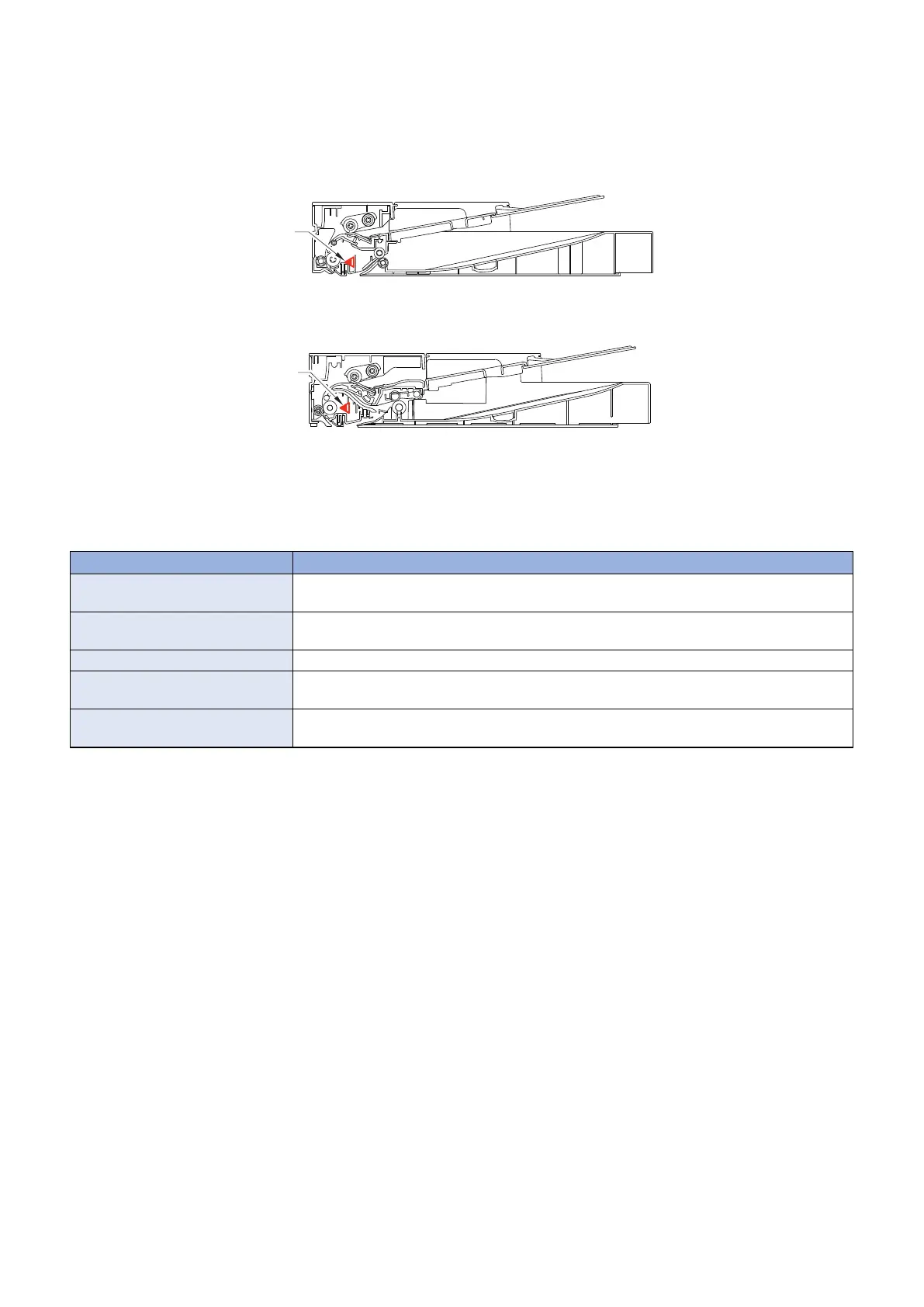
■ Jam Detection
Jam is detected by the Document End Sensor.
• In the case of SADF: SADF Document End Sensor (PS8)
• In the case of DADF: DADF Document End Sensor (PS6)
In the case of SADF
In the case of DADF
Occurrence of a jam is judged by whether paper is in the sensor area at the timings stored in the DC Controller.
When the DC Controller judged the Jam has occurred, printing operation is stopped and the occurrence of the jam is notified to
the Main controller at the same time.
"Paper jammed." is displayed on the screen of the Control Panel.
In the case of models with FAX function, alarming sound beeps when the jam is detected.
Jam name Details
Pickup delay Jam The Document End Sensor does not detect the leading edge of the original although the original
has fed for a specified distance after reception of a pickup request.
Pickup Stationary Jam The Document End Sensor does not detect the back end of the original although a specified
period of time has passed after detection of the leading edge.
Sequence Jam (abnormal timing) When a software sequence did not end normally in a specified period of time.
Internal residual jam In the case the Document End Sensor detected the presence of paper before/after the power
ON, closing the door and printing operation.
Others The Document End Sensor does not detect the leading edge of the original although a specified
period of time has passed after pickup operation has started.
Method for Clearing Jams
1. Remove the jammed paper, then open and close the SADF/DADF Upper Cover.
2. Set the original into the pickup slot.
2. Technology
30










 To Next Page