Chapter 2
2-48
2.3.3.2.2 Roll Media Pick-up Sequence
0013-4173
iPF6100 / iPF6200 / iPF6000S / iPF6300 / iPF6350 / iPF6300S
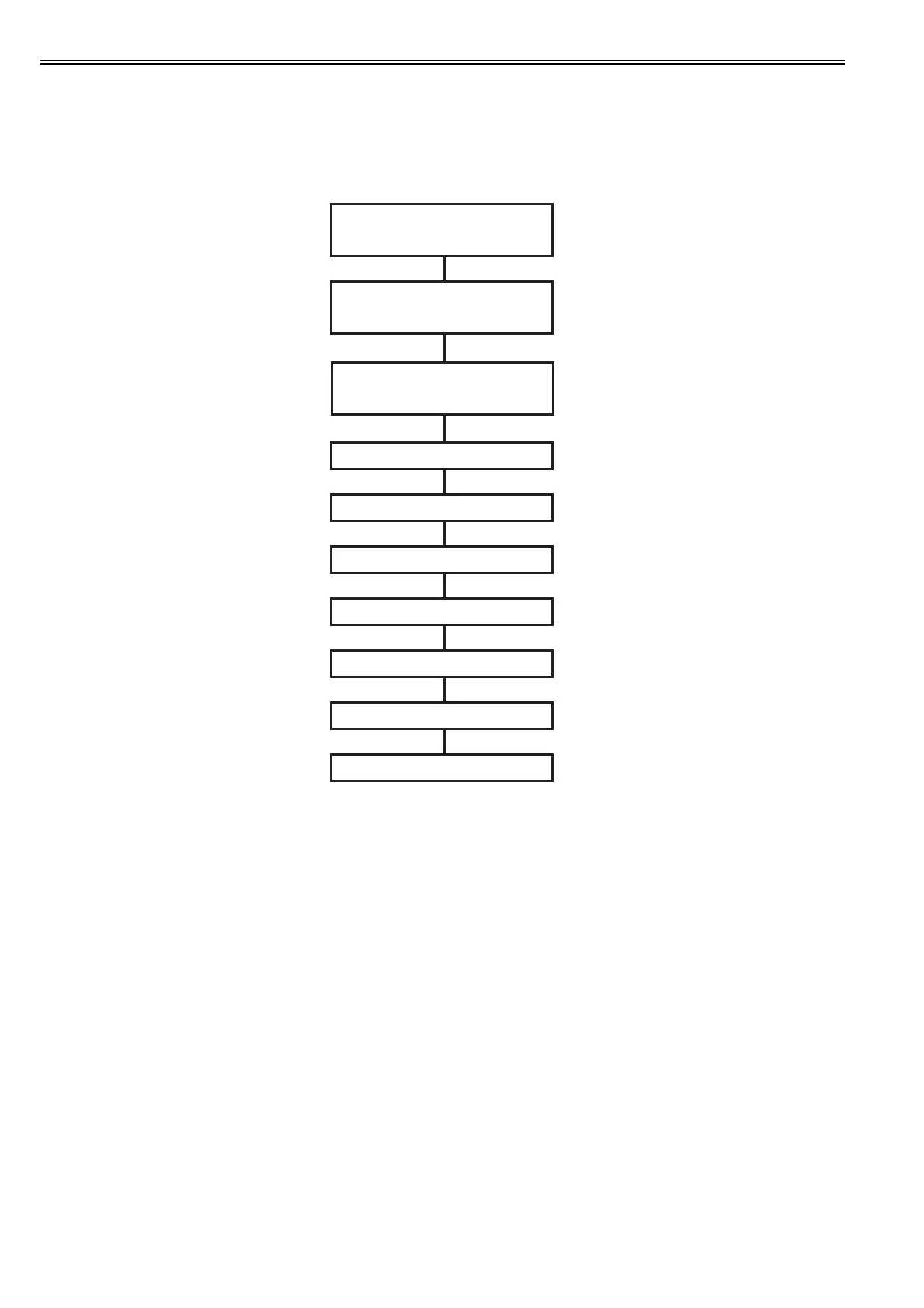
When the roll media detects the loaded roll media, roll media pick-up operation starts.
When media is fed from the auto roll feed unit by the specified length, the nulti sensor performs the adjustments and detection shown below, thus completing the
roll media pick-up operation.
Roll media is fed by controlling the roll motor and feed motor of the auto roll feed unit.
F-2-39
Roll media loading
Roll media detection
Light intensity/
Detection of leading edge of media *2
Detection of skewed media
Media width detection
Detection of leading edge of media *2
End of roll media pick-up
Printing
(manual)
(roll media sensor)
Detection of bar code pattern *1
*1
- This operation is performed only when "ON" is selected for "Detect Remaining Roll Media".
- If the roll media does not have a bar code pattern on it, enter the length of the roll media using the menu on the operation panel.
*2
- The purpose of the first leading edge detection is to detect presence of media.
- The purpose of the second leading edge detection is to detect the printing start position.
Head hight adjustment














 To Next Page