5.3.3 Periodic Maintenance
0024-9283
iPF6300 / iPF6350 / iPF6300S
T-5-8
a) Printer cleaning
To keep up with print quality and prevent troubles, clean the printer about once each month.
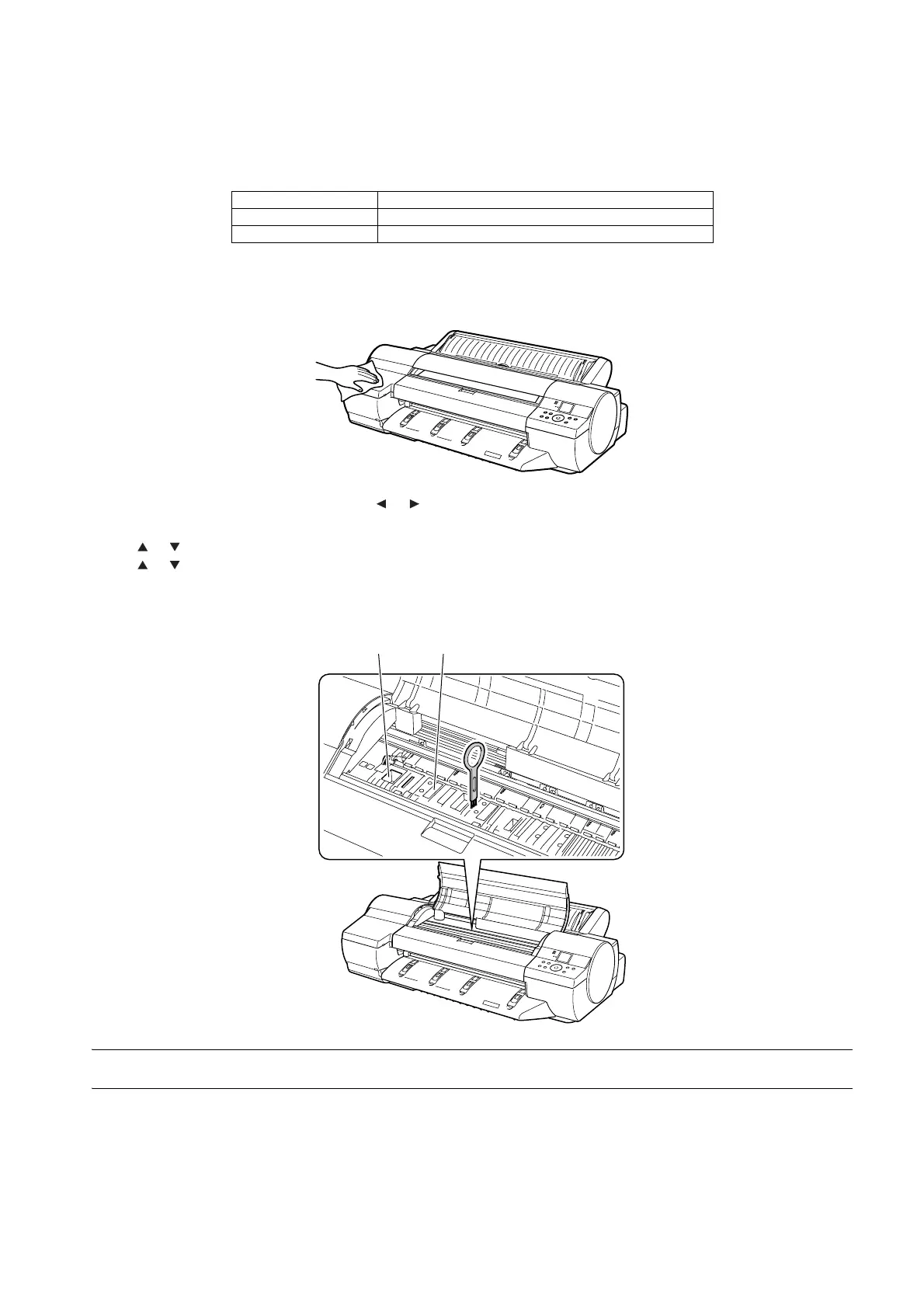
1) Wipe the external surfaces of the printer with a cloth moistened with water and then wrung tight and then dry them finally with a dry cloth.
F-5-15
2) On the tab selection screen of the control panel, press or buttons to select the [Settings/Adj. tab]
3) Press [OK] button.
The [Set./Adj. Menu] is displayed.
4) Press or buttons to select the [Maintenance] and then press [OK] button.
5) Press or buttons to select the [Clean Platen], and then press [OK] button.
A message on the display screen requests you to open the top cover.
6) Open the top cover.
7) If the paper dust has accumulated in the suction holes[1] on the platen or in the borderless printing ink grooves[2], use the cleaning brush, provided with
the printer, to wipe it away.
F-5-16
MEMO:
Rinse the cleaner brush with water when it gets dirty.
Level Periodic maintenance
User Cleaning of ink mist and other substances(about once each month
Service personnel None
[1][2]














 To Next Page