Chapter 1
1-39
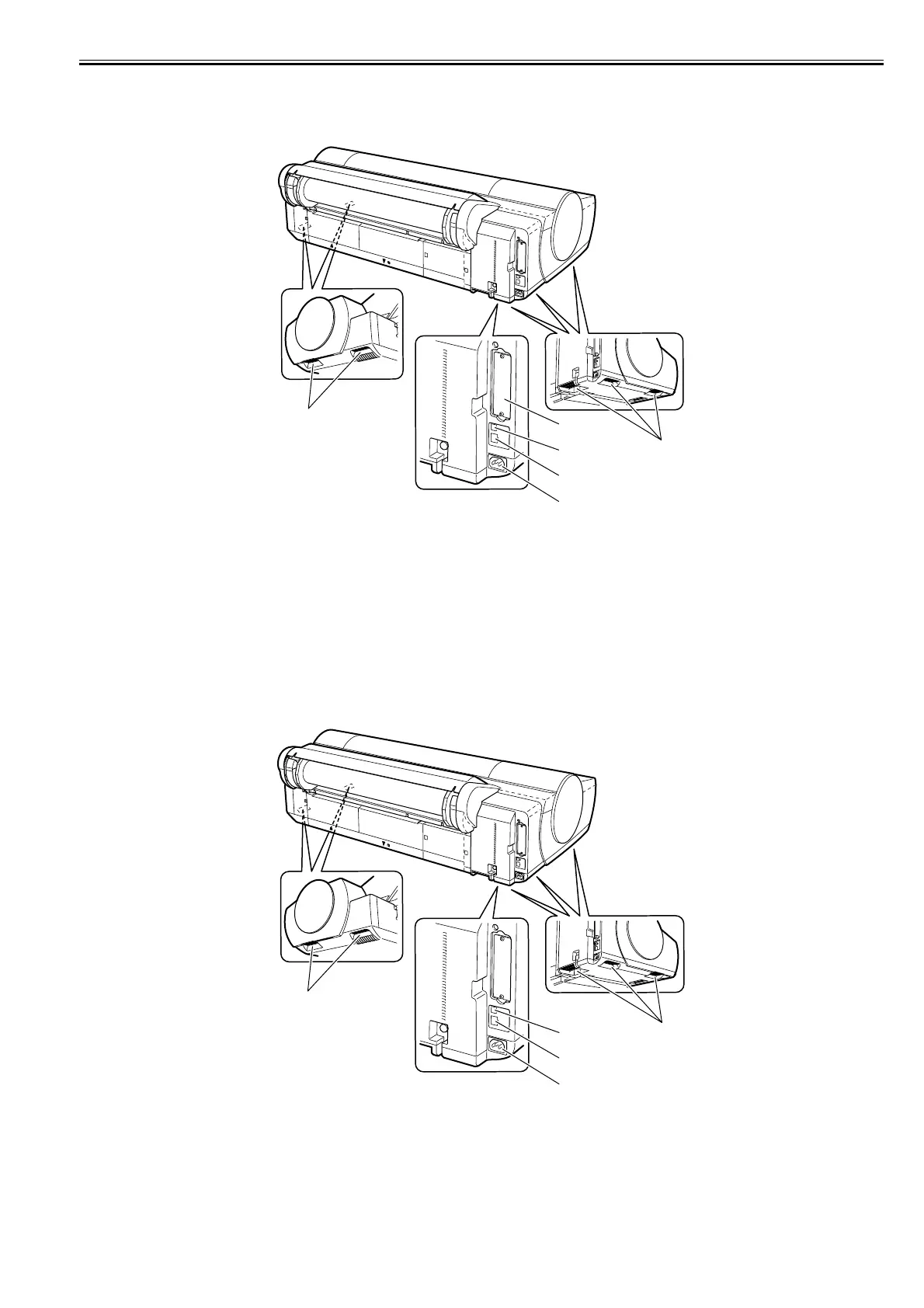
1.5.3 Rear
0016-8147
iPF6100
F-1-37
[1] Expansion board slot
Insert the IEEE1394 (FireWire) expansion board (option) in this slot.
[2] USB port
Connect the USB cable to this port.
[3] Ethernet connector
Connect the Ethernet cable to this connector.
[4] Power connector
Connect the power cord to this connector.
[5] Carrying handle (5)
The printer is carried with this handles of a right and left bottom.
1.5.4 Rear
0020-1817
iPF6200 / iPF6000S / iPF6300 / iPF6350 / iPF6300S
F-1-38
[1] USB port
Connect the USB cable to this port.
[2] Ethernet connector
Connect the Ethernet cable to this connector.
[3] Power connector
Connect the power cord to this connector.
[4] Carrying handle (5)
The printer is carried with this handles of a right and left bottom.
[1]
[5]
[5]
[2]
[3]
[4]
[4]
[4]
[1]
[2]
[3]














 To Next Page