Chapter 5
5-9
Keep the bag in a safe place, because it is used for cleaning sheet.
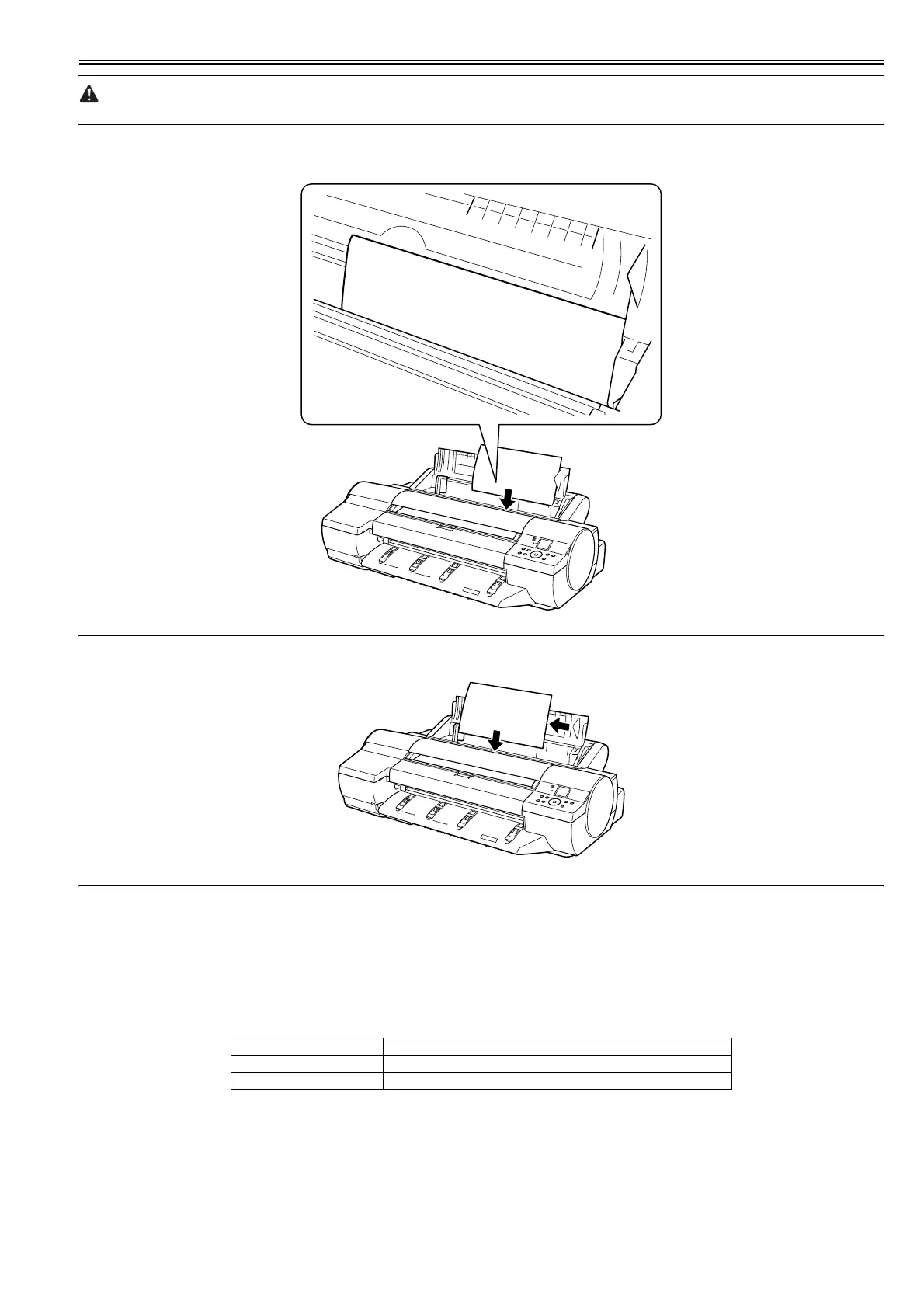
8) Set a cleaning sheet at the cleaning point at paper tray top loading port, in landscape direction, blank side up.
Insert the cleaning sheet into position until it lightly hits the end.
F-5-8
MEMO:
If the cleaning position exceeds the sheet size, perform cleaning in several sessions, each with a varied cleaning sheet setting position.
F-5-9
9) Press the [OK] button to start cleaning.
Cleaning takes about 1 minute 30 seconds to complete.
10) When the cleaning session completes, store the cleaning sheet in the bag.
11) Close the paper tray cover.
5.3.2 Periodic Maintenance
0020-7363
iPF6000S
T-5-7
Level Periodic maintenance
User Cleaning of ink mist and other substances(about once each month
Service personnel None














 To Next Page