Chapter 5
5-10
a) Printer cleaning
To keep up with print quality and prevent troubles, clean the printer about once each month.
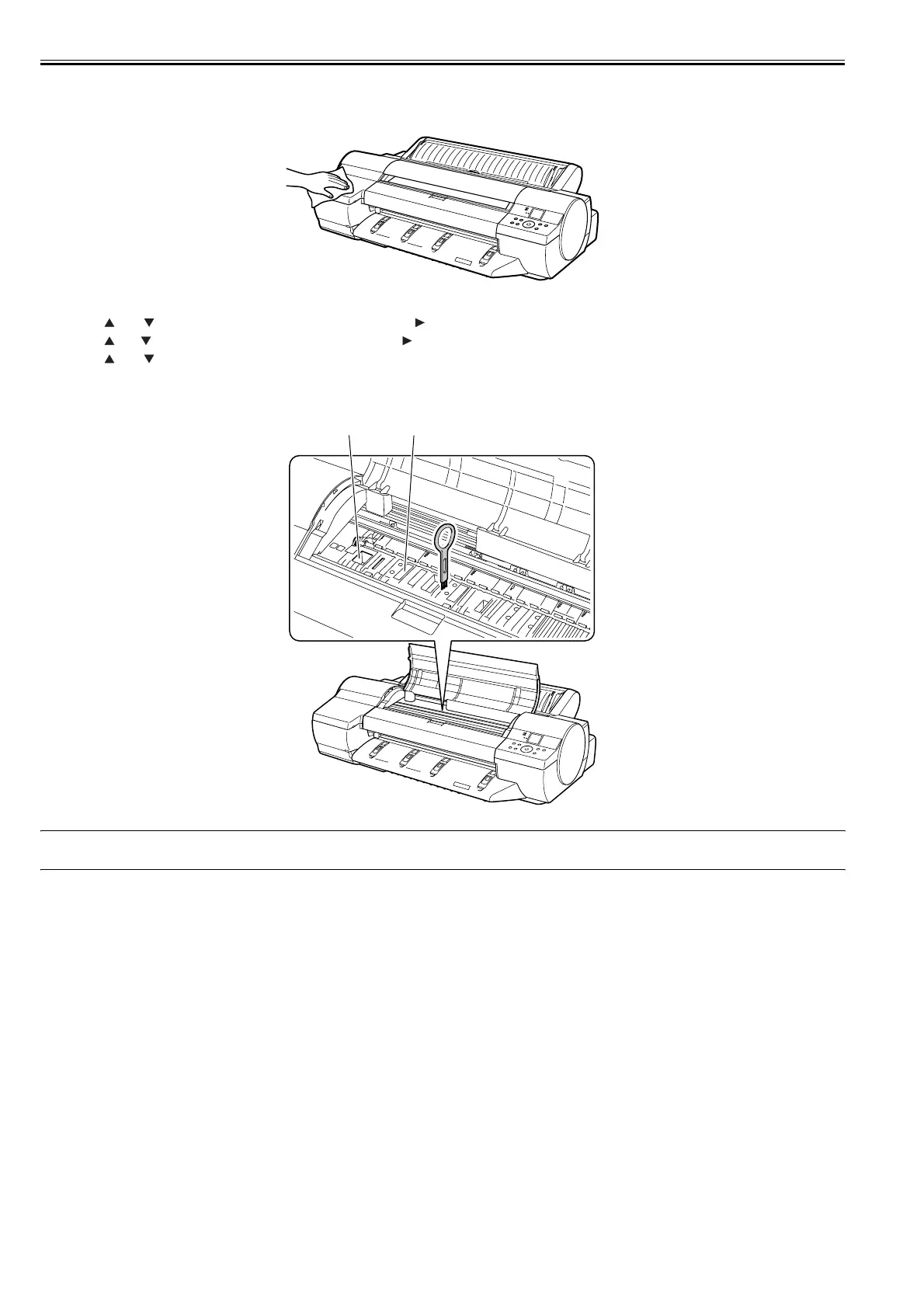
1) Wipe the external surfaces of the printer with a cloth moistened with water and then wrung tight and then dry them finally with a dry cloth.
F-5-10
2) Press the [MENU] button to display the main menu.
3) Press the and buttons to select [Maintenance] and then press the button.
4) Press the and buttons to select [Platen Cleaning] and press the button.
5) Press the and buttons to select [Yes] and press [OK] button.
6) Open the top cover.
7) If the paper dust has accumulated in the suction holes[1] on the platen or in the borderless printing ink grooves[2], use the cleaning brush, provided with the
printer, to wipe it away.
F-5-11
MEMO:
Rinse the cleaner brush with water when it gets dirty.
[1][2]














 To Next Page