Chapter 5
5-11
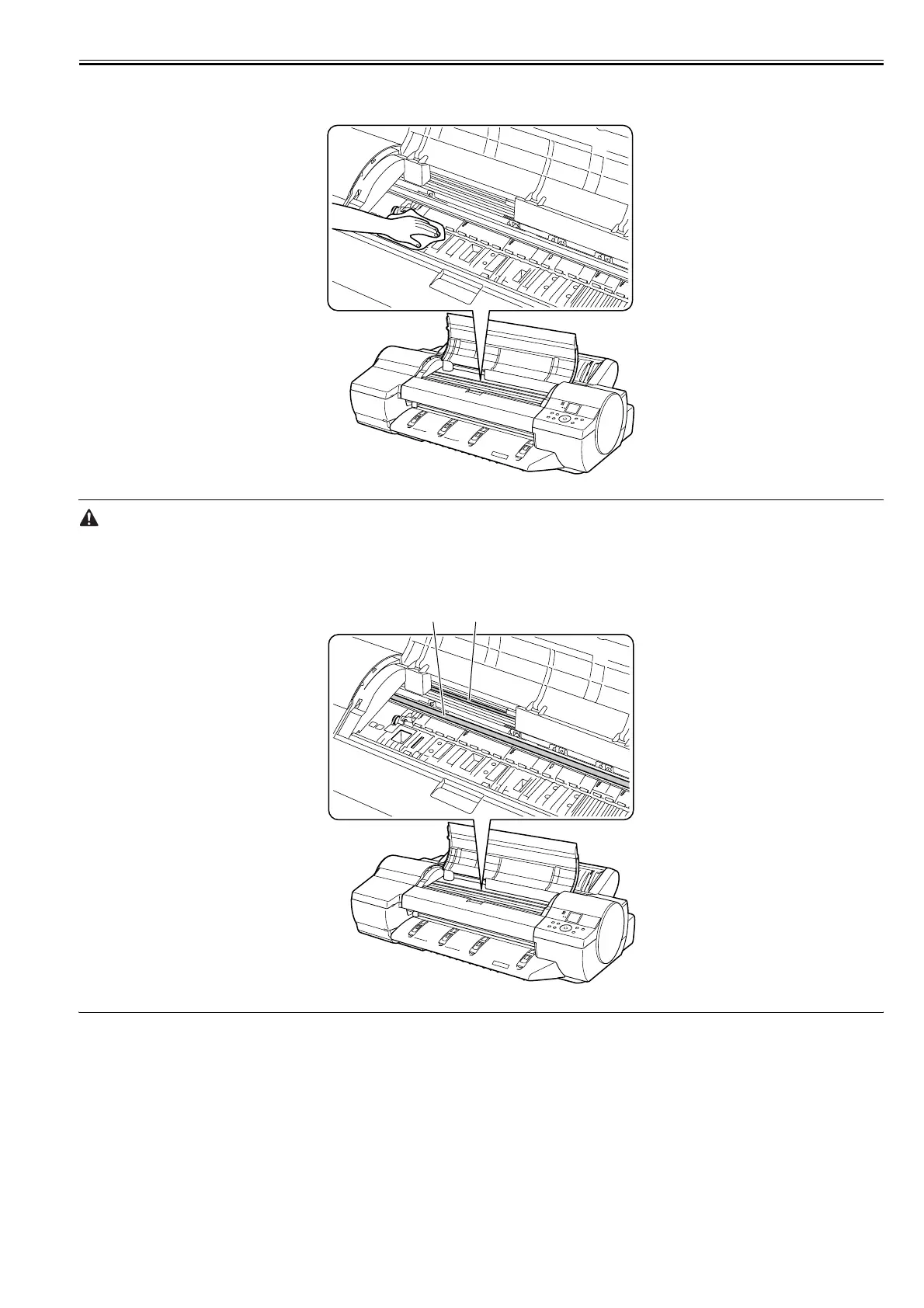
8) Wipe off dirt inside the top cover with a cloth moistened with water and then wrung tight. Wipe off ink smears from the entire surface of the platen, the pinch
roller unit, borderless printing ink grooves and all else that is accessible.
F-5-12
- Do not dry the interiors of the top cover with a dry cloth. Electrostatic charges could make the internal components susceptible to dirt, resulting in degraded print
quality.
- Do not use flammable solvents, such as thinner and benzine, on the printer. Solvents coming into contact with any electrical parts inside the printer could result
in fires or electrical shock hazards.
- Do not touch linear scale [1] and carriage shaft [2].
F-5-13
[1][2]














 To Next Page