Chapter 4
4-4
4.3.4 External Covers
0016-8459
iPF6100 / iPF6200 / iPF6000S / iPF6300 / iPF6350 / iPF6300S
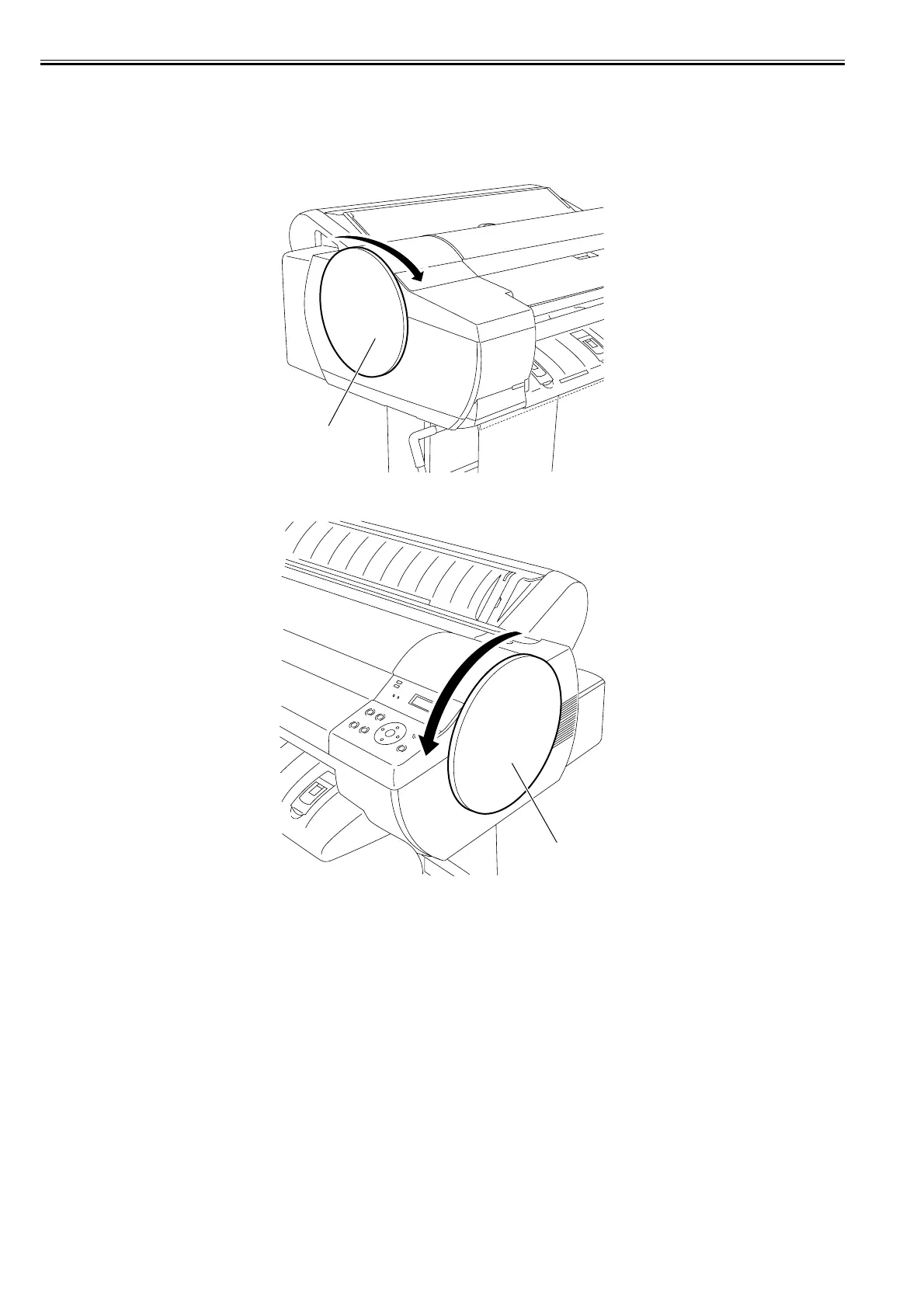
a) Left/right circle cover
Removing the left/right circle cover
1) When removing the left circle cover [1], turn it in the direction of the arrow.
F-4-4
2) When removing the right circle cover[1], turn it in the direction of the arrow.
F-4-5
[1]
[1]














 To Next Page