Chapter 8
8-4
8.2.2 Warnings
0020-2105
iPF6200 / iPF6000S
* Codes represent the numbers that are displayed in DISPLAY in service mode and that are recorded in PRINTINF. Messages that are not accompanied by a code
indication are not logged.
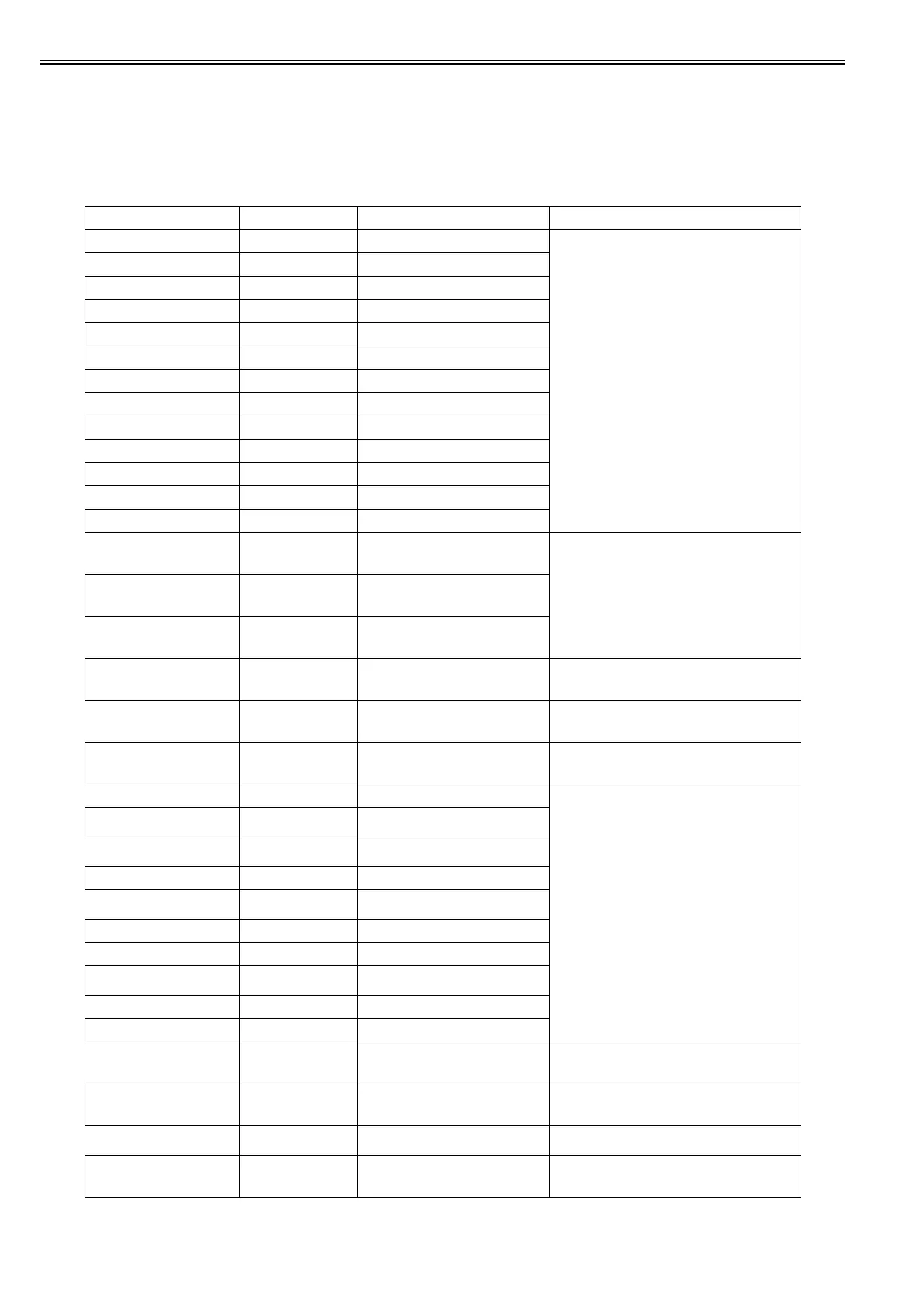
T-8-3
Display massage Code* Condition detected Action
Ink Level: Check 0180104-1000 BK ink tank near-empty Renew the ink tanks.
Ink Level: Check 0180101-1001 Y ink tank near-empty
Ink Level: Check 0180102-1002 M ink tank near-empty
Ink Level: Check 0180103-1003 C ink tank near-empty
Ink Level: Check 0180112-1004 PM ink tank near-empty
Ink Level: Check 0180113-1005 PC ink tank near-empty
Ink Level: Check 0180106-1006 MBK ink tank near-empty
Ink Level: Check 0180106-1007 MBK2 ink tank near-empty
Ink Level: Check 01810105-1008 GY ink tank near-empty
Ink Level: Check 01810115-1009 PGY ink tank near-empty
Ink Level: Check 01810107-100A R ink tank near-empty
Ink Level: Check 01810109-100B B ink tank near-empty
Ink Level: Check 01810108-100C G ink tank near-empty
Problem with
Printhead L
Chk printing results
01800500-1010 Number of non-discharging nozzles in
printhead L: Warning level
Clean the printheads. Renew the printheads. Identify the
head management sensor unit.
Problem with
Printhead R
Chk printing results
01800500-1010 Number of non-discharging nozzles in
printhead R: Warning level
Problem with
Printhead L/R
Chk printing results
01800500-1010 Number of non-discharging nozzles in both
printheads: Warning level
Prepare for
maint cart
replacement.
01841001-1100 Maintenance cartridge near-full Replace the maintenance cartridge.
Prepare for parts
replacement.
Call for service.
Parts counter W1 level Check the parts counter in service mode.
Parts replacement
time has passed.
Call for service.
Parts counter W2 level After checking the parts counter in service mode, replace
any part whose counter is nearing the error value.
GARO W1221 01341221-1030 GARO (image mode): Unknown command Verify the transmitted data before reprinting.
GARO W1222 01341222-1031 GARO (image mode): Invalid parameter
count (no parameters)
GARO W1223 01341223-1032 GARO (image mode): Required parameter
missing
GARO W1225 01341225-1034 GARO (image mode): Other warning
GARO W1226 01341226-103A GARO (image mode): Image processing
table error
GARO W1231 01341231-1035 GARO (setup): Unknown command
GARO W1232 01341232-1036 GARO (setup): Invalid parameter count
GARO W1233 01341233-1037 GARO (setup): Required parameter
missing
GARO W1234 01341234-1038 GARO (setup): Data out of bounds
GARO W1235 01341235-1039 GARO (setup): Other warning
End of paper feed.
Cannot feed
paper more.
Forced feed limit Check the remaining quantity of roll media.
Mail box nearly full.
Delete unwanted data
011A1001-2901 The free hard disk space left for Personal
Boxes in the printer's hard disk does not
have more than 1 GB, combined.
Delete unneeded jobs stored in Personal Boxes.
Mail box full.
Now printing without saving data.
01861003-2902 100 jobs are stored in the Personal Box. Delete unneeded jobs stored in Personal Boxs.
Mail box full.
Delete unwanted data
011A1006-2906 Saved jobs exceed the Personal Box
capacity.
Press the stop button to cancel the print job.
Delete print jobs from the queue.
Delete unneeded jobs stored on the hard disk.














 To Next Page