Chapter 4
4-42
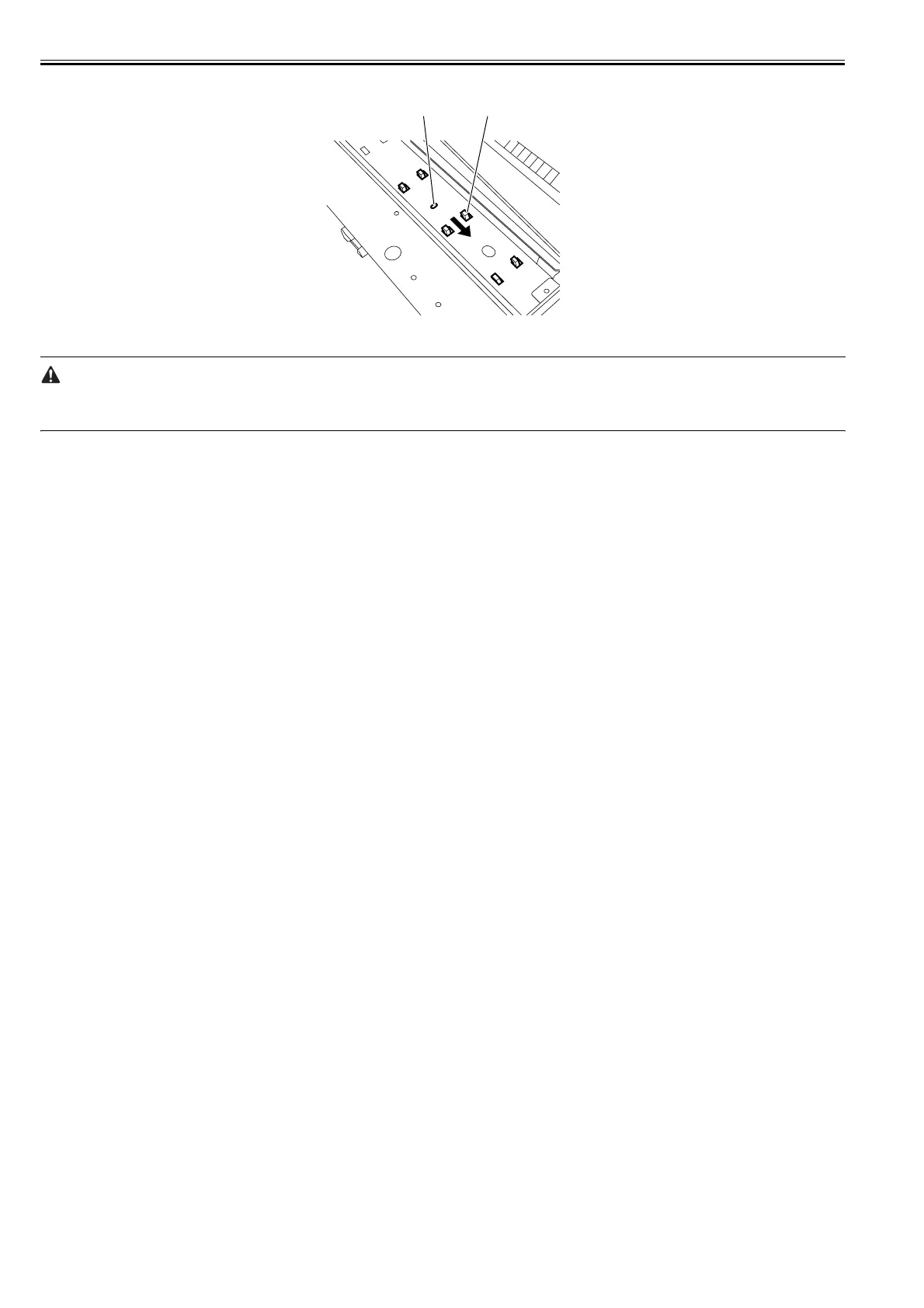
6) While pressing down the protrusion[A], slide the spur unit[1] in the direction of the arrow to remove it.
F-4-92
c) Handling the Feed Roller
The feed roller is an important mechanical component of the printer. Follow the precaution below when handling it.
* Do not touch the feed roller surface(coated surface).
* Do not scratch or dent the feed roller.
[1][A]














 To Next Page