Chapter 7
7-57
17) HEAD DOT CNT.2: Counter related to dot count
T-7-110
18) PARTS CNT. : Counter related to consumable parts
T-7-111
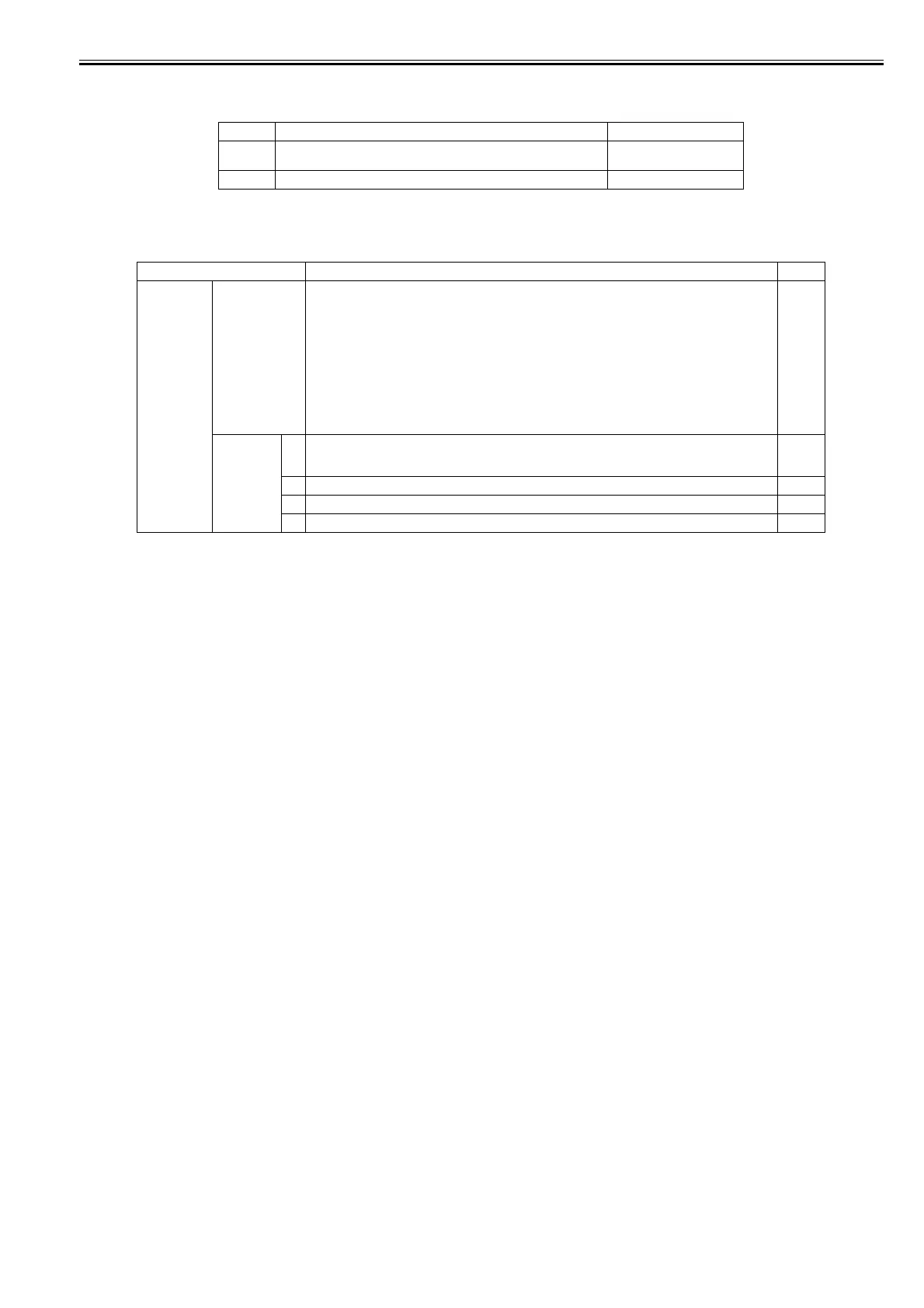
Display Description Unit
XX XX: Ink color
Cumulative dot counts of each colors
(x 1,000,000) dots
TTL Total cumulative dot counts of each colors (x 1,000,000) dots
Display Description Unit
COUNTER x x: Unit number of consumable parts
(For detail, refer to "Maintenance and Inspection" > "Consumable Parts")
Display the status and the days passed since the counter resetting.
- Status
OK: Use rate (until part replacement) of all consumable parts included in each unit are below 90%.
W1: Use rate (until part replacement) of either of the consumable parts included in each unit has reached
90% or more.
W2: Use rate (until part replacement) of either of the consumable parts included in each unit has reached
100%, but no need to stop the printer.
E : Use rate (until part replacement) of either of the consumable parts included in each unit has reached
100%, and the printer needs to be stopped.
Day(s)
PARTS yy 1: yy: Unit number of consumable parts
(For detail, refer to "Maintenance and Inspection" > "Consumable Parts")
Counter of the consumable part (current)
2: Life of the consumable part
3: Use rate until part replacement %
4: Counter of the consumable part (accumulate)














 To Next Page