Chapter 8
8-27
Ink tank cover
is open.
Turn off printer,
wait a while, and
turn it on again.
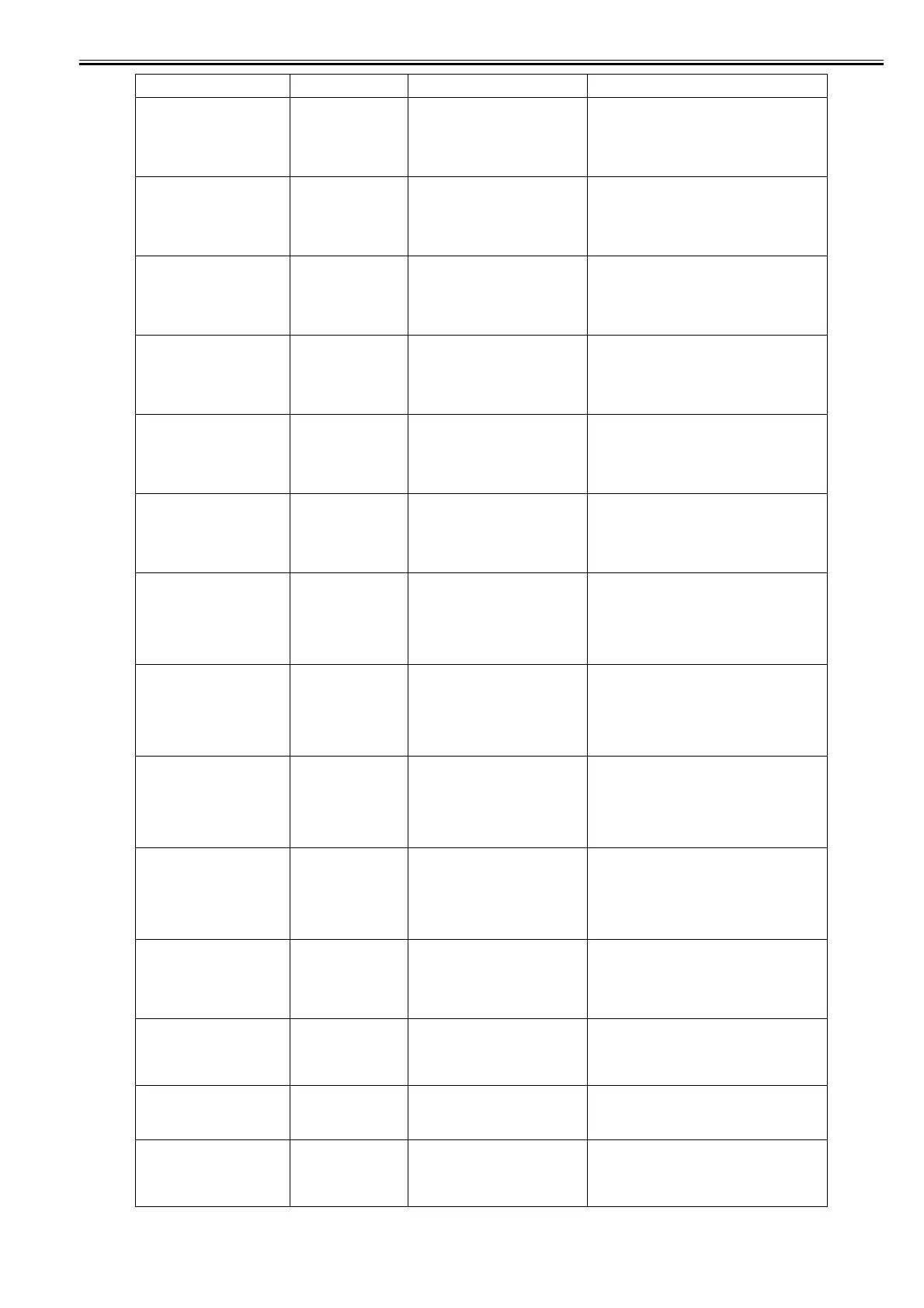
03031000-2E10 Ink tank cover abnormally open Close the ink tank cover and turn on the printer again.
Maintenance
cartridge full.
Replace
the maintenance
cartridge.
03841001-2819 Maintenance cartridge full Renew the maintenance cartridge.
No Maintenance
Cartridge capacity.
Replace
the maintenance
cartridge.
03841001-281B Not enough space in the maintenance
cartridge prior to cleaning
Replace the maintenance cartridge.
No maintenance
cartridge.
Check
the maintenance
cartridge.
03841101-2818 Maintenance cartridge not available Set a maintenance cartridge.
Insert the maintenance cartridge fully into position.
Maintenance
cartridge problem.
Replace
the maintenance
cartridge.
03841201-2816 Maintenance cartridge EEPROM error Renew the maintenance cartridge.
Maintenance
cartridge problem.
Replace
the maintenance
cartridge.
03841201-2817 Maintenance cartridge ID error Renew the maintenance cartridge.
Roll printing is
selected, but sheets
are loaded.
Press OK,
remove the sheets,
and load a roll.
03860002-2E0A Data with a roll media specification has
been received when a sheet tray is
loaded.
Reload the cut sheets.
Borderless printng
not possible. Check
roll width and
spacers.
Online: Print
Load/Eject:
Change Paper
03861001-2405 Paper loaded at a position inaccessible
for borderless printing
Check to see if a borderless printing spacer is installed.
Reload the paper.
Borderless printng
not possible. Check
paper size setting.
Online: Print
Load/Eject:
Change Paper
03861001-2406 Data unfit for borderless printing Check the paper size.
Change the paper size.
Insufficient paper
for job
Online: Print
Stop: Stop Printing
Load/Eject:
Change Paper
03862000-2E09 Not enough roll media on remaining roll
media quantity detection
Renew the supply of roll media.
Wrong paper size.
Check paper size
setting on computer.
Online: Print
Stop: Stop Printing
03063000-2E08 Mismatch between data width and paper
width
Verify the paper size setting.
Cannot cut paper.
Press Load/Eject
and reload the
paper.
03870001-2015 Cutting failure Cut paper manually.
Check the cutter.
Mail box full.
Delete unwanted data on your
computer to resume printing.
Press Stop to cancel printing.
031A1002-2905 The job store executed when the free
hard disk space left for Personal Boxes
in the printer's hard disk is full.
Delete unneeded jobs stored in Personal Boxes.
Mail box full.
Cannot save. Delete unwanted
data on your computer to resume
printing.
Press Stop to cancel printing.
031A1002-2906 The store executed when 32 jobs are
stored in the Personal Box.
Delete unneeded jobs stored in Personal Boxes.
Display massage Code* Condition detected Action














 To Next Page