Basic Copy Operations
0UWX-01J
1
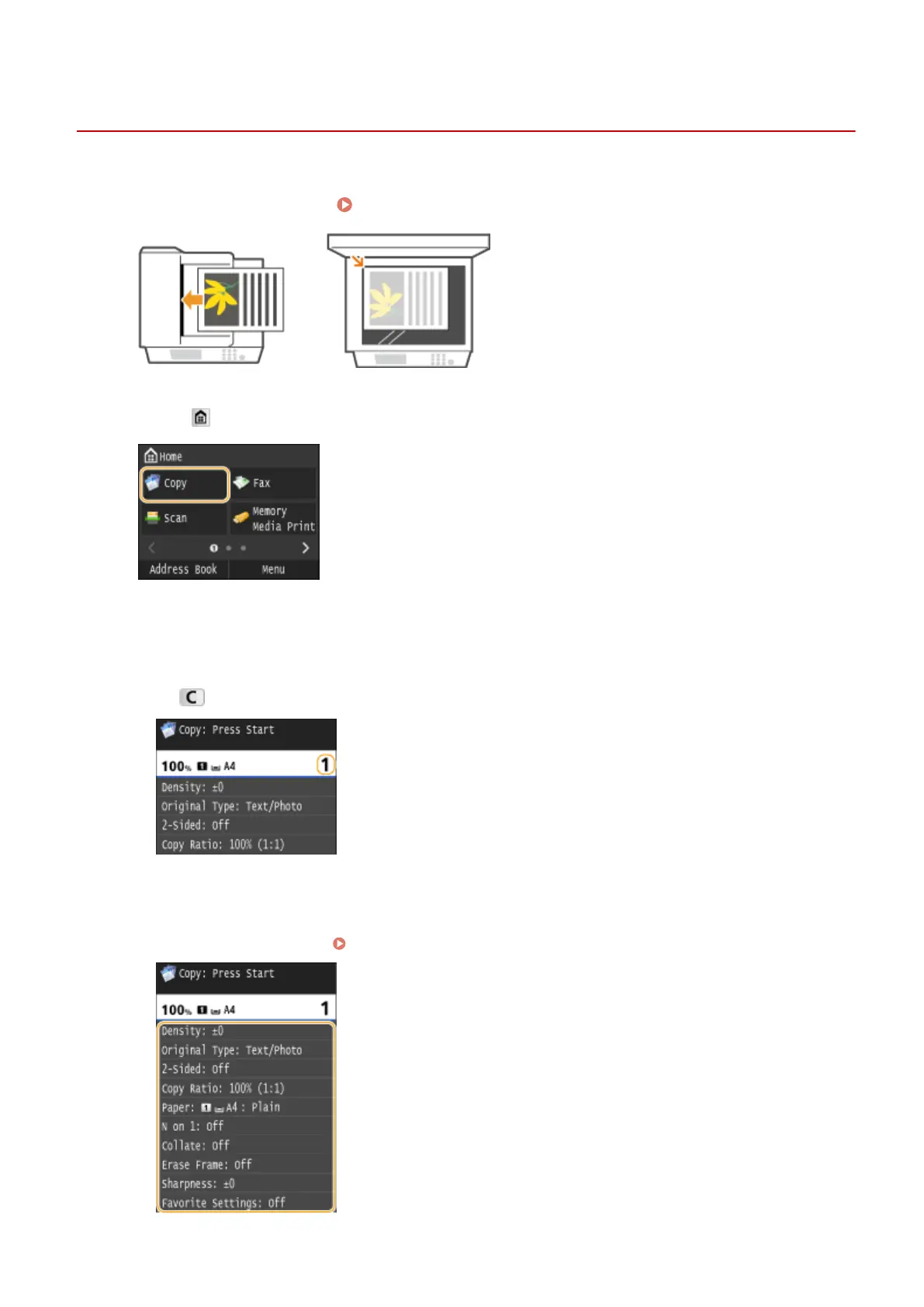
Place the document(s). Placing Documents(P. 47)
2
Press and tap <Copy>.
3
Enter the number of copies using the numeric keys.
● Enter a quantity from 1 to 999.
● Press to cancel the entered quantity.
4
Specify the copy settings as necessary.
● Tap the item you want to set. Various Copy Settings(P. 115)
Copying
107











 To Next Page