Scan Area
0UWX-0F8
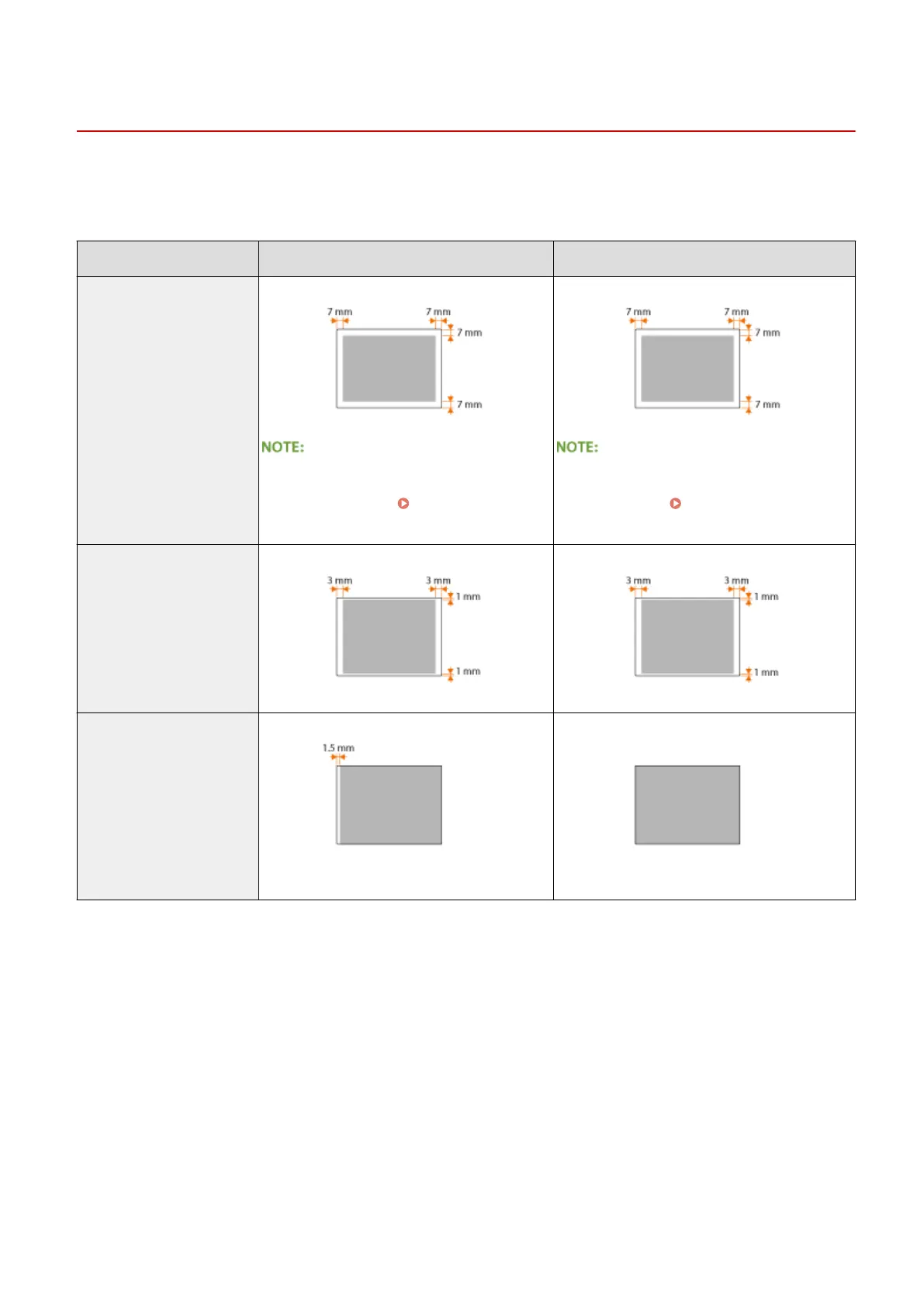
The shaded areas in the table below indicate the scan area of the document. Make sure that text and images in your
documents t within the shaded area. The scan area varies depending on the function used and where documents are
placed (in the feeder or on the platen glass).
Platen Glass Feeder
Copy
● The scan area for copying may differ from
the printable area. Printable
Area(P. 860)
● The scan area for copying may differ from the
printable area. Printable Area(P. 860)
Fax (MF419x / MF416dw)
Scan
The whole document can be scanned.
Appendix
857











 To Next Page