Conguring the Machine for Scanning to FTP Server
0UWX-084
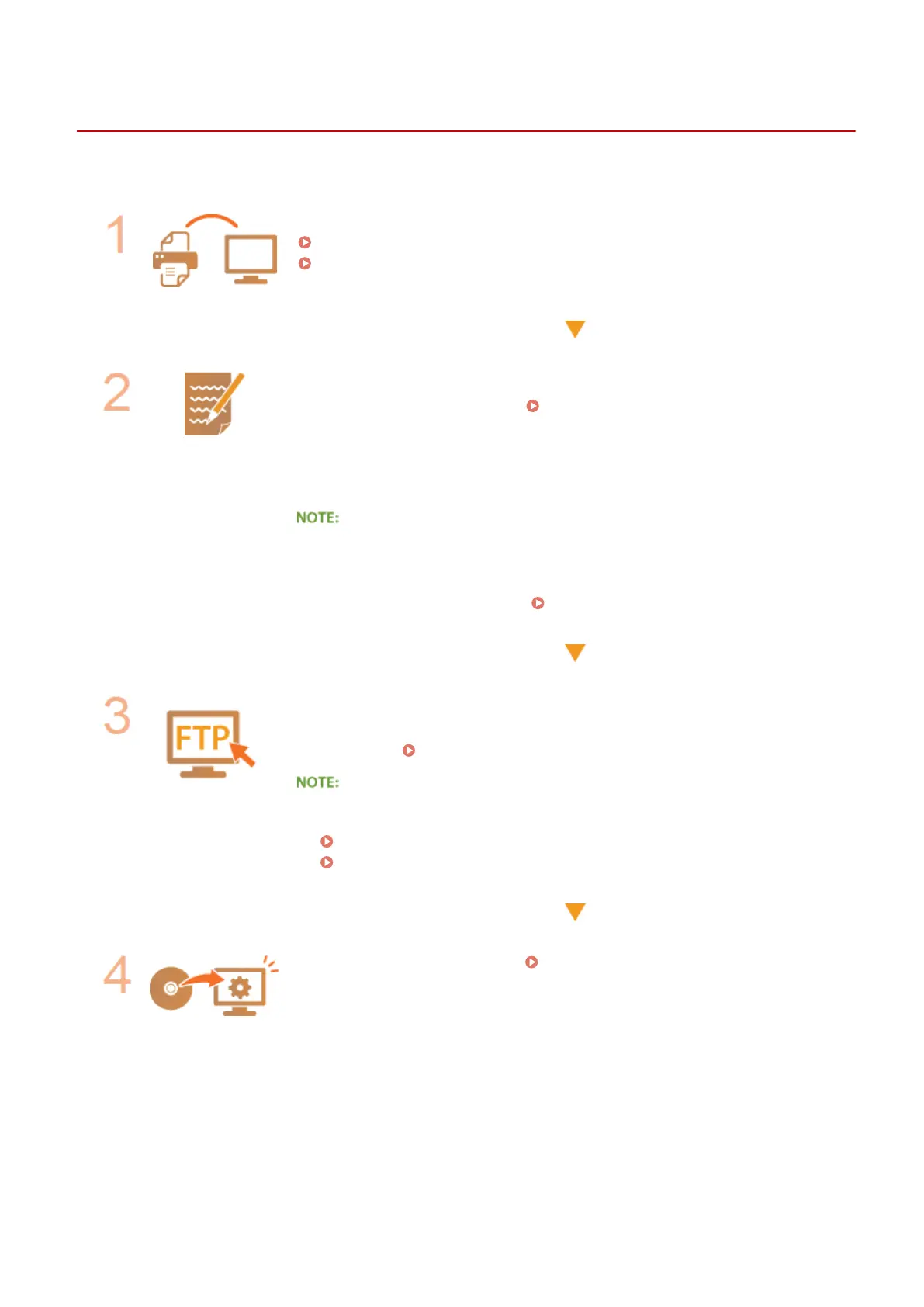
Before conguring the machine for scanning to FTP Server, check the setup ow shown below.
Make sure that the machine and the computer are correctly connected.
Connecting to a Wireless LAN (P. 419)
Connecting to a Wired LAN(P. 418)
Make sure that you have the following information:
● The IP address of the machine. Viewing Network Settings(P. 445)
● FTP server name.
● Path to the FTP server and folder name.
● User name, password (only if set).
● If the path, folder name, user name, password, etc. for the FTP server are
unknown,contact you Network Administrator.
● To change the FTP port number
Changing Port Numbers(P. 549)
Check whether you need to use PASV mode.
● If a rewall is installed between the machine and the FTP server, you must set
PASV mode.
Conguring FTP PASV mode(P. 481)
● Also make sure that <Use HTTP> and <Use Remote UI> are set to <On>.
Disabling HTTP Communication(P. 567)
Disabling Remote UI(P. 568)
Register the FTP server address. Registering Destinations in the Address
Book from Remote UI(P. 624)
Network
480











 To Next Page