Default Display Settings
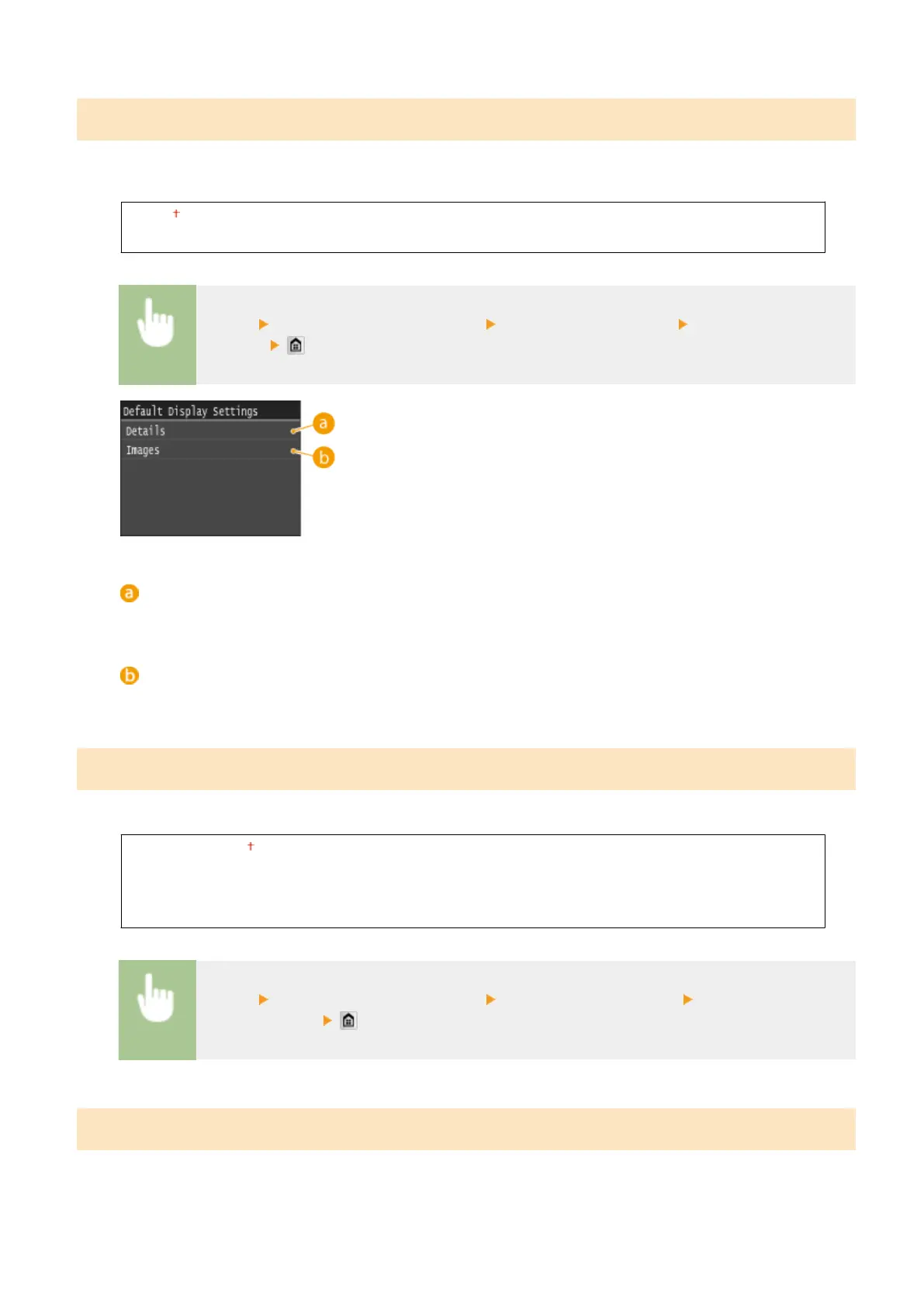
Select whether to display a list of le names or thumbnails for previewing when accessing les in a USB memory
device.
Details
Images
<Menu> <Memory Media Print Settings> <Default Display Settings> Select <Details> or
<Images>
<Details>
Displays le names and dates in list form.
<Images>
Displays thumbnails for previewing.
File Sort Default Settings
Select whether to display les in a USB memory device in ascending or descending order of le name or date.
Name (Ascending)
Name (Descending)
Date/Time (Ascending)
Date/Time (Descending)
<Menu> <Memory Media Print Settings> <File Sort Default Settings> Select the order of les
that are displayed
File Name Display Format
Select whether to display short or long text for le names that are stored in a USB memory device.
Setting Menu List
676











 To Next Page