Conguring Printer Settings on the Machine
0UWX-04X
When you print a document from a computer, you can specify many print settings such as the number of copies or 1-
sided/2-sided printing, on the printer driver. However, the <Paper Size Override> setting described below can only be
specied on the operation panel of the machine.
◼
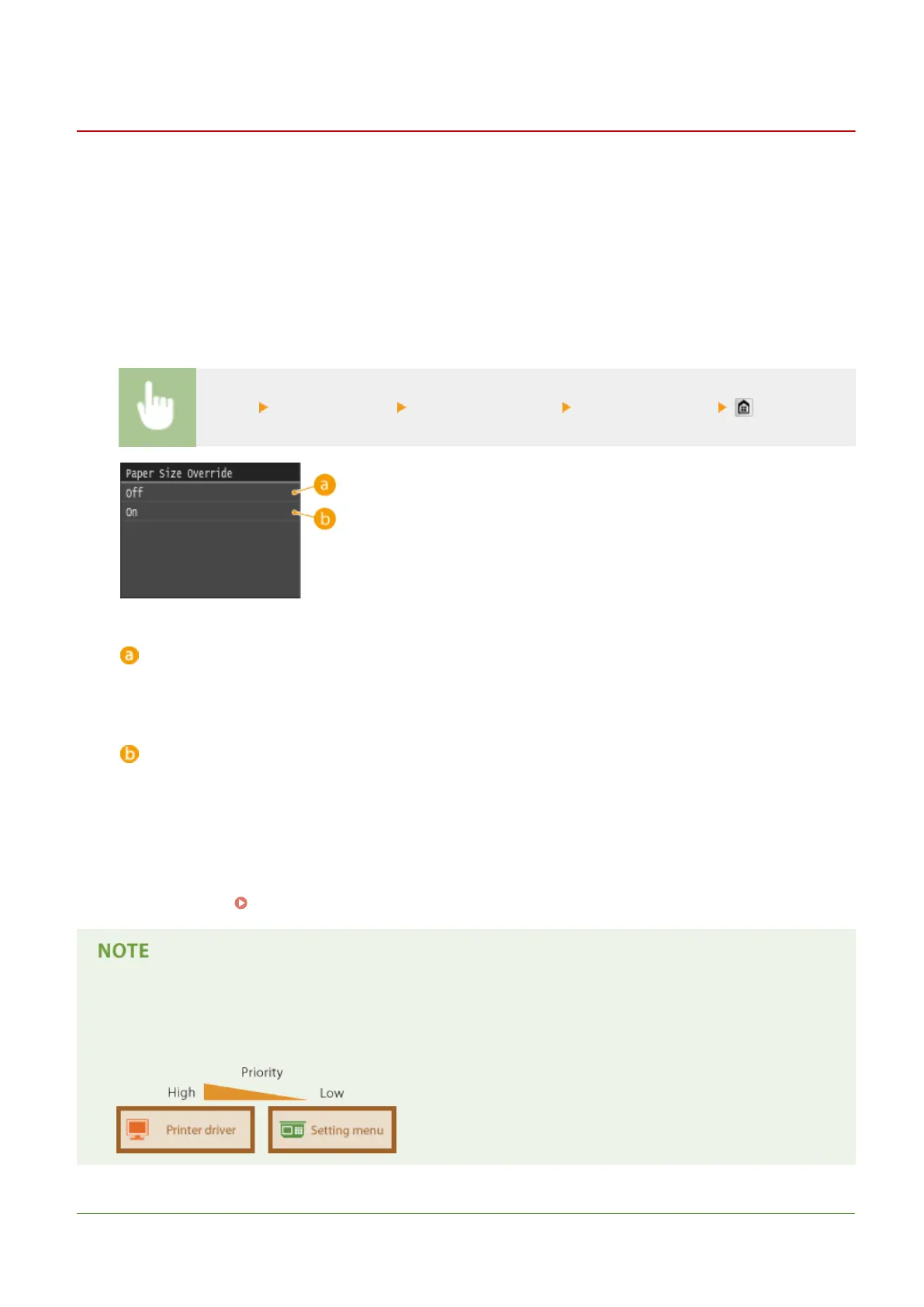
<Paper Size Override>
Select whether to switch between printing on A4 and Letter size paper if one of these paper sizes is loaded but the
other is not. For example, if you are printing a Letter size document but only A4 paper is loaded in the machine, the
machine will print your document on A4 paper.
<Menu> <Printer Settings> <Paper Size Override> Select <Off> or <On>
<Off>
Printing stops and an error message is displayed when the machine runs out of the paper that has been
specied.
<On>
Performs printing with paper size substitution between A4 and Letter.
◼
Other Printer Settings
In addition to <Paper Size Override>, there are some other printer settings you can only specify on the operation panel
of the machine when performing PS/PCL printing and printing from UNIX or other operating system that does not
support printer drivers.
Printer Settings(P. 678)
Priority of settings
● If a print setting is specied both from the printer driver and the operation panel of the machine, the
specication from the printer driver overrides that from the operation panel.
LINKS
Using the Machine as a Printer
274











 To Next Page