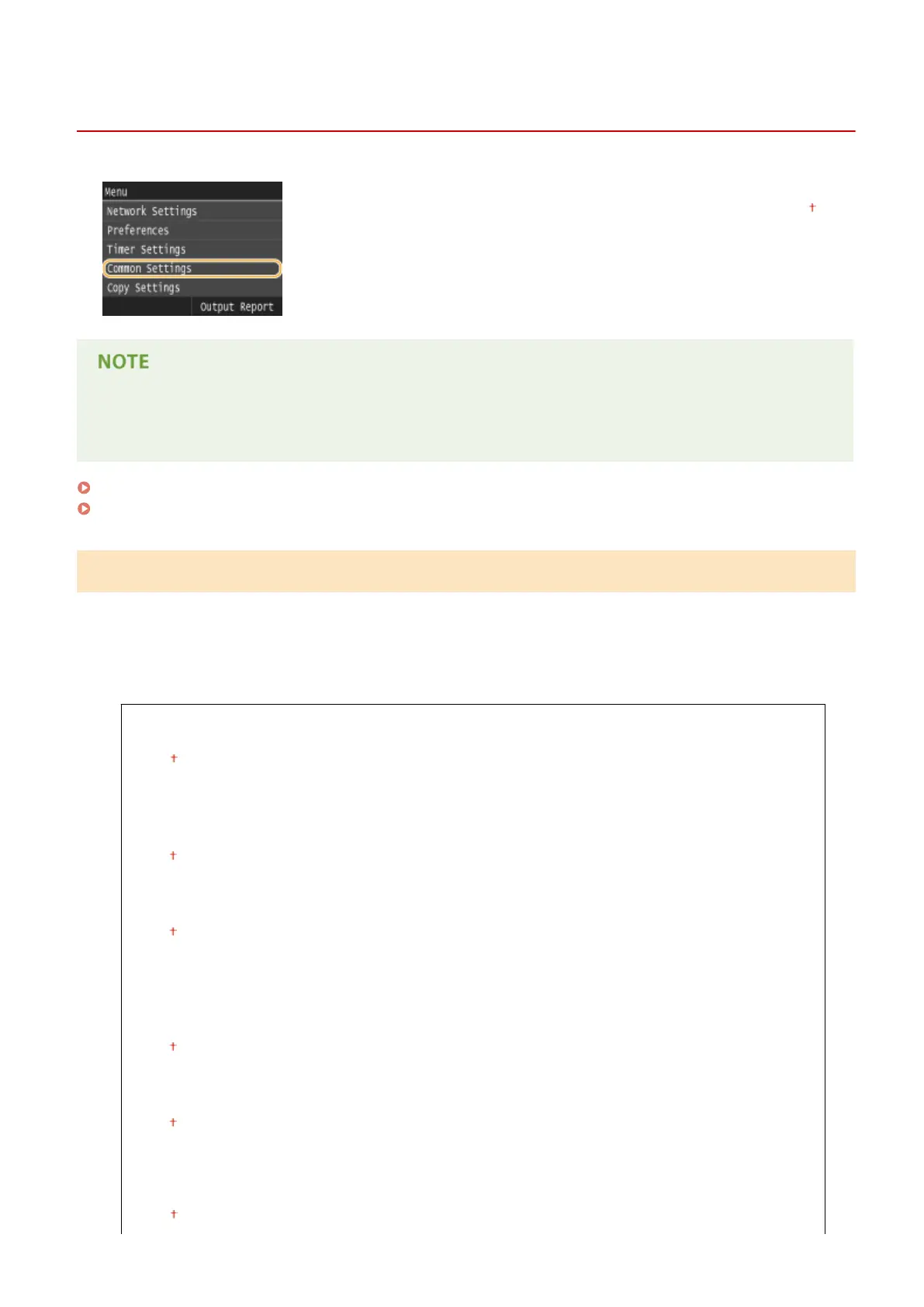
Common Settings
0UWX-0AJ
All the settings about the operation of the paper drawer and the paper feed method
are listed with short descriptions. Default settings are marked with a dagger ( ).
Asterisks (
*
)
● Settings marked with an asterisk (
*
) are only available when the optional paper feeder (drawer 2) is attached.
Drawer Auto Selection On/Off(P. 649)
Switch Paper Feed Method(P. 651)
Drawer Auto Selection On/Off
Enable or disable the automatic drawer selection feature for the paper sources. If automatic drawer selection is set to
<On> when printing documents, the machine automatically selects a paper source that is loaded with the appropriate
paper size. Also, when the paper runs out, this setting enables continuous printing by switching from one paper
source to another that is loaded with the same paper size. You can select a function, such as copy or print, to enable
this feature.
Copy
Multi-Purpose Tray
Off
On
Drawer 1
Off
On
Drawer 2
*
Off
On
Printer
Drawer 1
Off
On
Drawer 2
*
Off
On
Receive/Fax (MF419x / MF416dw) or Receive (MF418x / MF411dw)
Multi-Purpose Tray
Off
Setting Menu List
649











 To Next Page