2
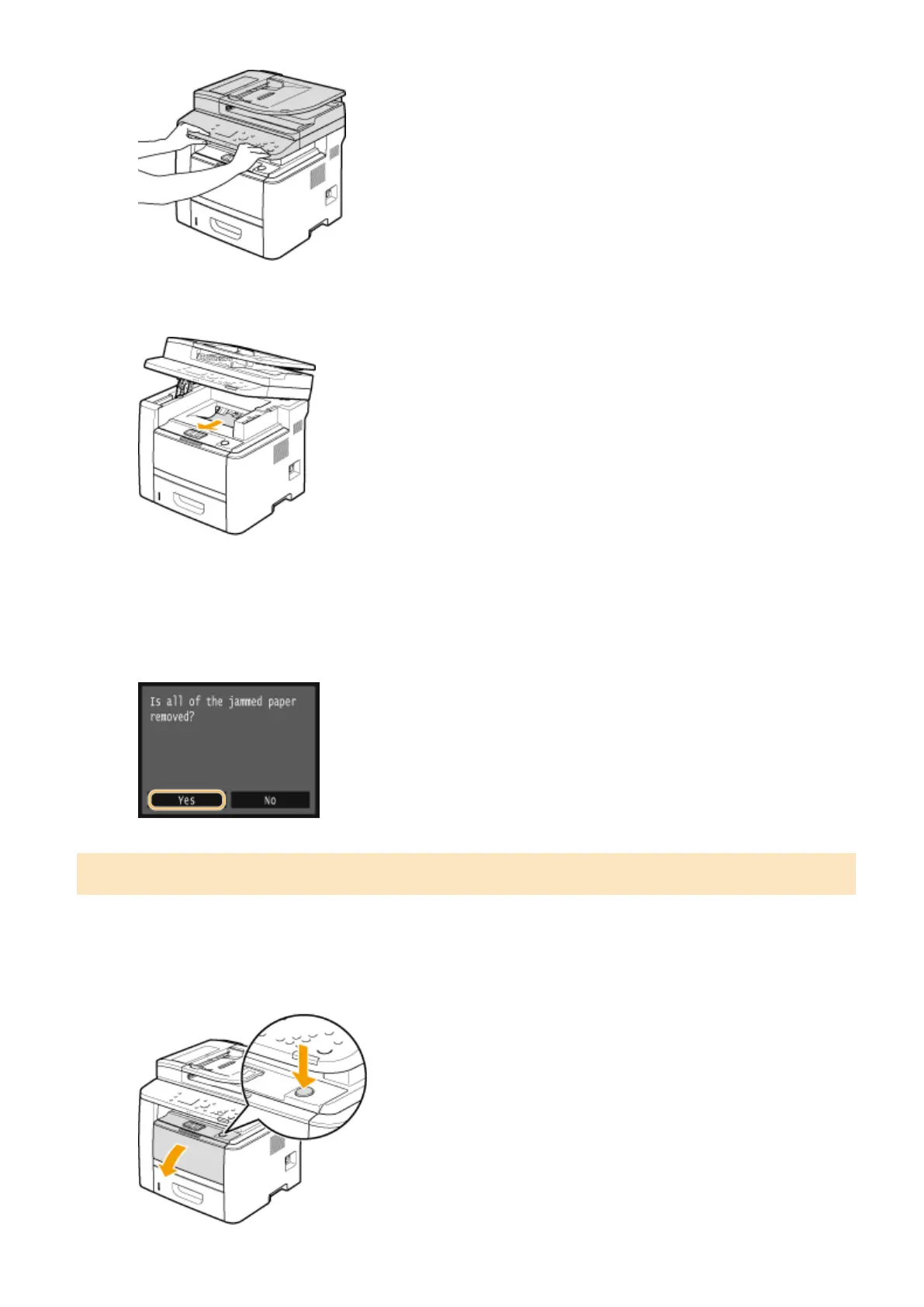
Gently pull out the paper.
3
Lower the operation panel.
4
When the following message is displayed, tap <Yes>.
Paper Jams inside the Machine
Do not forcibly remove jammed paper from the machine. If the jammed paper cannot be removed easily, proceed to
the next step.
1
Open the front cover while holding down on the button.
Troubleshooting
728











 To Next Page