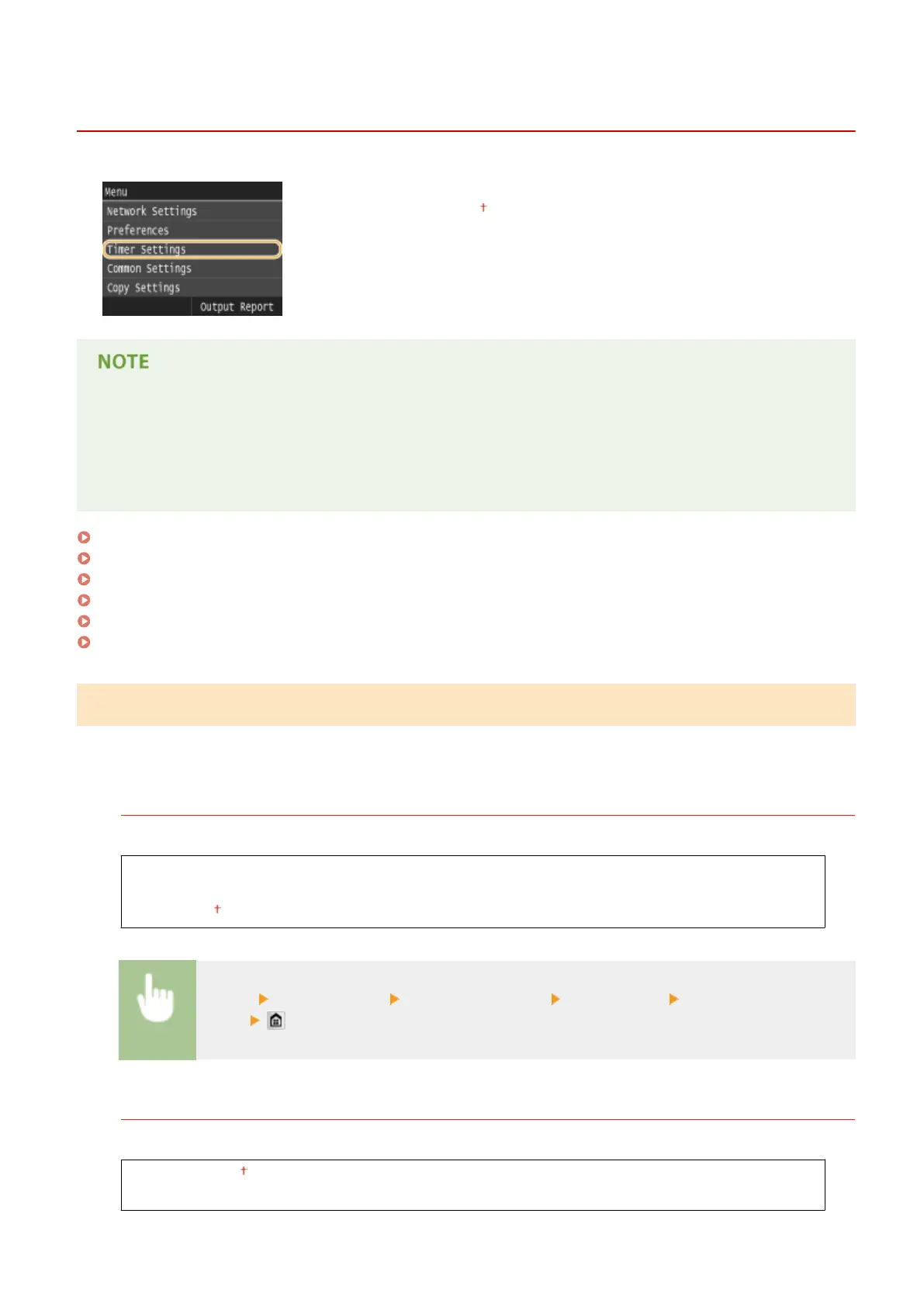
Timer Settings
0UWX-0AH
All the settings about the timer are listed with short descriptions. Default settings
are marked with a dagger ( ).
Asterisks (
*
)
● Settings marked with "
*1
" may be unavailable or have different defaults depending on your country or
region.
● Settings marked with "
*2
" cannot be imported or exported.
Date/Time Settings(P. 645)
Auto Reset Time(P. 647)
Function After Auto Reset(P. 647)
Auto Sleep Time(P. 648)
Auto Oine Time(P. 648)
Auto Shutdown Time(P. 648)
Date/Time Settings
Specify date and time settings, including the date format and the 12- or 24-hour clock display setting. The date and
time that are printed on each fax document, report, and list are determined by these settings.
Date Format
*1
Select the date format (order of year, month, and day).
YYYY MM/DD
MM/DD/YYYY
DD/MM YYYY
<Menu> <Timer Settings> <Date/Time Settings> <Date Format> Select the date
format
Time Format
Select the 12- or 24-hour clock display setting.
12 Hour (AM/PM)
24 Hour
Setting Menu List
645



 To Next Page