Other precautions
● Follow the instructions in the caution label attached to this machine.
● Avoid shaking or applying shock to this machine.
● Do not forcibly open and close doors, covers, and other parts. Doing so may result in damage to the
machine.
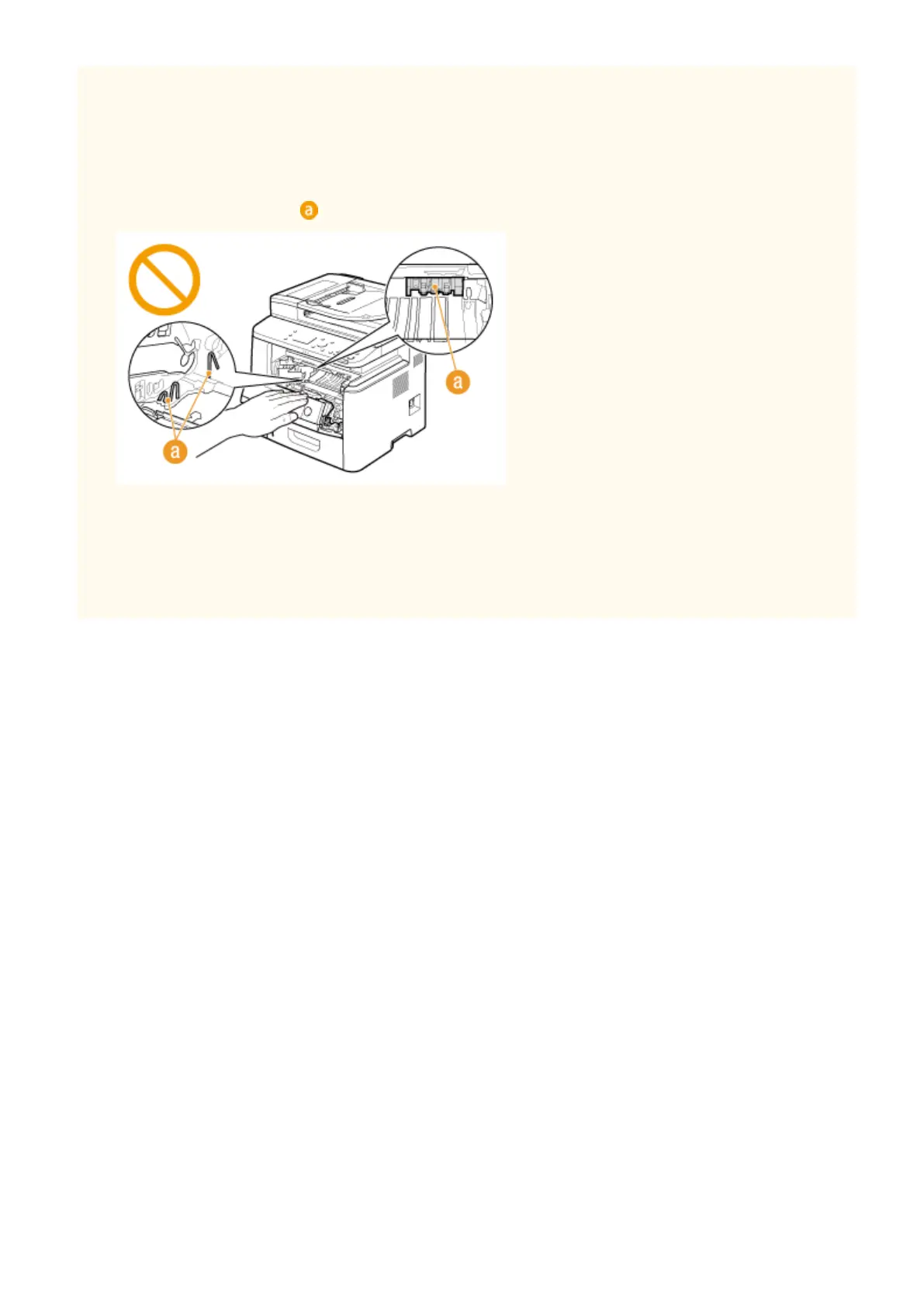
● Do not touch the contacts ( ) inside the machine. Doing so may result in damage to the machine.
● To prevent a paper jam, do not turn OFF the power, open/close the operation panel area or covers, and load/
unload the paper when printing.
● Use a telephone cable with a length of 3 m or less.
● The display is a touch panel. Press gently to operate. Avoid pressing with a mechanical pencil, ballpoint pen,
or other pointed object. Doing so may scratch or damage the touch panel's surface.
Important Safety Instructions
8











 To Next Page