Maintenance
0UWX-0CF
This chapter describes upkeep of the machine, including how to clean the machine and initialize settings.
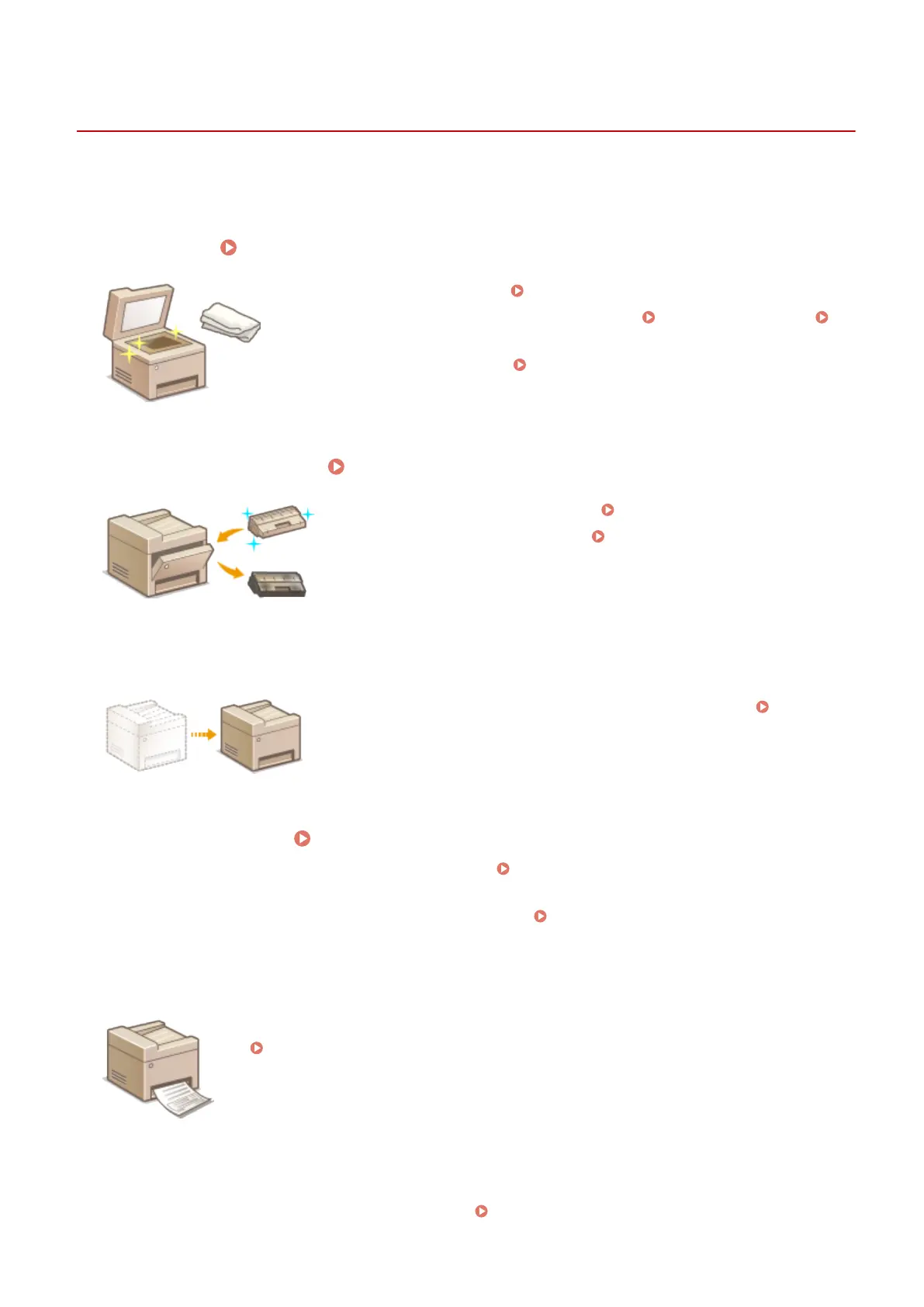
◼ Basic Cleaning
Cleaning the Machine(P. 785)
● The machine becomes dirty, see Exterior(P. 786) .
● Smudge marks appear on originals or printouts, see Platen Glass(P. 787) or
Feeder(P. 789) .
● Streaks appear on printouts, see Fixing Unit(P. 791) .
◼ Replacing Toner Cartridges Replacing Toner Cartridges(P. 793)
● If you want to use all of the toner, see Using Up Toner(P. 796) .
● How to replace toner cartridges, see How to Replace Toner
Cartridges(P. 798) .
◼
Relocating the Machine
● Relocating the machine for maintenance or an oce move, see Relocating
the Machine(P. 801) .
◼
Managing Print Quality Maintaining and Improving Print Quality(P. 803)
● If you want to adjust the gradation for copy jobs, see Adjusting the Gradation and Density for Copy
Jobs(P. 804) .
● If you wan t to adjust the toner density to be used for printing, see Adjusting Print Density(P. 806) .
◼ Printing Reports and Lists
● Print out reports describing transmission results, or a list of Address Book information, see
Printing Reports and Lists(P. 808) .
◼ Checking the Total Pages Printed by the Machine
If you want to check the total page number of printouts, see Viewing the Counter Value(P. 823) .
Maintenance
783











 To Next Page