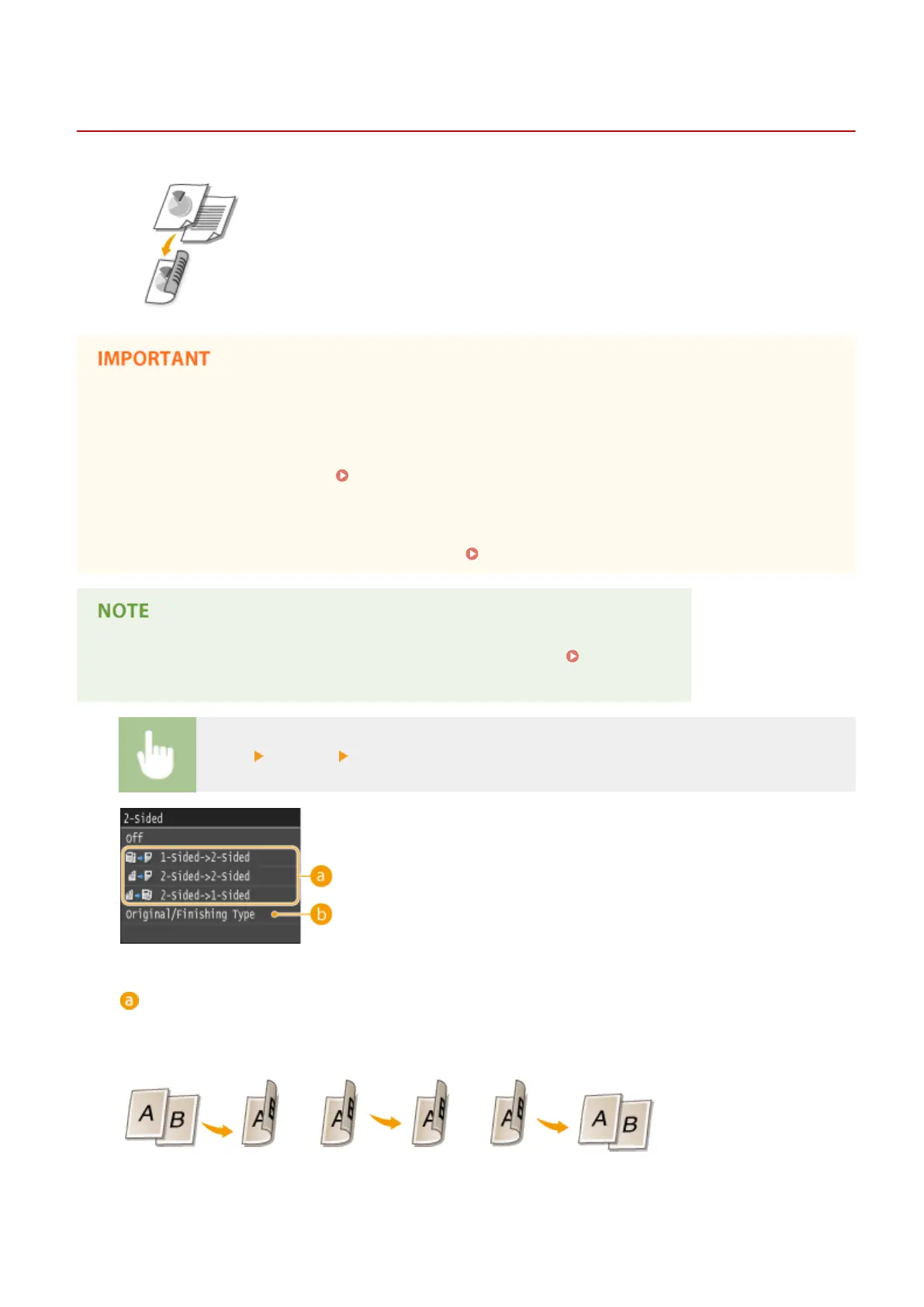
2-Sided Copying
0UWX-020
You can copy two pages of a document on both sides of the paper. You can also copy
a two-sided document on both sides of the paper, or on two separate pages.
Make sure that the paper size switch lever is set properly
● When performing 2-sided copying, improper setting of the paper size switch lever can cause misfeeds or
paper jams. When performing 2-sided copying, make sure that the paper size switch lever is set properly for
the size of the paper to be used. Interior(P. 22)
Make sure that the sub-output tray is closed
● When the sub-output tray is open, you cannot perform 2-sided copying. When performing 2-sided copying,
always make sure that the sub-output tray is closed. Back Side(P. 20)
● <2-Sided> may not be available with some sizes and types of paper. Paper(P. 858)
● <2-Sided> is not available when using <ID Card Copy>.
<Copy> <2-Sided> Select the type of 2-sided copying
Types of 2-sided copying
The illustration below shows the types of 2-sided copying.
1-Sided->2-Sided 2-Sided->2-Sided 2-Sided->1-Sided
Copying
122



 To Next Page