User Data List/System Manager Data List
0UWX-0E9
You can check the list of the settings ( Setting Menu List(P. 629) ) as well as the content that has been registered in
the machine by printing a User Data List or a System Manager Data List. Both lists include the paper size and type
registered in the machine, the print settings of <TX Result Report>, <Communication Management Report>, and <RX
Result Report>.
<Menu> <Output Report> <Print List> <User Data List> or <System Manager Data
List> Check that the size and type of paper displayed on the screen is loaded in the
machine <Yes>
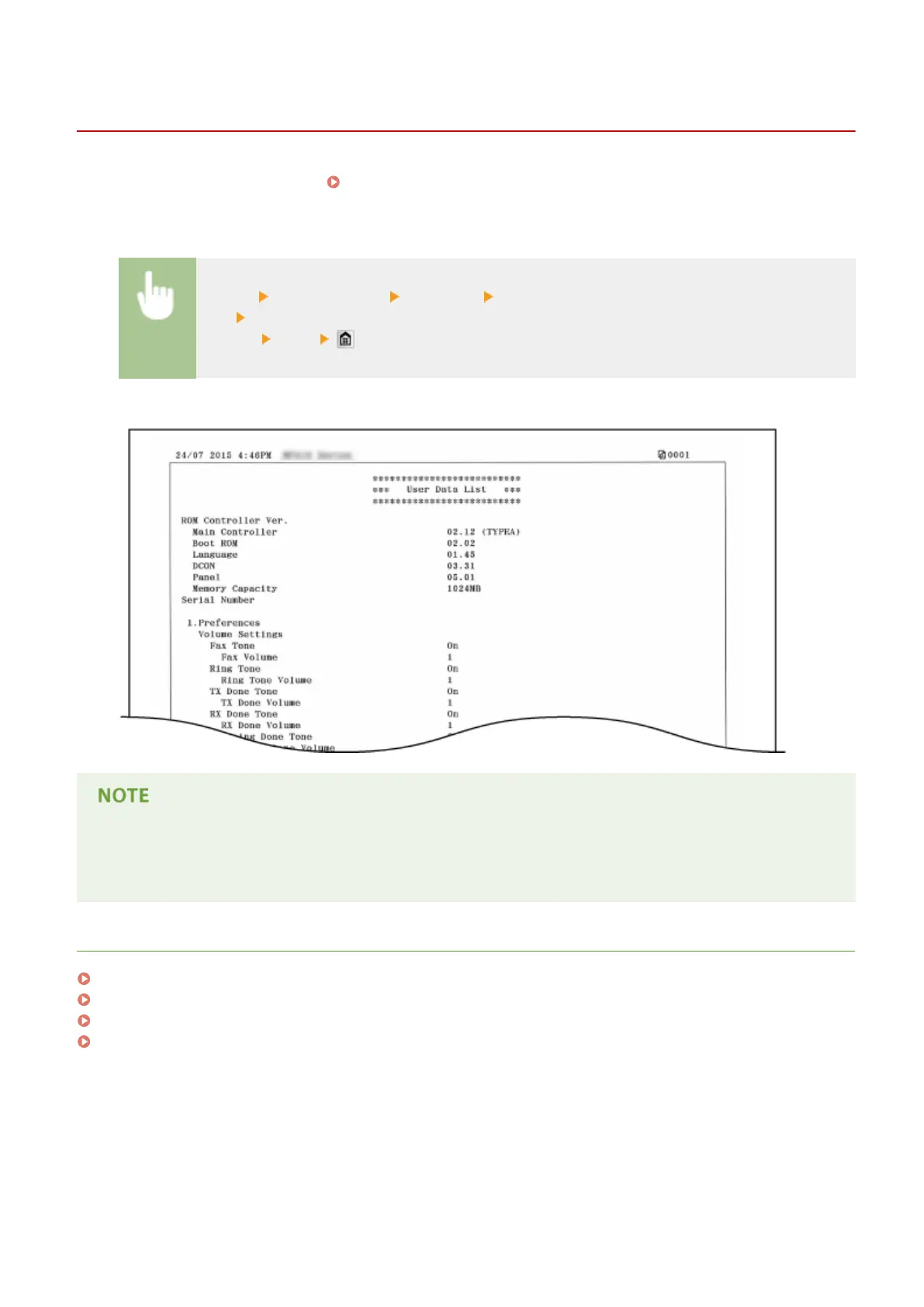
Example:
● The <User Data List> does not include the setting lists of <Network Settings> and <System Management
Settings>, and part of the setting list of <Fax Settings>. To check all the settings items, including <Network
Settings> and <System Management Settings>, print the <System Manager Data List>.
LINKS
TX Result Report(P. 809)
Communication Management Report(P. 812)
RX Result Report(P. 814)
Loading Paper(P. 51)
Maintenance
818











 To Next Page