Storing Received Faxes into Memory (Memory
Reception)
0UWX-039
You can store received faxes into memory, and then print them later. This feature
can prevent unauthorized persons from seeing condential documents
unintentionally.
Storing Documents into Memory(P. 188)
Printing Documents in Memory(P. 189)
Checking/Deleting Documents in Memory(P. 189)
● The documents in memory can be also forwarded to a destination. Selecting a Document to
Forward(P. 192)
Storing Documents into Memory
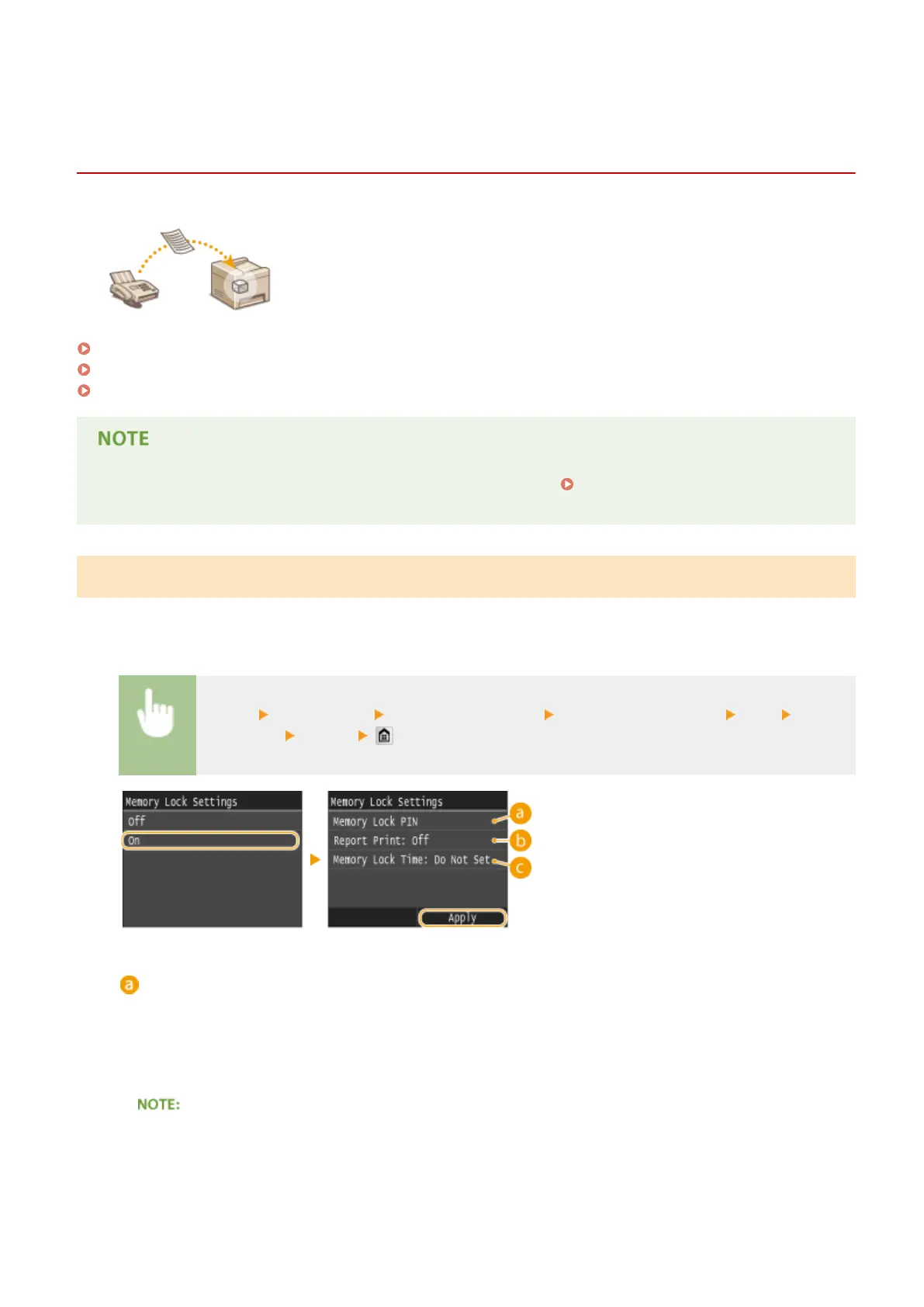
To store received documents into memory, set <Memory Lock Settings> to <On>. You can also specify optional settings
such as a security setting that makes a password necessary to unlock the feature and a time setting that species a
period of time during the day in which received documents are stored in memory.
<Menu> <Fax Settings> <RX Function Settings> <Memory Lock Settings> <On> Specify
each setting <Apply>
<Memory Lock PIN>
Enables you to register a password of up to seven digits. To register a password, use the numeric keys to
enter a password, and tap <Apply>. Enter the same numbers again for conrmation, and tap <Apply>. This
password is necessary when you change the memory reception settings or when you deactivate the Memory
Reception feature to print all the stored documents. If you do not want to register a password, just tap
<Apply> without entering anything.
● Passwords with only zeros, as in "00" or "0000000", are not allowed.
Faxing
188











 To Next Page