● To specify from the Address Book, see Specifying from Address Book(P. 154) .
● To use coded dial numbers, see Selecting Destinations Directly by Entering Coded Dial
Numbers(P. 156) .
● To specify from an LDAP server, see Specifying Destinations in an LDAP Server(P. 162) .
5
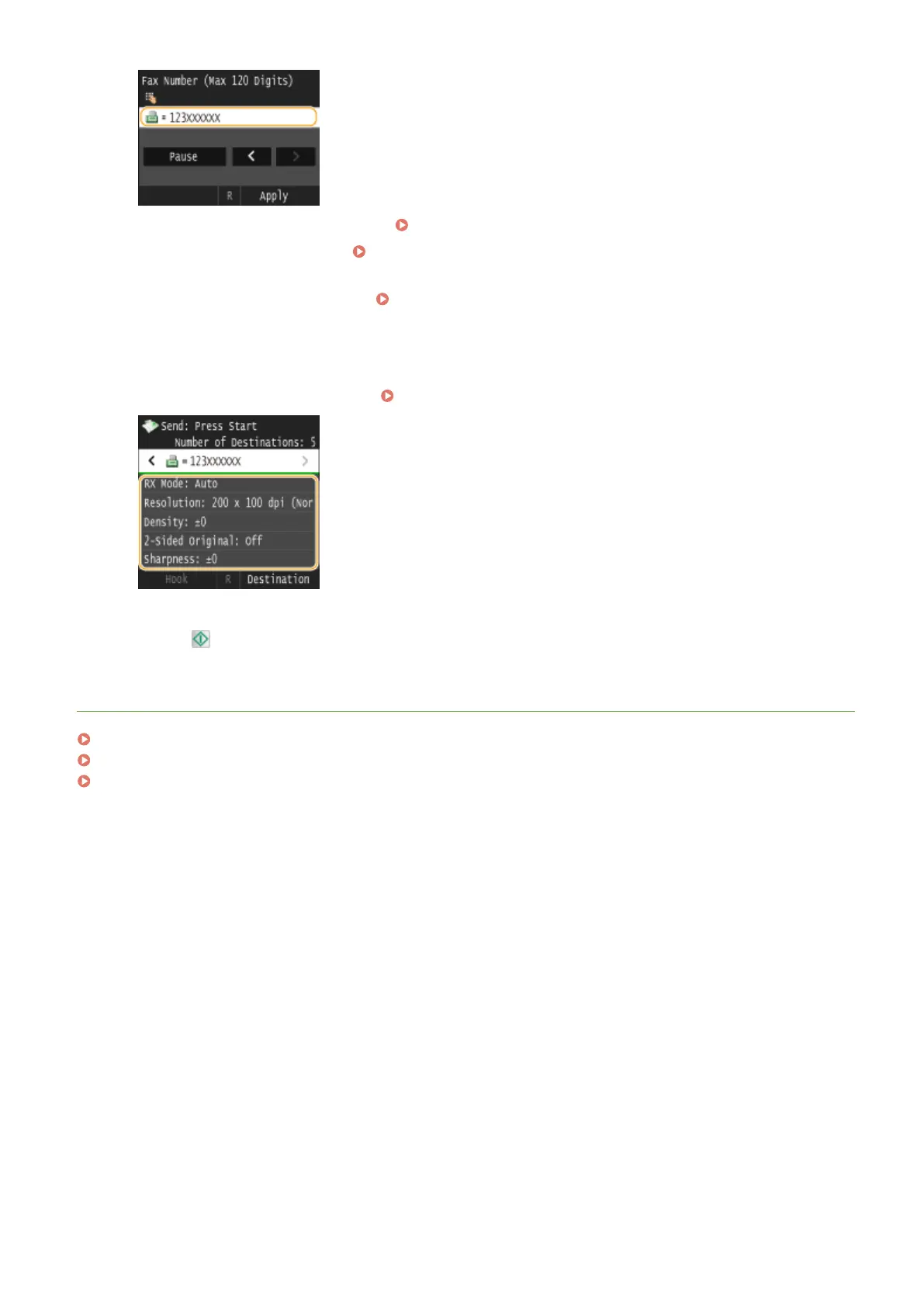
Specify the scanning settings as necessary.
● Tap the settings you want to specify. Various Fax Settings(P. 166)
6
Press to start sending.
LINKS
Sending Faxes (MF419x / MF416dw)(P. 149)
Canceling Sending Documents (Fax/I-Fax)(P. 177)
Checking Status and Log for Sent and Received Documents(P. 201)
Faxing
187











 To Next Page