Registering LDAP Servers
0UWX-08F
If an LDAP server is implemented in the network, you can search the server for fax
numbers or e-mail addresses, and then specify them as destinations or register
them in the Address Book. Note also that if send function authentication ( LDAP
Server Authentication(P. 536) ) is enabled, you must register the server used for
authentication. You can register a maximum of ve LDAP servers each for searching
and for authentication to the machine. Register LDAP servers via the Remote UI.
● LDAP servers that are supported by the machine are Windows Server 2003/Server 2008/Server 2012 Active
Directory.
● The machine communicates with LDAP servers using LDAPv3.
● UTF-8 is the supported character encoding used when the text data is transmitted between the machine and
an LDAP server.
1
Start the Remote UI and log on in System Manager Mode. Starting Remote
UI(P. 606)
2
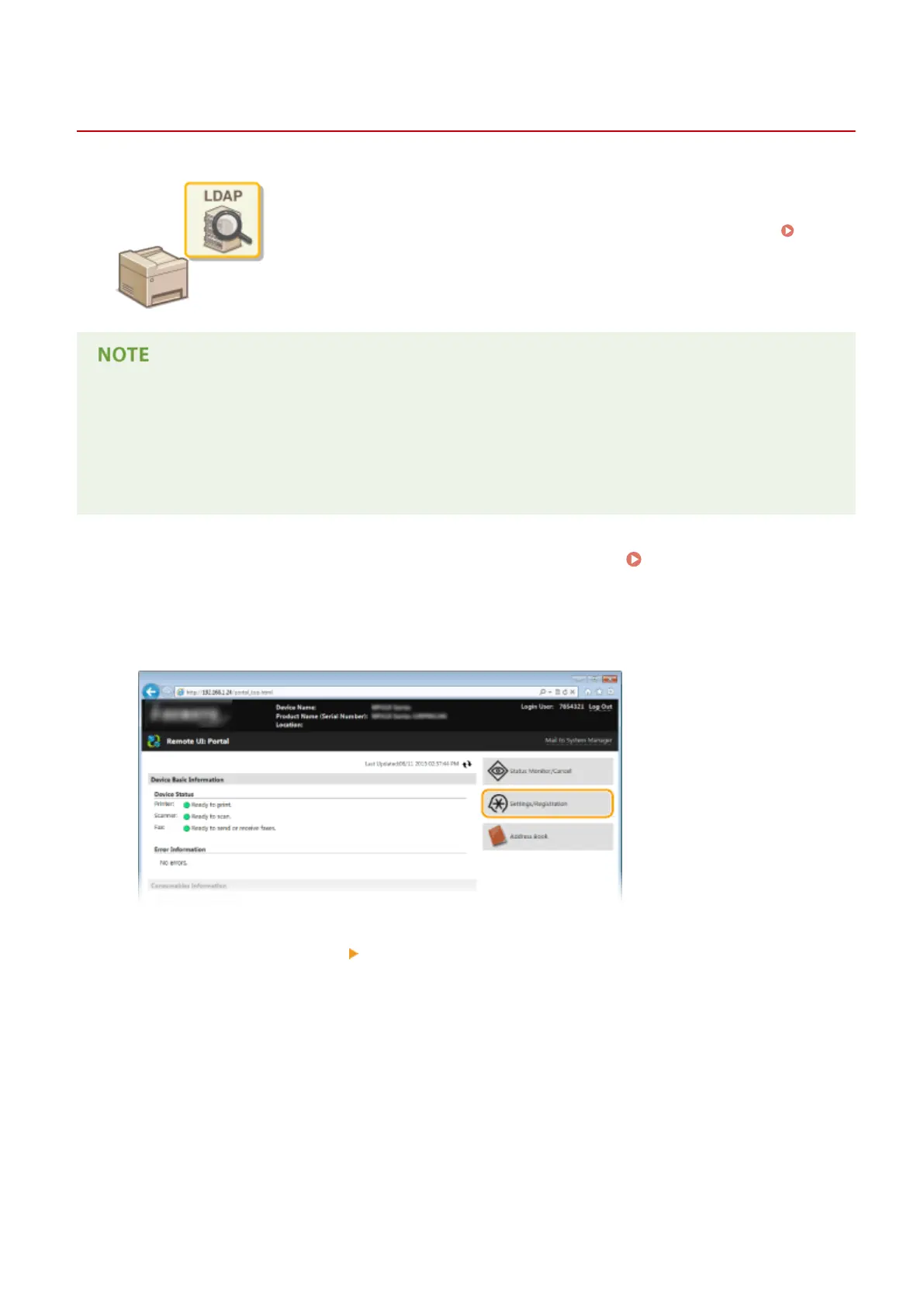
Click [Settings/Registration].
3
Click [Network Settings] [LDAP Server Settings].
Network
499











 To Next Page