Conguring FTP PASV mode
0UWX-086
PASV is an FTP communication mode used for le transfer. To connect to an FTP
server through a rewall, you must use PASV mode. First check that the PASV mode
is set on the FTP server.
● Whether PASV mode is used for FTP depends on your network environment and the settings on the FTP
server to which data is being sent. For more information, contact your Network Administrator.
1
Start the Remote UI and log on in System Manager Mode. Starting Remote
UI(P. 606)
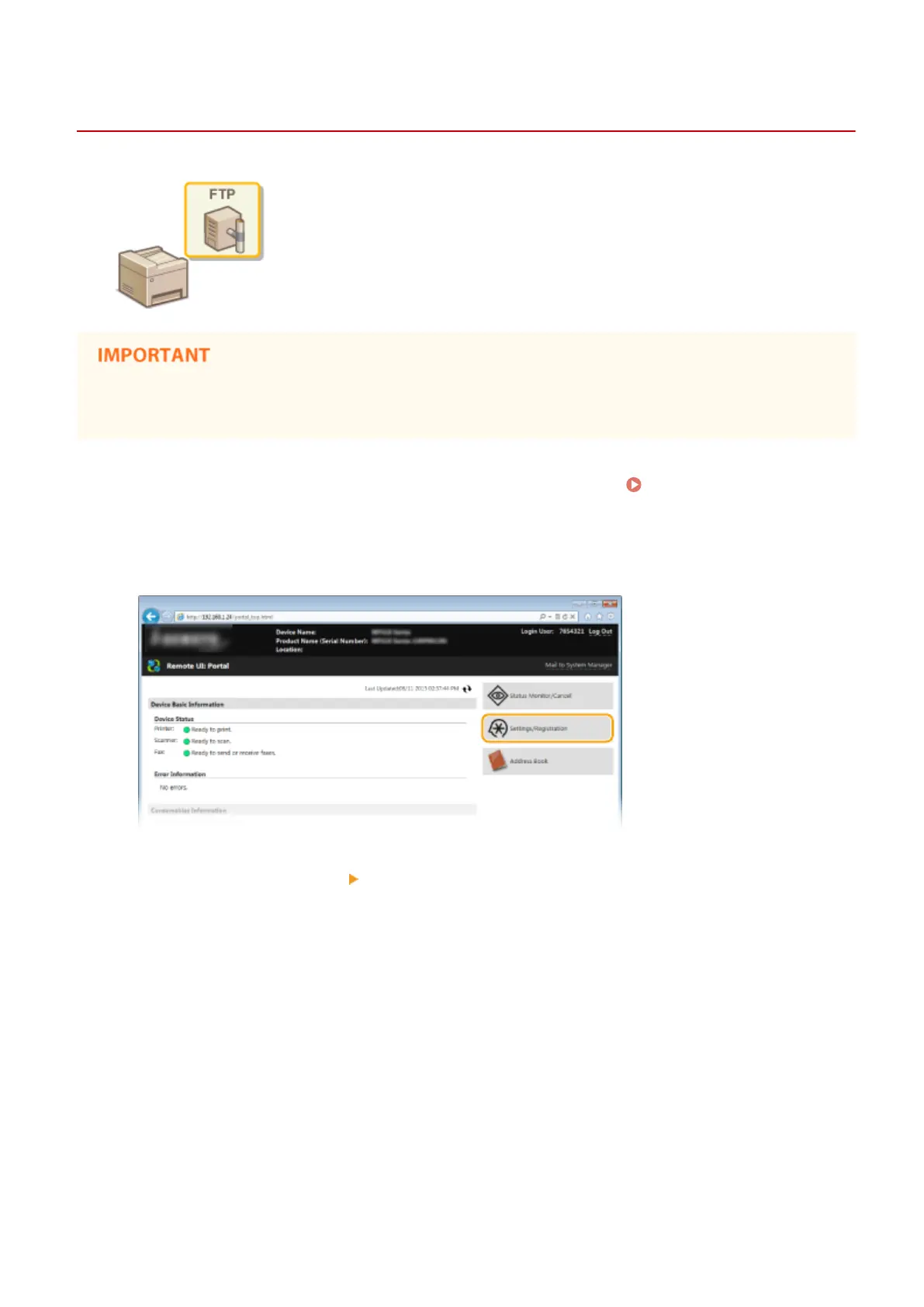
2
Click [Settings/Registration].
3
Click [Network Settings] [TCP/IP Settings].
Network
481











 To Next Page