Setting Color Mode
0UWX-0H5
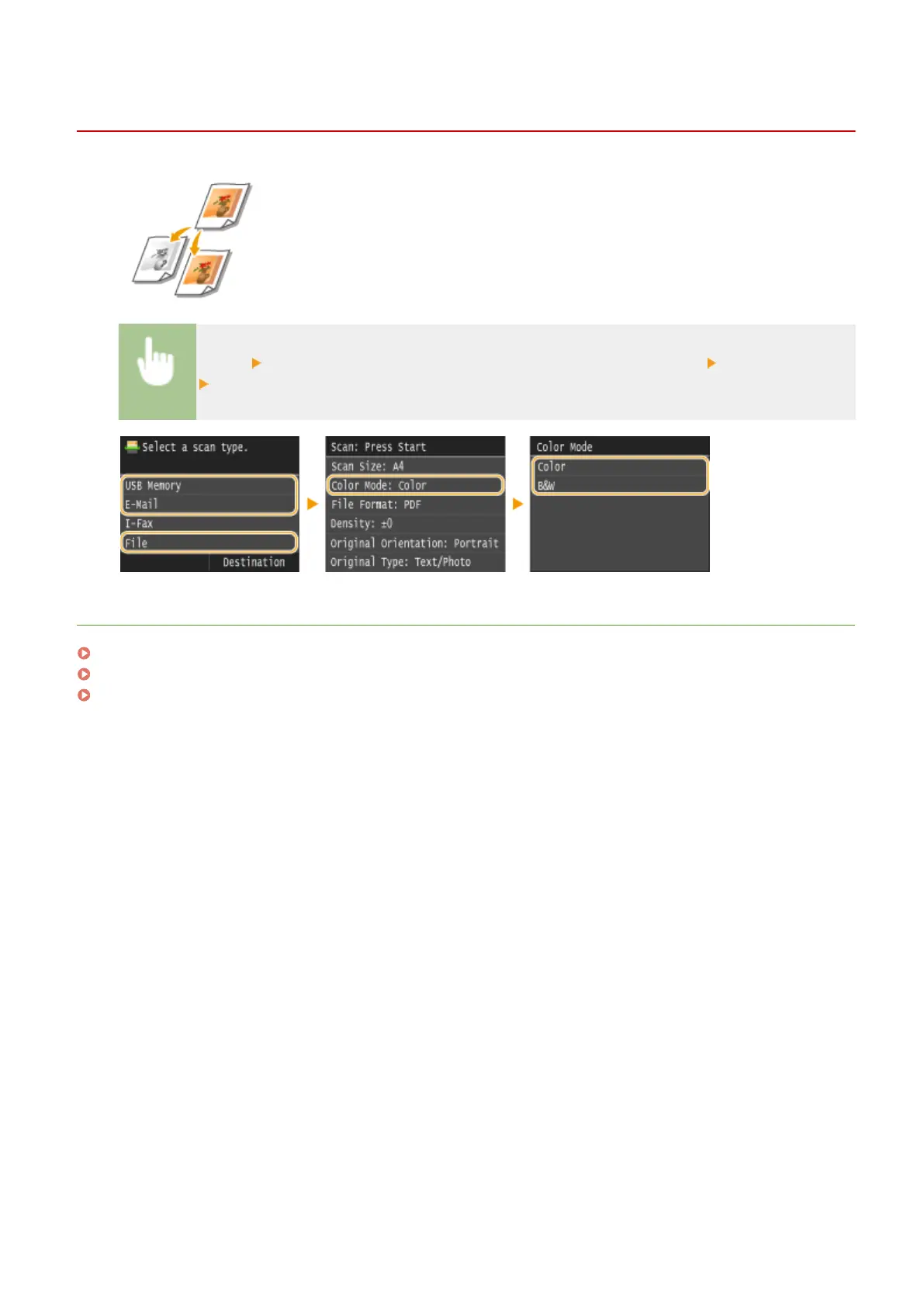
You can specify whether to scan documents in color or black and white.
<Scan> Select <USB Memory> or specify a destination with <E-Mail>/<File> <Color Mode>
Select the color mode
LINKS
Scanning Documents Directly to USB Memory(P. 332)
Sending Documents as E-Mails Directly from the Machine(P. 335)
Saving Documents Directly in Shared Folder/FTP Server(P. 342)
Using the Machine as a Scanner
350











 To Next Page