Loading Paper in the Multi-Purpose Tray
0UWX-00X
When you want to print on paper that is not loaded in the paper drawer, load the paper in the multi-purpose tray.
Load the paper that you usually use in the paper drawer. Loading Paper in the Paper Drawer(P. 53)
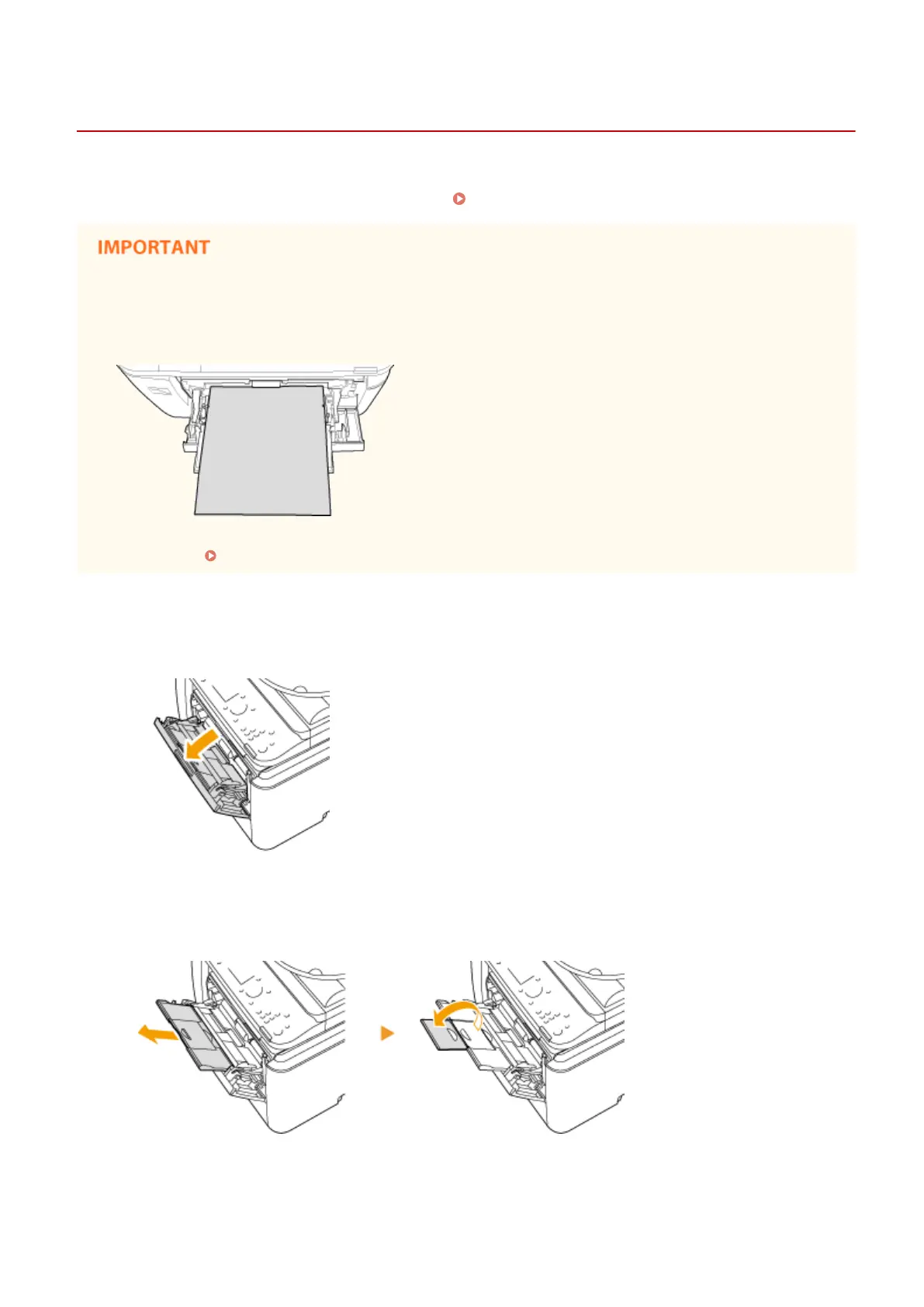
Make sure to load paper in portrait orientation
*
● Paper cannot be loaded in landscape orientation. Make sure to load the paper in portrait orientation, as
shown in the illustrations below.
*
Custom size paper can only be loaded in landscape orientation. For custom size paper that can be loaded in the multi-
purpose tray, see Paper(P. 858) .
1
Open the cover.
● Hold the top center of the cover to open it.
2
Pull out the paper tray and the tray extension.
● Pull out the tray extension when loading large paper.
3
Spread the paper guides apart.
● Slide the paper guides outward.
Basic Operations
58











 To Next Page