Checking the Printing Status and Log
0UWX-046
You can check the current print statuses and the logs for printed documents.
● When <Display Job Log> is set to <Off>, you cannot check the print job log. Display Job Log(P. 713)
Useful in the Following Cases
● When your documents are not printed for a long time, you may want to see the waiting list of the
documents waiting to be printed.
● When you cannot nd your printouts that you thought had been printed, you may want to see whether an
error has occurred.
1
Press .
2
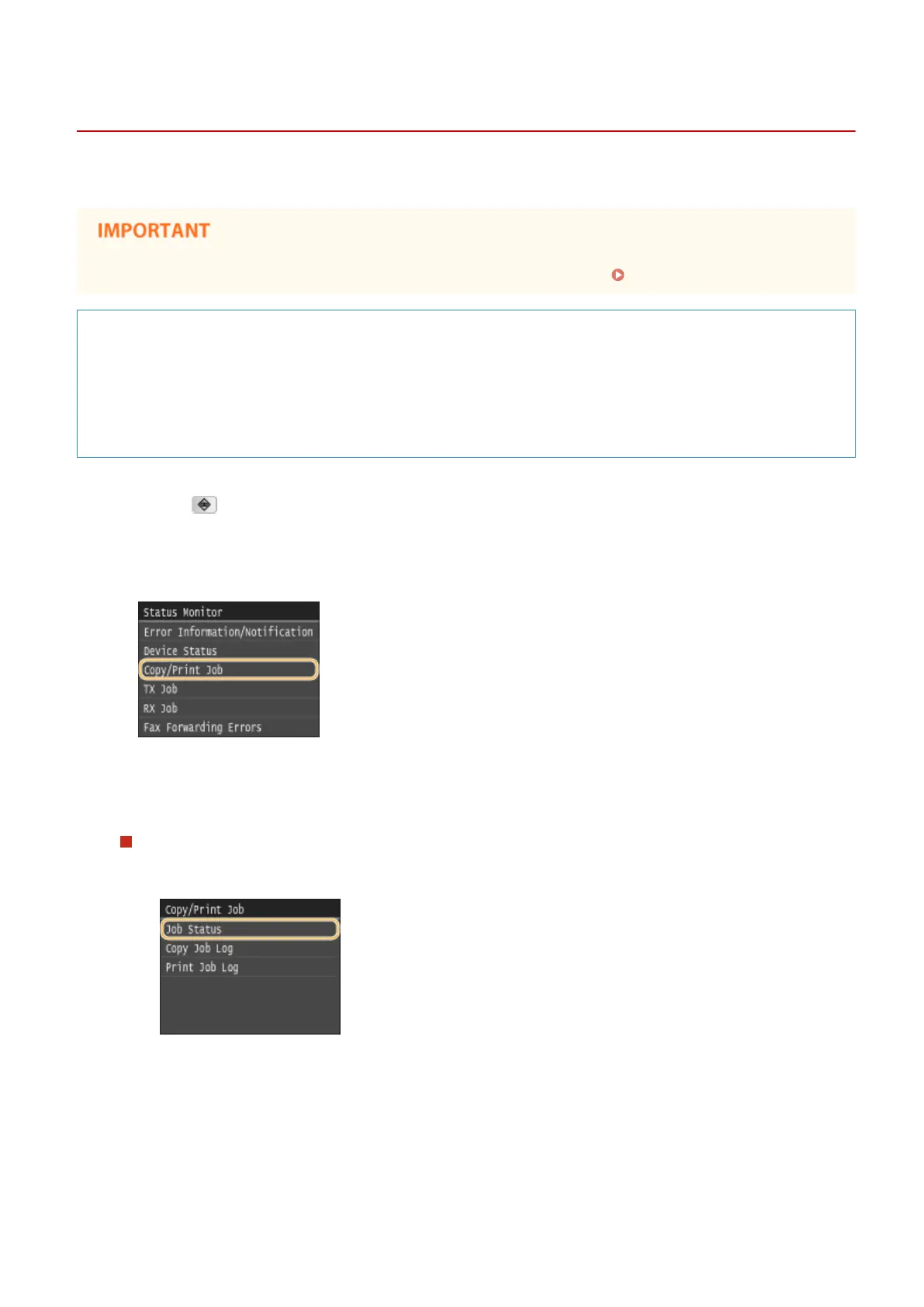
Tap <Copy/Print Job>.
3
Check the print statuses and logs.
To check the print statuses
1
Tap <Job Status>.
2
Select the document whose status you want to check.
Using the Machine as a Printer
244











 To Next Page