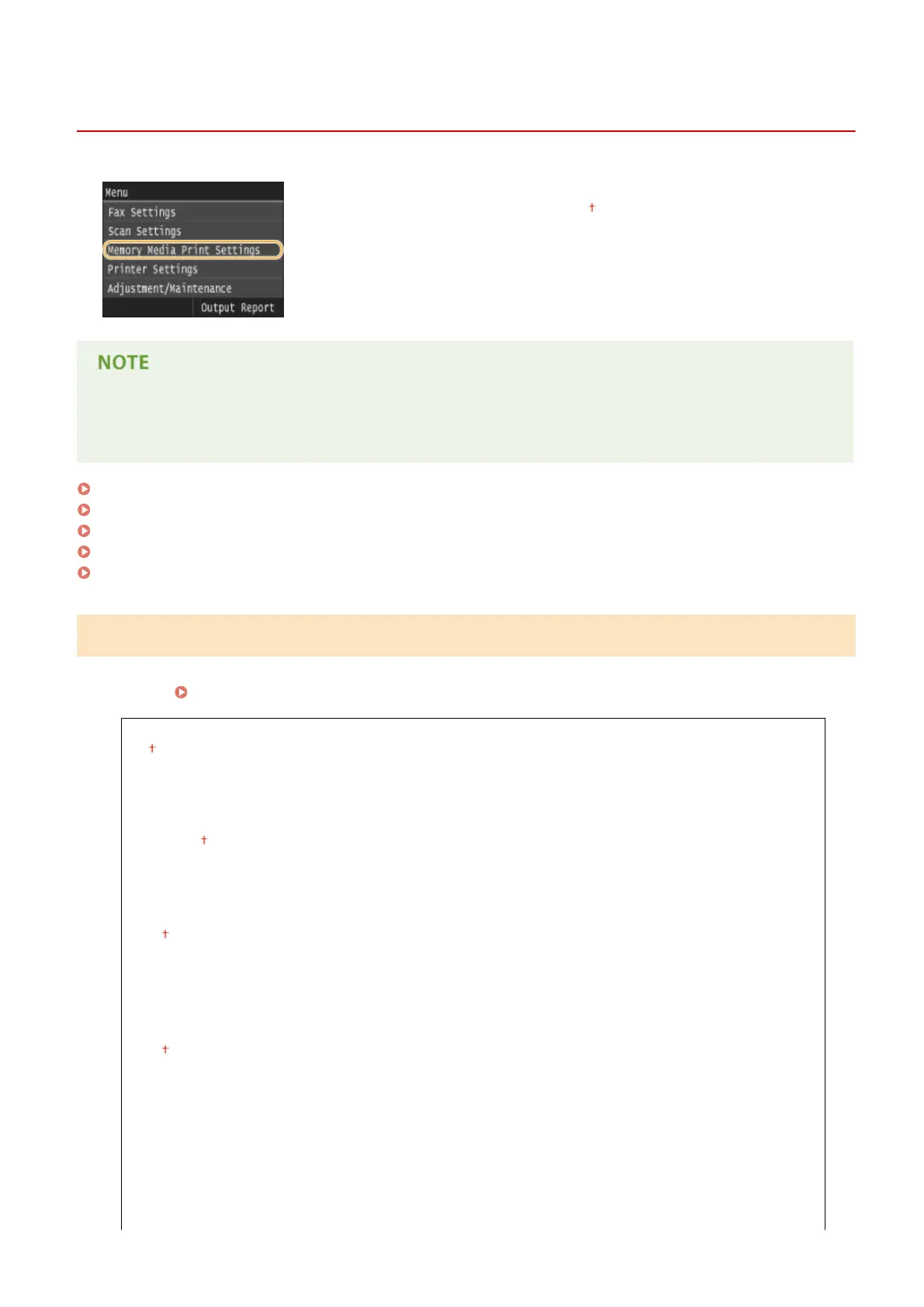
Memory Media Print Settings
0UWX-0AS
All the settings are about the memory media print listed with short descriptions.
Default settings are marked with a dagger ( ).
Asterisks (
*
)
● Settings marked with an asterisk (
*
) are only available when the optional paper feeder (drawer 2) is attached.
Change Default Settings(P. 674)
Default Display Settings(P. 676)
File Sort Default Settings(P. 676)
File Name Display Format(P. 676)
Initialize Default Settings(P. 677)
Change Default Settings
Specify the memory media print settings. The selected settings are used as the default settings of the memory media
print function.
Changing Default Memory Media Print Settings(P. 302)
Number of Copies
1
to 99
Paper
Multi-Purpose Tray
Drawer 1
Drawer 2
*
N on 1
Off
2 on 1
4 on 1
2-Sided
Off
Book Type
Calendar Type
Print Quality
Density
17 Levels
Density (Fine Adjust)
Setting Menu List
674











 To Next Page