Deciding Which Fax Receive Mode to Use
0UWX-02A
Before conguring the fax settings, determine which receive mode best suits your intended use.
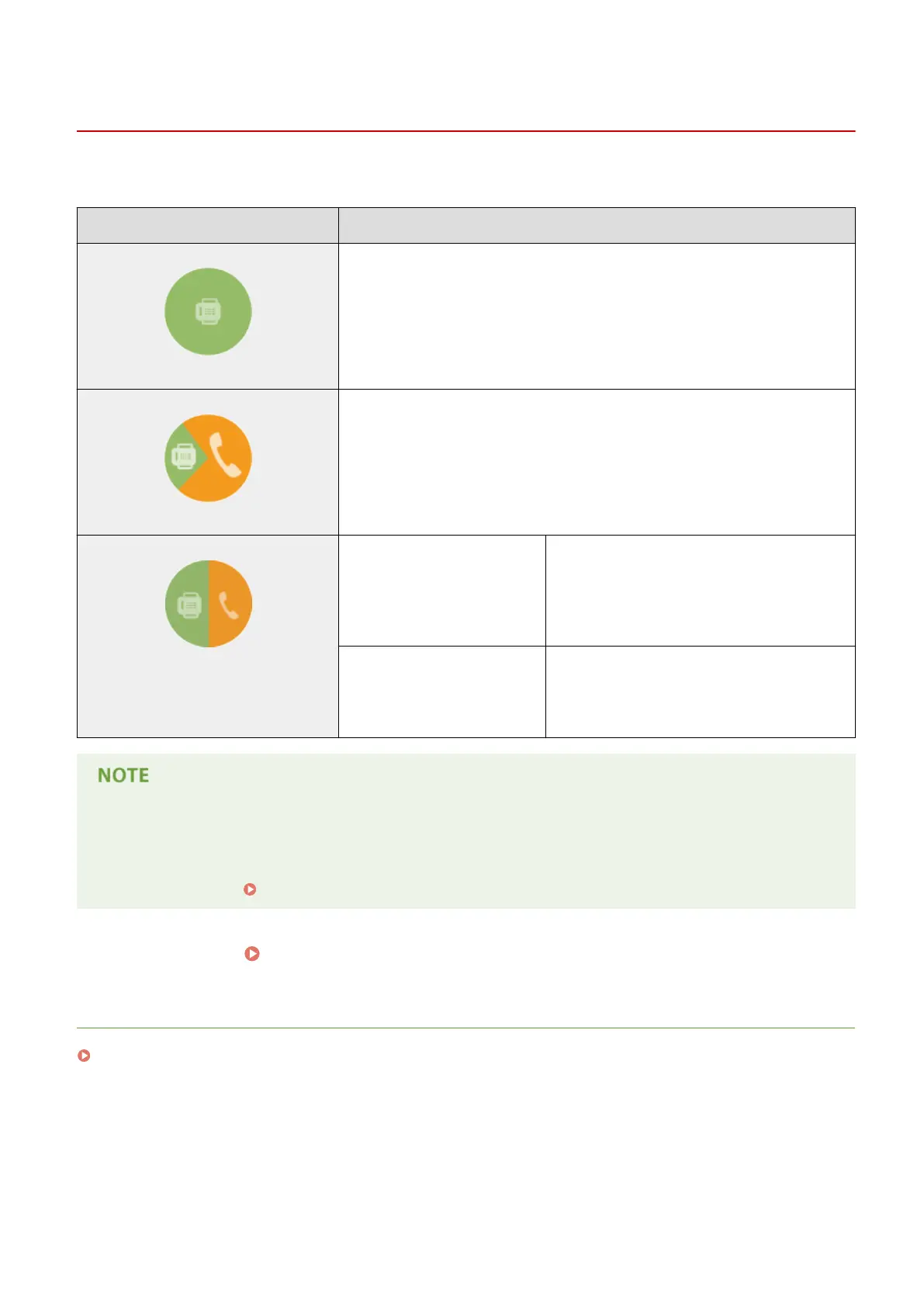
Intended use Receive mode
Use fax only/Never use telephone <Auto>
This setting is for when you want to use the machine exclusively for receiving faxes,
and you do not want to use the telephone or optional handset.
Mostly use telephone/Almost never use fax <Manual>
Connect your telephone or optional handset to the machine. This setting is for when
you mostly want to use the telephone. You can receive incoming faxes manually.
Use both fax and telephone Use answering machine <Answering Machine>
Connect your answering machine. Callers can
record a message if they call while you are away
from the telephone. The machine automatically
receives incoming faxes.
Use standard telephone or
optional handset
<Fax/Tel Auto Switch>
Connect your telephone or optional handset. The
machine automatically receives incoming faxes,
and the telephone rings for incoming calls.
● Depending on the type of telephone connected to it, the machine may not be able to send or receive faxes
properly.
● You may be able to manually set a receive mode other than those described above, depending on your
country or region.
Receiving Faxes (MF419x / MF416dw)(P. 179)
»
Continue to Registering the Fax Number and Unit Name(P. 142)
LINKS
Receiving Faxes (MF419x / MF416dw)(P. 179)
Faxing
141











 To Next Page