Limiting Available Destinations
0UWX-099
By limiting fax numbers that can be specied when sending documents to those
already registered in the Address Book, those previously used, or those searchable
from the LDAP servers, you can reduce the possibility of specifying incorrect
destinations and prevent users from leaking information. When this function is
enabled, the machine prohibits users from entering destinations using the numeric
keys, adding new entries to the Address Book, and editing the existing Address Book
entries.
1
Tap <Menu> in the Home screen.
2
Tap <System Management Settings>.
● If the logon screen appears, enter the correct ID and PIN using the numeric keys, and then press .
Logging on to the Machine(P. 44)
3
Select <Restrict TX Function> <Restrict New Destinations>.
4
Tap <On>.
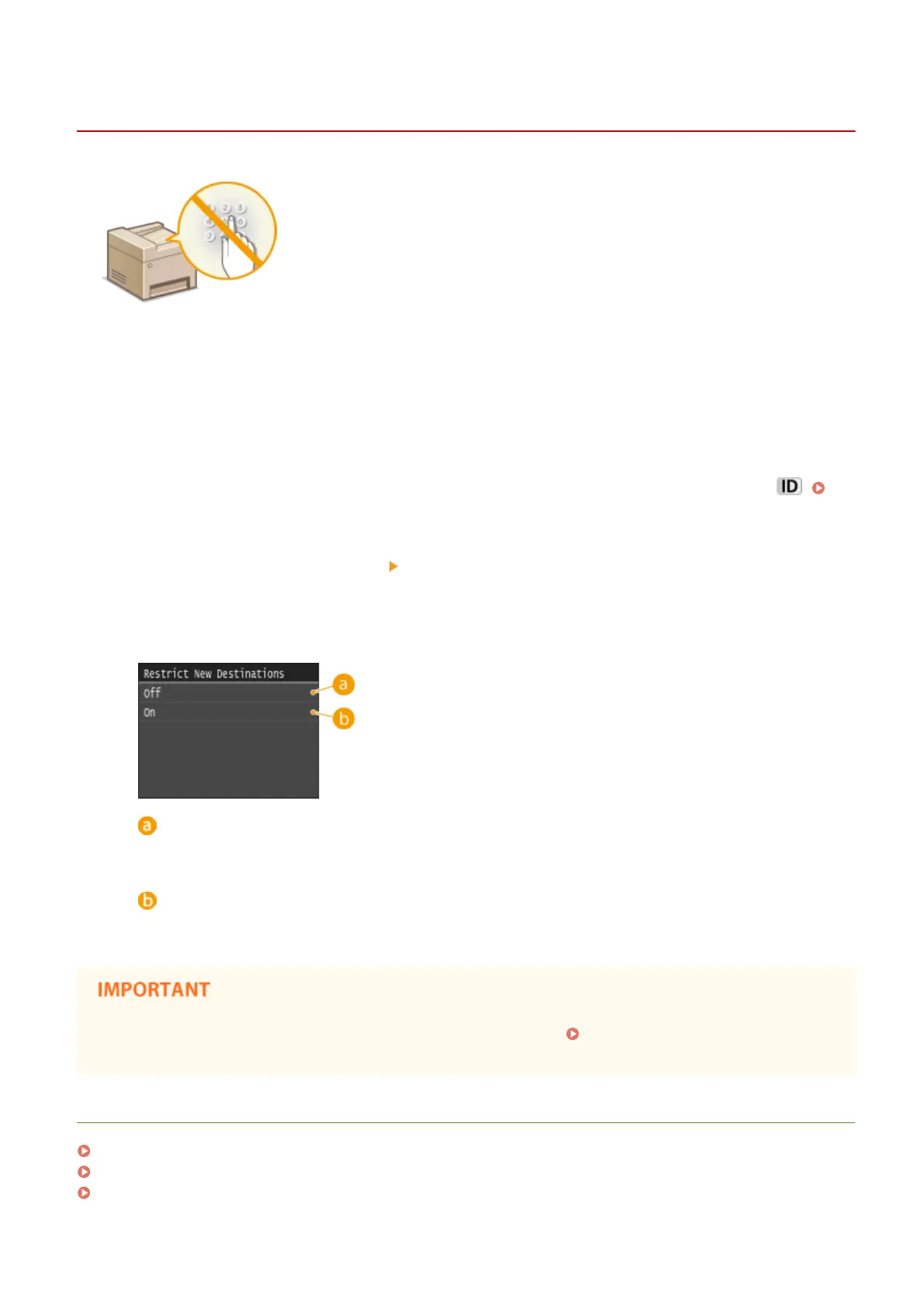
<Off>
Cancels the restriction on new destinations. Fax numbers and e-mail addresses can be specied by using
any method.
<On>
Restricts input so that the only addresses that can be specied are those registered in the Address Book,
those previously used, or those that can be found on the LDAP server.
● This function does not limit the available destinations for PC faxing. Prohibiting PC Faxing (MF419x /
MF416dw)(P. 559)
LINKS
Setting a PIN for Address Book(P. 556)
Disabling Use of Previously Used Destinations(P. 560)
Prohibiting Sequential Broadcasting (MF419x / MF416dw)(P. 563)
Security
558











 To Next Page