Selecting a Document to Forward
0UWX-03C
The machine forwards the document that you select from among all the documents received in memory. To use this
feature, rst activate the Memory Reception feature. Storing Received Faxes into Memory (Memory Reception)
(P. 188)
● As long as the Memory Reception feature is not deactivated, the documents in memory are not deleted even
after they are forwarded; the same documents can be forwarded multiple times.
1
Press .
2
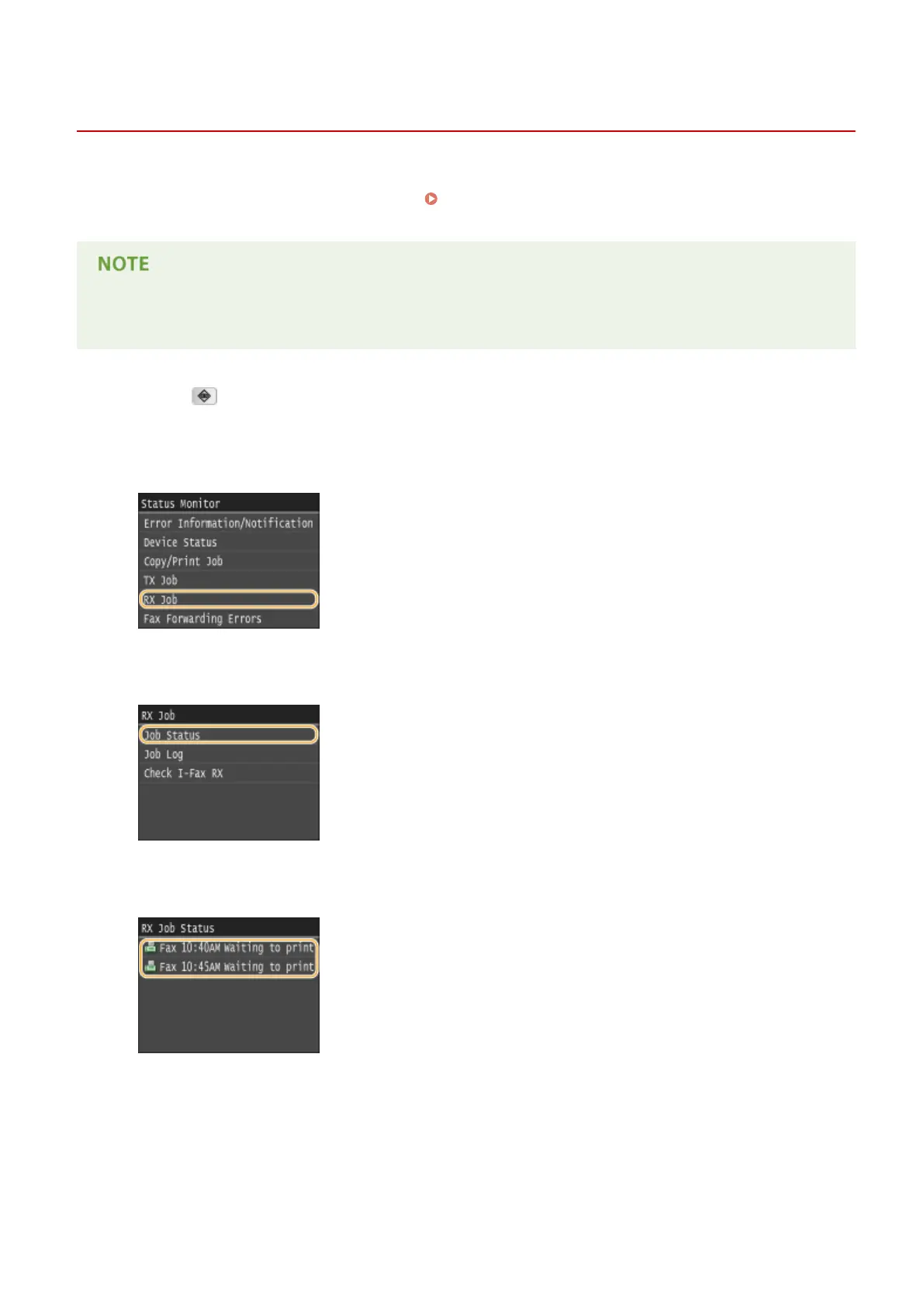
Tap <RX Job>.
3
Tap <Job Status>.
4
Select the document you want to forward.
5
Tap <Forward>.
Faxing
192











 To Next Page