Department ID Management Report
0UWX-0E7
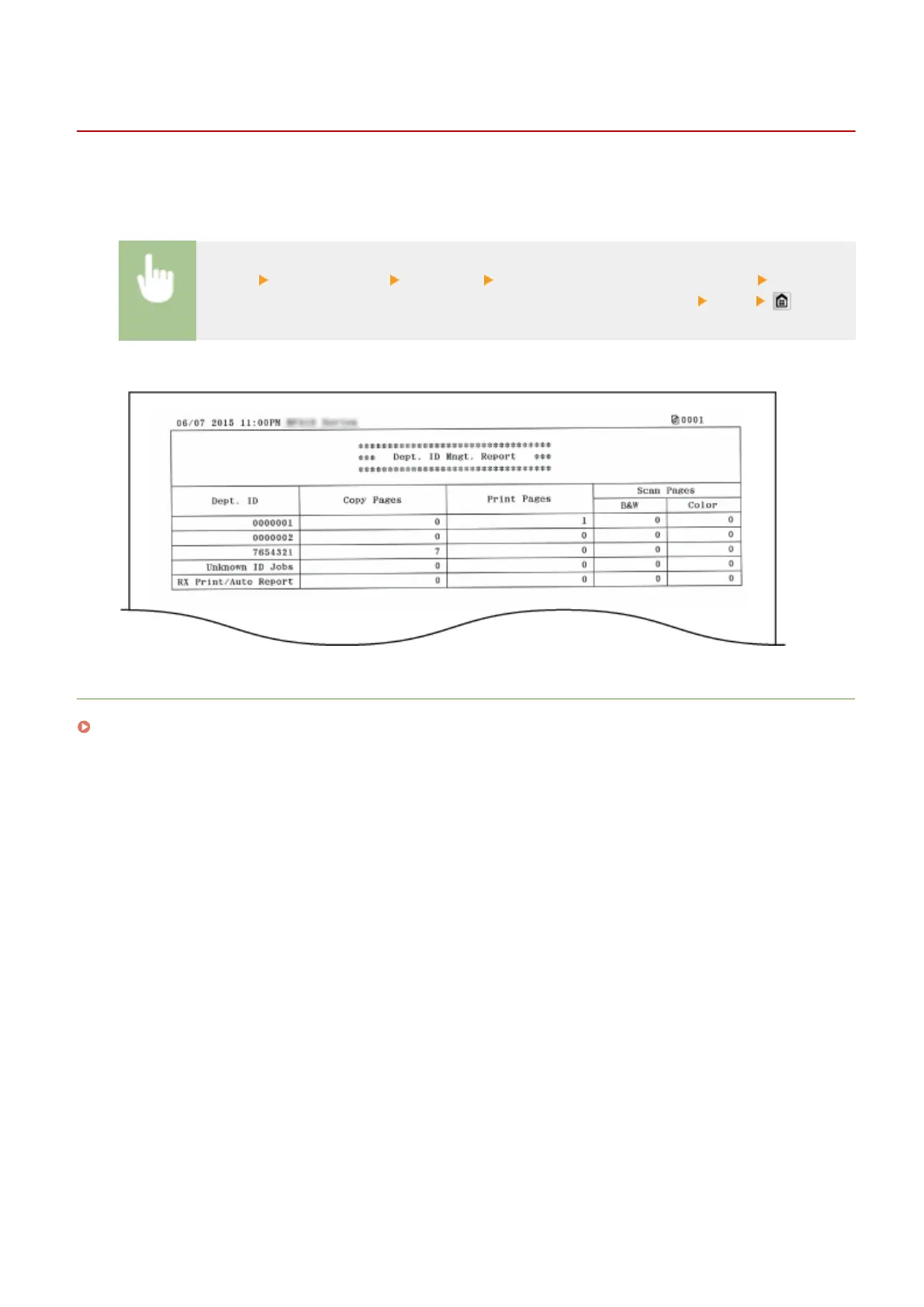
When Department ID Management is enabled, you can check the total volume of printouts for each <Department ID>
by printing a Department ID Management Report. By checking the printout totals, you can better manage your paper
and toner cartridge supplies.
<Menu> <Output Report> <Print List> <Department ID Management Report> Check that
the size and type of paper displayed on the screen is loaded in the machine
<Yes>
Example:
LINKS
Setting the Department ID Management(P. 526)
Maintenance
819











 To Next Page