Making ne adjustment of toner density
● When you want to make ne adjustments of toner density on three density levels - high, medium, and low -,
use the following procedure.
<Fine Adjust> Select the density level Adjust the density <Apply> <Apply>
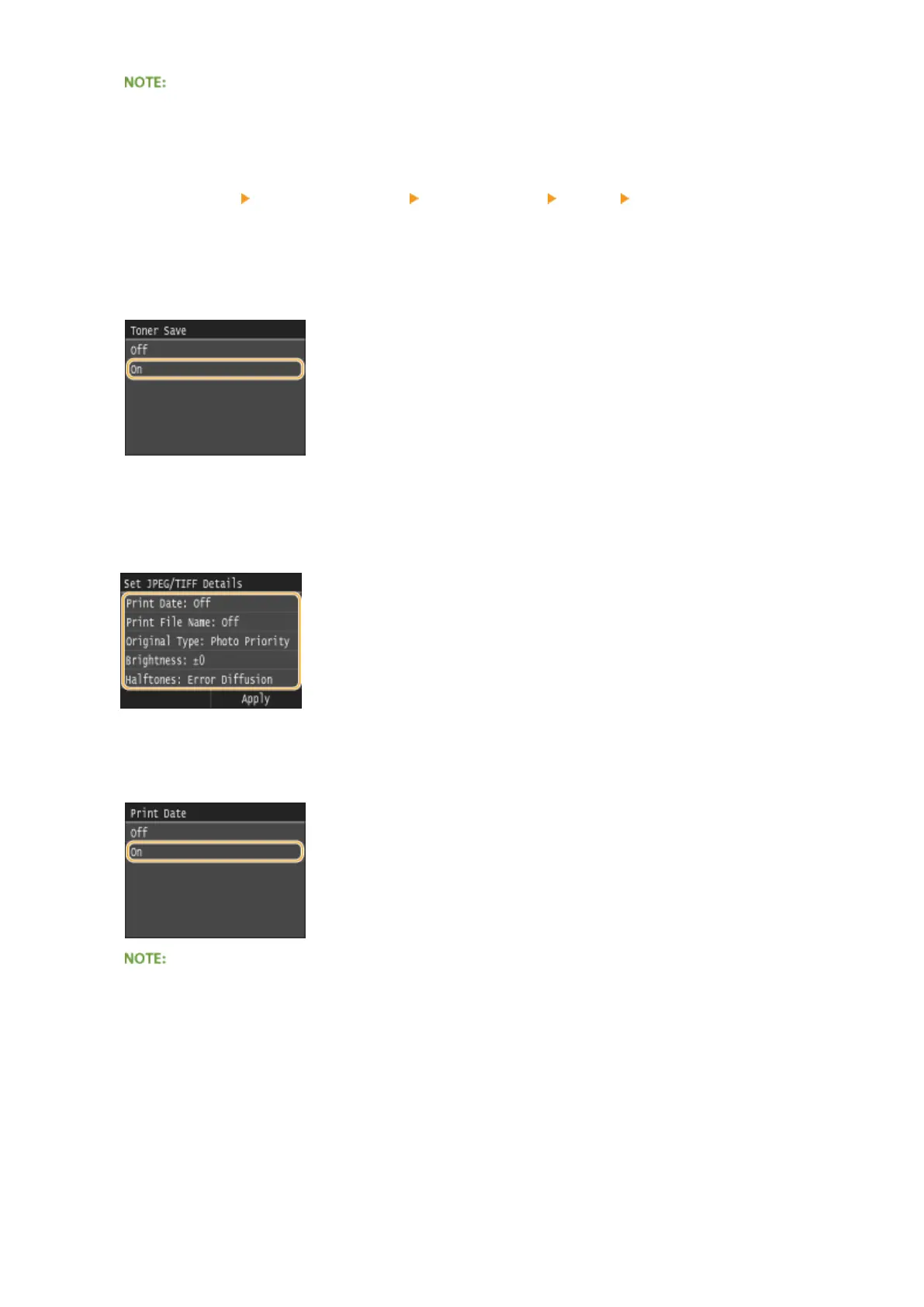
<Toner Save>
Tapping <On> prints in toner saving mode. Select <On> when you want to check the layout or other
appearance characteristics before proceeding to nal printing of a large job.
<Set JPEG/TIFF Details>
Specify the default settings of the memory media print function for JPEG and TIFF les.
<Print Date>
If you tap <On>, you can print the modication date of the le below each image.
● Although <Print Date> is not available for Index Print, the modication date of the le is automatically
printed below each image.
<Print File Name>
If you tap <On>, you can print the le name below each image.
Using the Machine as a Printer
296










 To Next Page