4
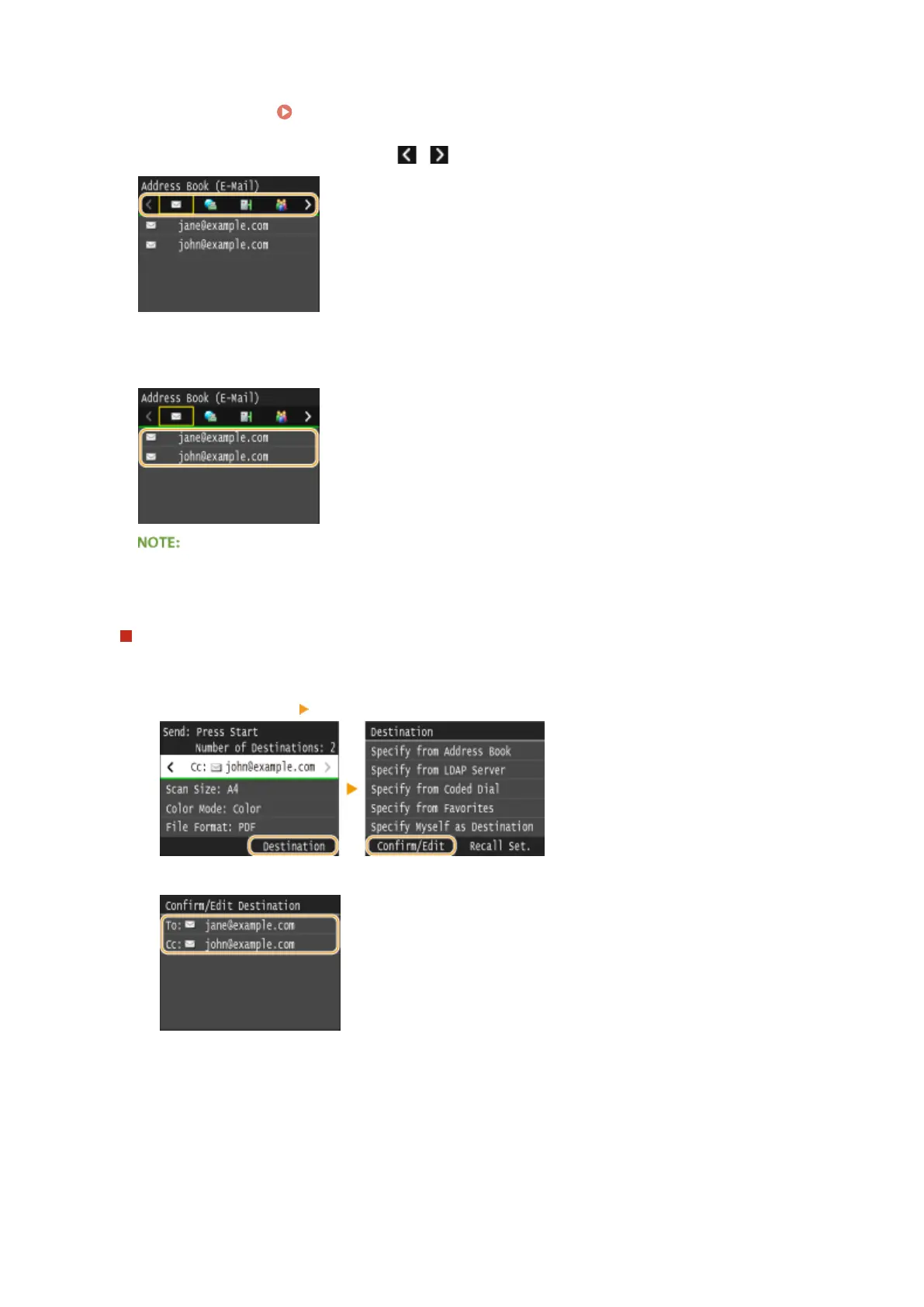
Select an index. Index(P. 78)
● You can change the display by tapping / .
5
Select a destination.
If you want to specify multiple destinations (e-mail/I-Fax)
● Repeat steps 3 to 5. Up to 100 destinations can be specied.
To delete destinations (e-mail/I-Fax)
If you specied multiple destinations, you can delete destinations as necessary.
1
Select <Destination> <Conrm/Edit>.
2
Select a destination you want to delete.
3
Tap <Remove>.
● If you select Group Dial in step 2, <Number of Destinations: XX> is displayed. Tapping this item
displays destinations registered in the group.
Using the Machine as a Scanner
363



 To Next Page