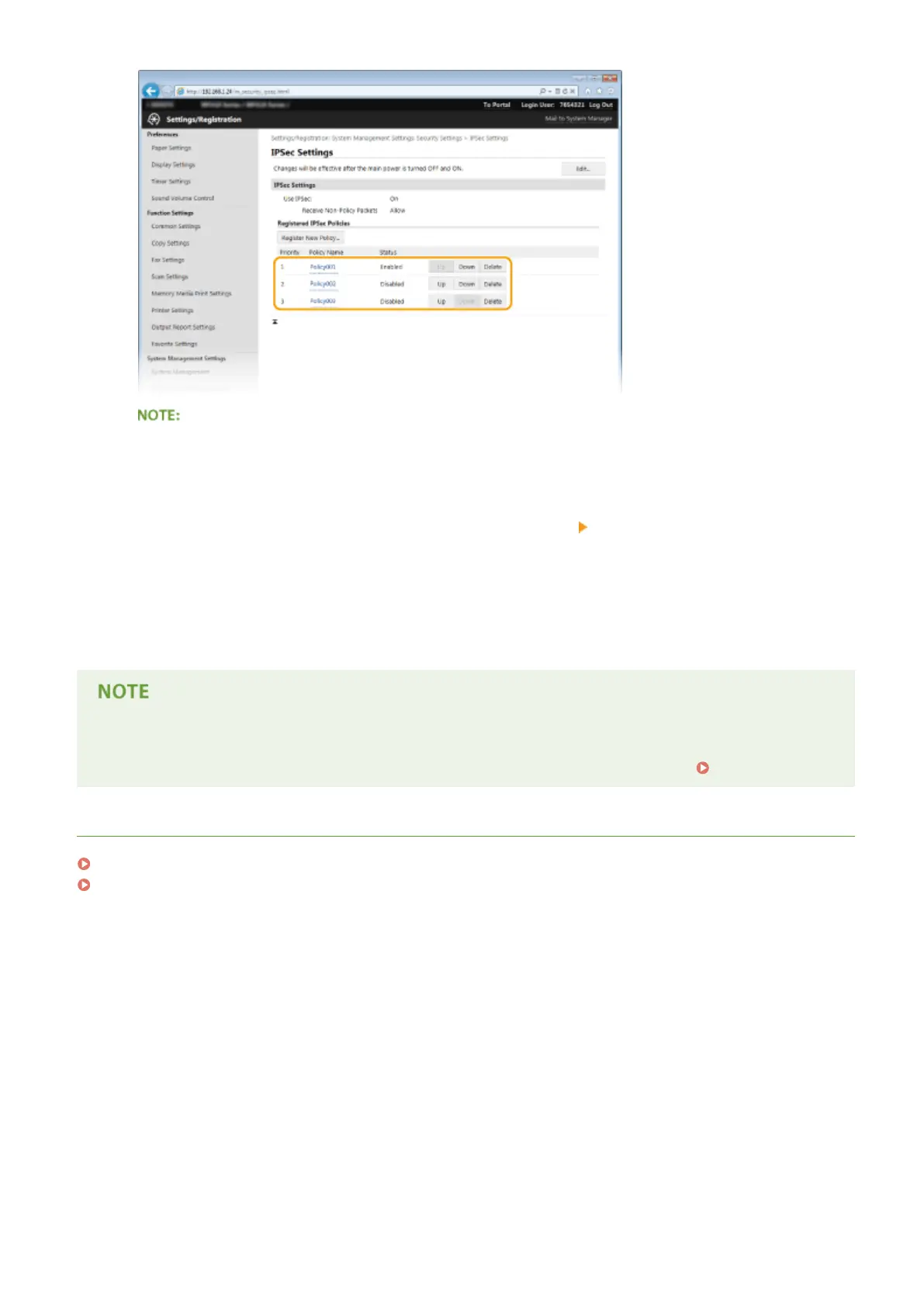
Editing a policy
● Click the corresponding text link under [Policy Name] for the edit screen.
Deleting a policy
● Click [Delete] on the right of the policy name you want to delete
click [OK].
13
Restart the machine.
● Turn OFF the machine, wait for at least 10 seconds, and turn it back ON.
Using the operation panel
● You can also enable or disable IPSec communication from <Menu> in the Home screen.
Use IPSec(P. 709)
LINKS
Conguring Settings for Key Pairs and Digital Certicates(P. 588)
IPSec Policy List(P. 820)
Security
582











 To Next Page