You can check the status of documents or the machine, and you can also change some of the settings. If
you wish to delete your print documents, enter the user name of the documents in [User Name]. The user
name is automatically set to print documents based on information such as your computer name or
computer logon name.
[Remote UI Access PIN]
If [Remote UI Access PIN] is set, enter the PIN. Setting a Remote UI PIN(P. 534)
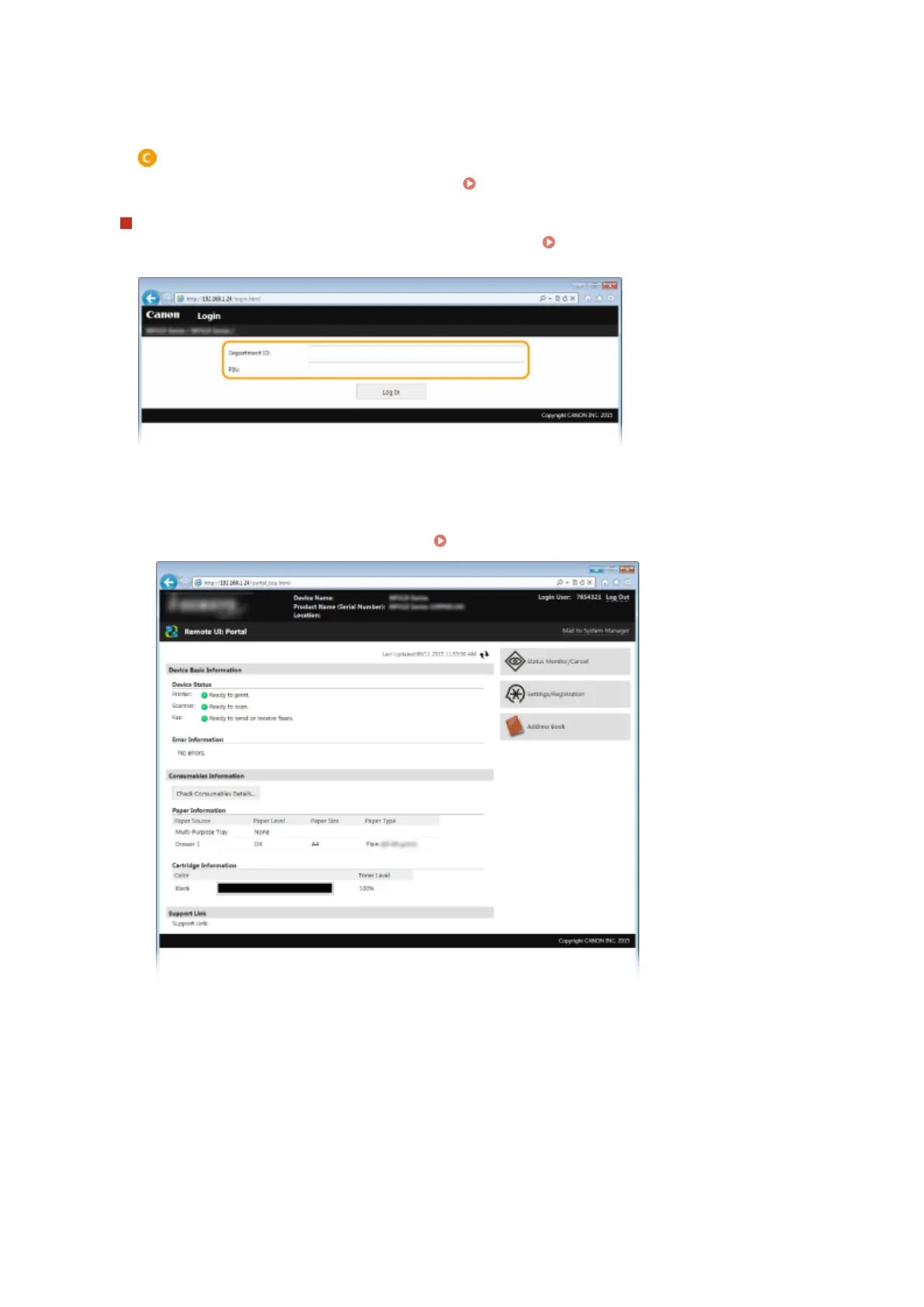
When the Department ID Management is enabled
Enter the appropriate ID in [Department ID] and PIN in [PIN]. Setting the Department ID
Management(P. 526)
4
Click [Log In].
➠
Portal Page (main page) will be displayed. Remote UI Screens(P. 608)
Using Remote UI
607











 To Next Page